




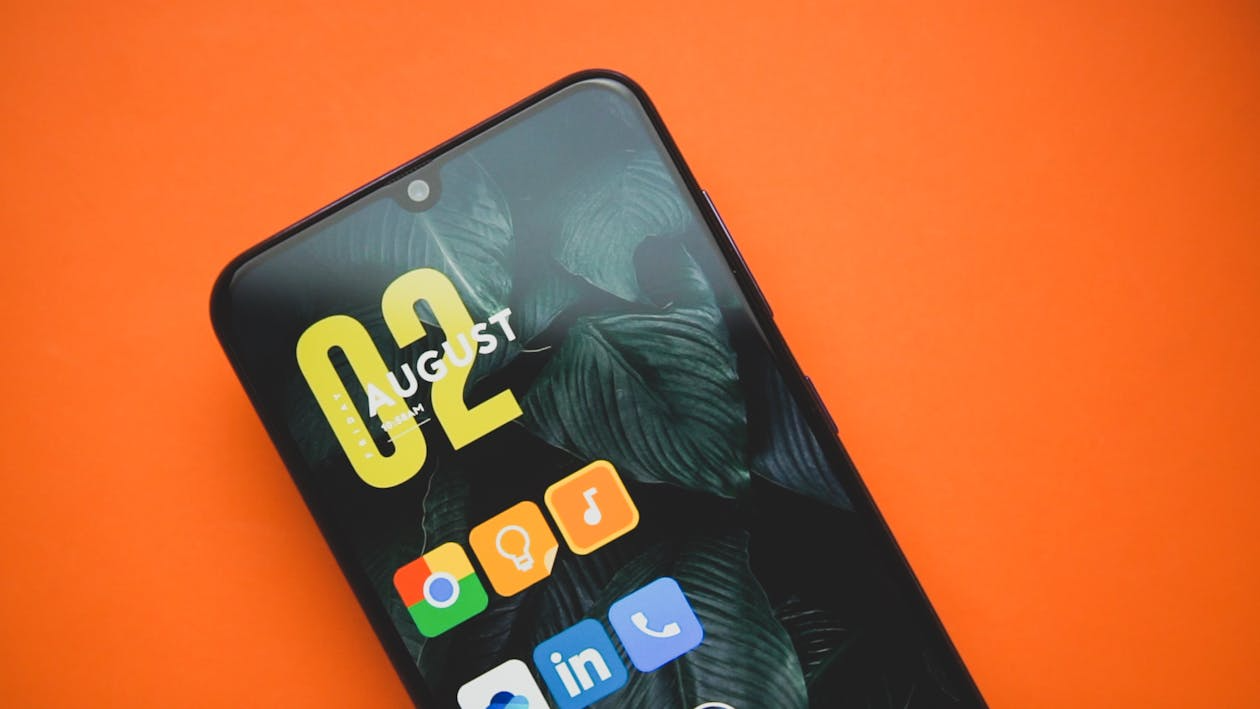
If you picked up a new flagship phone this year, you probably spent the first week marveling at the camera zoom or the refresh rate. But once the novelty wears off, most of us settle into a rhythm. We open the same four apps, ignore the same notifications, and let our storage fill up with digital debris. It’s a habit that leaves a lot of performance on the table.
Android has matured into an operating system that is incredibly dense with utility, yet so much of it remains buried under sub-menus. As we move deeper into late 2025, the software running on the Pixel 10 series and the Galaxy S25 Ultra is smarter than ever, but it requires a bit of proactive digging to get the most out of it. We aren't just talking about changing your wallpaper; we are talking about maintenance habits and security features that genuinely change how you use your device.
reclaiming Your Storage Space
One of the biggest silent performance killers is the accumulation of cached data. We tend to blame the operating system for slowing down over time, but often, the culprit is the sheer volume of temporary files apps hoard. Messaging apps are notorious for this. They save copies of every meme, video, and voice note you’ve ever sent or received, often in obscure directories you can’t see from the main gallery.
It’s easy to overlook, but regular maintenance here makes a difference. You might be surprised to discover that a Hidden WhatsApp trash folder is potentially hoarding gigabytes of data on your device right now, invisible to your standard file manager. clearing these hidden caches doesn't just free up space for more photos; it often resolves unexplained sluggishness in the app itself. Taking ten minutes to audit your file manager can make a two-year-old phone feel responsive again.
The Psychology of App Engagement
Beyond maintenance, it is fascinating to look at how modern apps are designed to keep us engaged. If you play mobile games or use shopping apps, you have likely noticed a shift in how they reward loyalty. It isn't just about high scores anymore; it is about daily retention. Developers are increasingly gamifying the user experience, borrowing mechanics that have proven successful in other competitive industries to ensure you log in every single day.
This cross-pollination of design philosophy is everywhere. You see it in language learning apps that freeze your “streak” and in fitness trackers that unlock badges for consistency. The mechanics are subtle but effective. In many ways, the tiered progression systems in modern strategy games function quite similarly to casino rewards, where consistent engagement unlocks specific perks and status levels designed to keep the user invested in the ecosystem. While the end goals differ, the underlying loop—action, reward, retention—is a universal language in app development today. Understanding this helps you manage your screen time better; you realize when an app is useful and when it is just pushing your dopamine buttons.
Mastering Notification Channels
Another area where users often surrender control is notifications. Android’s notification channels have been around for years, yet few people customize them. You don't have to block an app entirely to get some peace. You can dive into the app info page and toggle off specific categories. For example, you can keep delivery updates for your food app but mute the “It’s raining, time for soup!” promotional pings.
This granular control is vital for maintaining focus. In 2025, our phones are the hub for everything from work emails to home automation. If you let every app vibrate your phone by default, you are setting yourself up for burnout. configuring these channels takes time initially, but the payoff is a device that only demands your attention when it actually matters.
Battery Health and Charging Habits
For a long time, battery anxiety was about getting through the day. Now, it is about getting the phone to last three or four years. Android 15 and subsequent updates have introduced more robust battery health statistics, finally catching up to features that were standard on other platforms.
You should be checking these stats monthly. If you see your maximum capacity dipping faster than expected, it might be time to adjust your charging habits. Features like “Adaptive Charging,” which learns your wake-up time and finishes charging your phone right before you get out of bed, are essential. They prevent the battery from sitting at 100% voltage for hours, which chemically ages the cell. It’s a set-and-forget feature that pays dividends two years down the road when your phone still holds a charge like it was new.
Security in the Real World
Perhaps the most significant leap in the last year has been in offline security. We are accustomed to worrying about digital malware, but physical theft remains a pressing reality. Google and other manufacturers have leaned heavily into AI to solve this. The operating system can now detect abrupt, jerky motions consistent with a phone being snatched from a hand and immediately lock the screen.
It goes deeper than just accelerometers. The software is designed to recognize when a device goes off-grid in a suspicious manner. For instance, if your phone is taken and the thief tries to disconnect it from the network to prevent tracking, the Theft Detection Lock feature can automatically secure the device, rendering it useless to the person who took it. This kind of passive protection is exactly what makes modern Android updates worth the install size. It’s not flashy, and you hope you never see it work, but it provides a safety net that simply didn't exist a few years ago.
The Verdict
Ultimately, the best “feature” of any smartphone is how well it serves your specific life. It is easy to get caught up in the spec wars, comparing benchmarks and megapixel counts. But the real quality-of-life improvements are found in the boring stuff: managing your storage properly, understanding how apps try to hook you, curating your notifications, and enabling security protocols. Taking an hour this weekend to tweak these settings won’t just make your phone faster; it will make it less intrusive and more secure, which is arguably the best upgrade you can get.

