




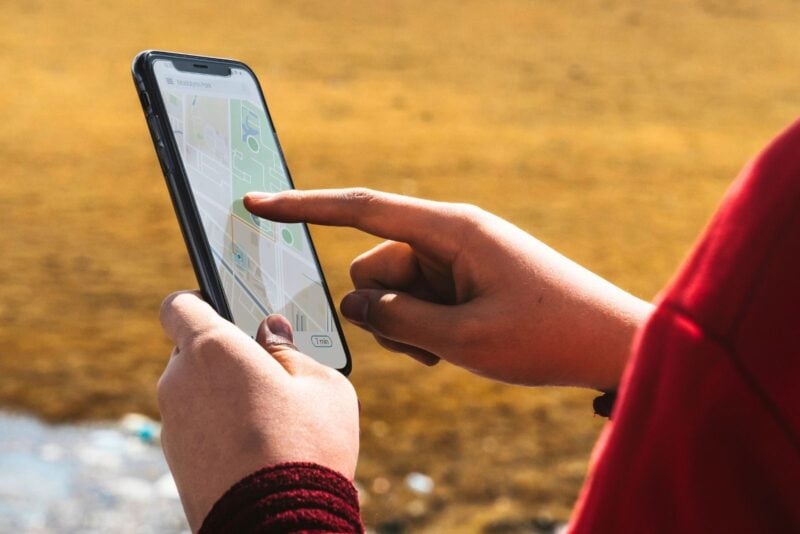
When you're lost, stuck on the side of the road, or in a situation where time matters, explaining your exact location over the phone can be a challenge. Luckily, your smartphone already has a built-in feature that can make all the difference – location sharing. With just a few taps, you can send your position by text, helping someone find you faster.
Why sharing your location matters
We’ve all been there – trying to describe a random field outside town, a back road with no signs, or a motorway breakdown lane. In unfamiliar areas, verbal directions can get confusing fast. But if your phone has location services turned on and access to a mobile signal or Wi-Fi, you’re already equipped to send your coordinates instantly.
Most smartphones, whether running Android or iOS, include this feature by default. And apps like Google Maps, Apple Maps, and Waze aren’t just for navigation – they can help share where you are, too. What many people don’t realise is that SMS apps can also handle this in just a few clicks.
How to send your location by SMS on Android
If you have an Android device, the best option is Google Messages, a free app available on any phone running Android 5.0 or later. It’s not only more up-to-date than many pre-installed apps, but it also supports newer messaging features like RCS and rich media.
Here’s how to share your location via SMS:
- Open the Google Messages app
- Select an existing conversation or start a new one
- Tap the “+” icon at the bottom left
- Choose “Location” from the options
- Wait for your current position to load, then hit the arrow to send
This sends a Google Maps link to your exact location, which anyone can open – even if they’re using an iPhone.
How to send your location on iPhone
For iPhone users, the process is just as simple and even more seamless. The built-in Messages app has everything you need.
Here’s what to do:
- Open the Messages app and choose a conversation
- Tap the “+” icon at the bottom left
- Select “Location”
- Check that the blue dot on Apple Maps is accurate
- Tap “Share”
The recipient will get an Apple Maps link. But don’t worry – even if they’re using Android, their phone will open it in Google Maps or any other default navigation app. It's cross-compatible, so no extra steps needed.
Can I share my location using WhatsApp or Messenger?
Absolutely. If you prefer messaging apps, both WhatsApp and Facebook Messenger let you send your live location. That means your contact can actually track your movements on a map for a period of time that you choose – very useful if you’re on the move or unsure where you’ll stop.
Other apps like Signal also offer this, using slightly different labels (Signal calls it “Send Location”), but the idea is the same. And because many of these apps work on tablets or computers too, it’s a great option if your contact isn’t using a phone at the time.
Both Google Maps and Apple Maps also have web versions, so shared locations can be opened in a browser on any device – no app required.
The bottom line
Whether you're lost, broken down, or just trying to meet someone in a tricky spot, knowing how to share your location quickly can save time – and potentially much more. It’s a small trick with a big impact, and once you’ve done it once, it’s hard to imagine not using it again.

