




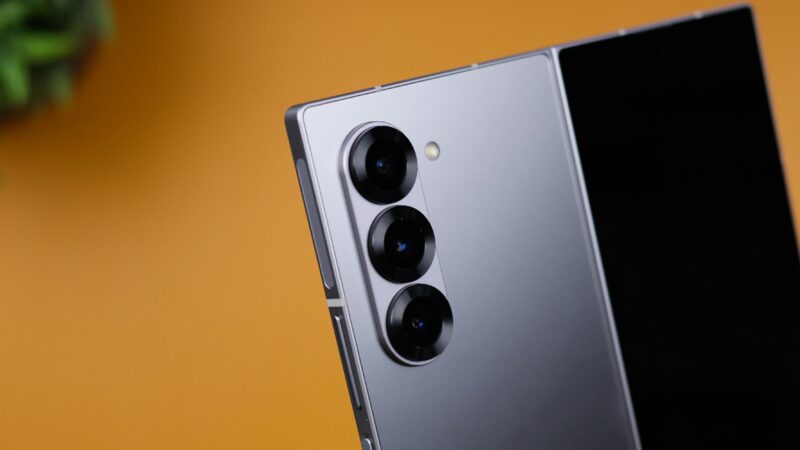
With the high-quality cameras in modern Android devices, anyone can now produce professional-level photography without the need for expensive camera equipment. This article covers how you can leverage Android photography in a way that effectively tells your brand's story on your website.
Knowing the Power of Visual Storytelling
People are wired to love stories. Use photography to tell your brand's story and connect with potential buyers on an emotional level. It could be product-focused, behind-the-scenes, or even company culture, but at the end of the day, visuals bring your story to life.
Now that Android phones can rival professional cameras in photo quality, there is no need to hire a professional photographer. Proper photographic techniques with an Android phone can help bring life to your brand and make your website stand out. For even better results, you could use a powerful free website builder to help you along the way and kickstart your online presence or a logo maker to pick something that will go well with your desired theme.
Tapping into Android Photography Features for Better Images
With the powerful camera and editing tools in modern Android phones, taking great photos is so easy. Many flagship Android phones now come with multiple lenses, high-resolution sensors, and advanced settings that mimic a professional-grade camera. For example, the Google Pixel, Samsung Galaxy, and OnePlus series. Here are some key features to explore:
Portrait Mode
The AI-driven mode creates depth-of-field effects, separating your subjects from softly blurred backgrounds. Perfect for product shots or creating a professional atmosphere around people-centric photos.
Night Mode
Useful in low-light conditions, Night Mode amplifies details and reduces noise, making it possible to take clear pictures in darker settings.
HDR (High Dynamic Range)
HDR balances light in highly contrasting scenes. Useful for shooting scenes containing both natural and artificial light.
Pro Mode
For more control, Pro Mode allows manual adjustments to ISO, shutter speed, white balance, and focus. It's perfect for brands that want to achieve a particular aesthetic or mood in their photos.
AI Editing
Some modern phones, such as the new Samsung Galaxy phones, let you erase unwanted objects from your photo. For instance, if you take a photo of a nice house but there is some litter on the pavement next to it, with this editor, you simply circle what you want to edit out, and the AI will make it disappear.
Spend some time getting familiar with these settings. Experimenting with your phone's camera features can improve the quality of your pictures and help your brand's story be more visually interesting on your website.
Designing a Consistent Aesthetic
Consistency in color, lighting, and style will build brand recognition and strengthen your brand identity. For example, a wellness brand could go for soft tones and natural lighting that would convey feelings of serenity and well-being, while a tech brand will more likely go for sleek, futuristic imagery with high contrasts.
That's when designing a mood board comes in. Start browsing through websites and social media, even magazines, for images that best convey the tone and style you're going for with your brand. Then, take your Android device with you and go out and try to snap photos that fit that theme. This will ensure your images are cohesive and look intentional instead of random and disconnected.
Capturing Authentic Moments
People want authenticity and transparency. Rather than just those polished, staged photographs, include more candid shots on your website.
It is quick and easy. Open the camera app and capture those candid moments. You can use burst mode or continuous shooting options to capture these real moments, then choose the best photo for your site. This will make your brand feel more relatable and authentic and make your website stand out. To make things just a little bit easier, you could also use a website builder.
Editing and Optimising Photos for Web Use
Editing is what will really make your pictures stand out. Android devices have quite a few built-in editing tools.
Adjust Lighting and Contrast
Increasing the brightness and contrast can make a photograph more interesting. Just be careful not to overdo it, so it does not look overexposed or too dark.
Use Filters Sparingly
Filters can set a certain mood, but too much might make images unnatural. Try subtle changes that will enhance the photo rather than overpower it.
Crop Your Photos
Cropping helps emphasize the main subjects and get rid of unwanted background clutter.
Do not forget to optimize your images for the web after editing. Large images can slow down your website and have a negative effect on user experience and SEO ranking. Use photo compression tools or built-in Android options to lower file sizes and keep quality intact. This guarantees that your site will remain fast and responsive.
Once you have done that, all you have to do is pick your favourite images, and your website will be ready to be admired by your audience!
Conclusion
Creating a unique website that tells your brand’s story doesn’t require an expensive camera setup or a professional photographer. By leveraging the power of Android photography, you can capture high-quality images that effectively communicate your brand’s identity.

