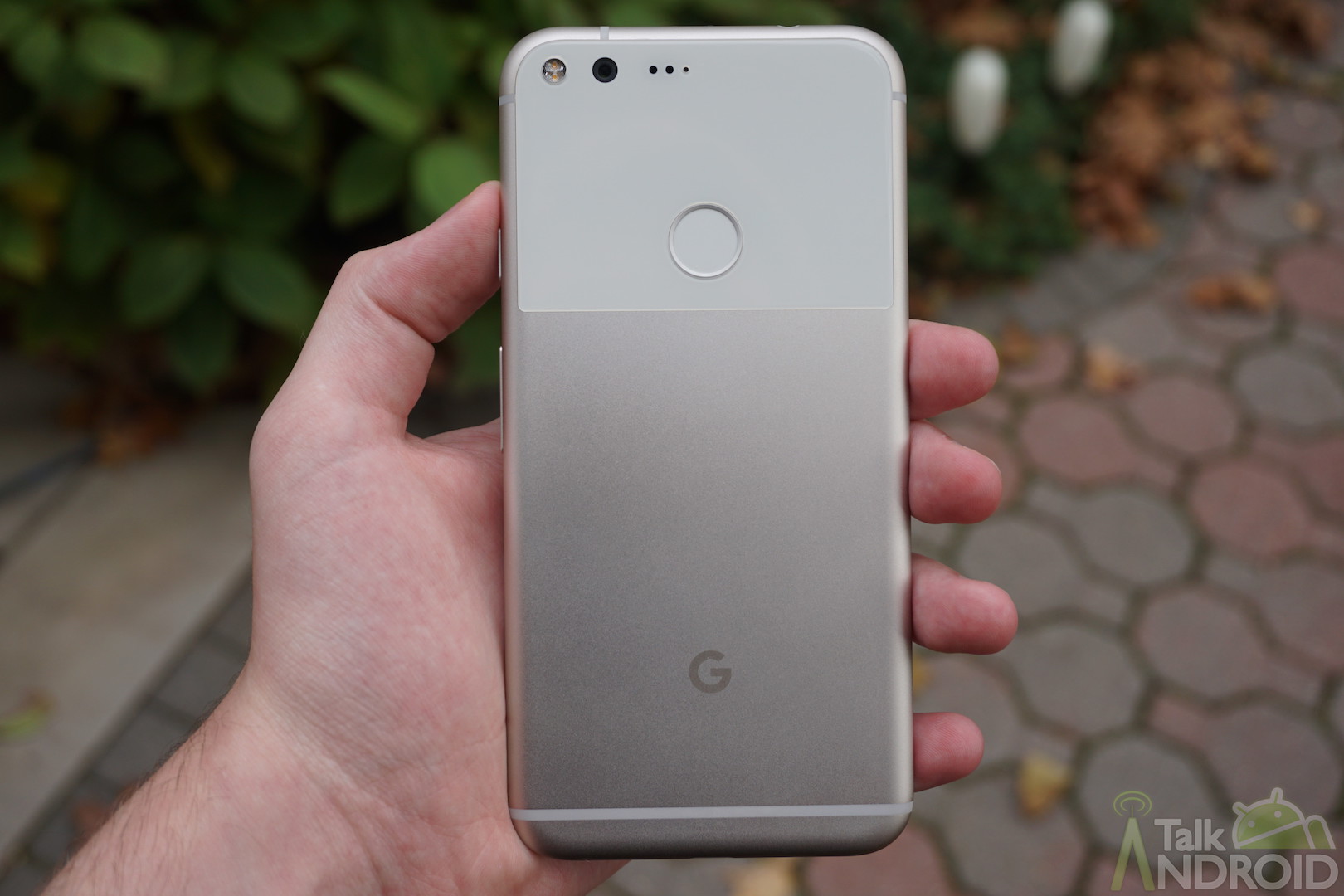



Ever since AMOLED screens became extremely popular options for smartphones, the implementation of dark theming in apps increased by quite a bit. This is because black shown on an AMOLED screen actually turns off the pixels, so not only do you get the blackest black the screen can produce, but it saves battery too.
Despite it being 2024, some apps still don't have an in-built dark mode for some reason. Fortunately, Android 15 looks bound to fix that with a setting that allows you to force dark theming across all apps, whether they support it or not.
The “Make All Apps Dark” Feature Will Force All Applications To Have A Dark Mode
Everyone loves dark mode. In fact, without even doing a survey, I'm sure that more than 50% of people opt to use dark mode when they get the chance (me included) because it looks stealthier and it doesn't threaten to burn out your retinas when using your phone in the middle of the night.
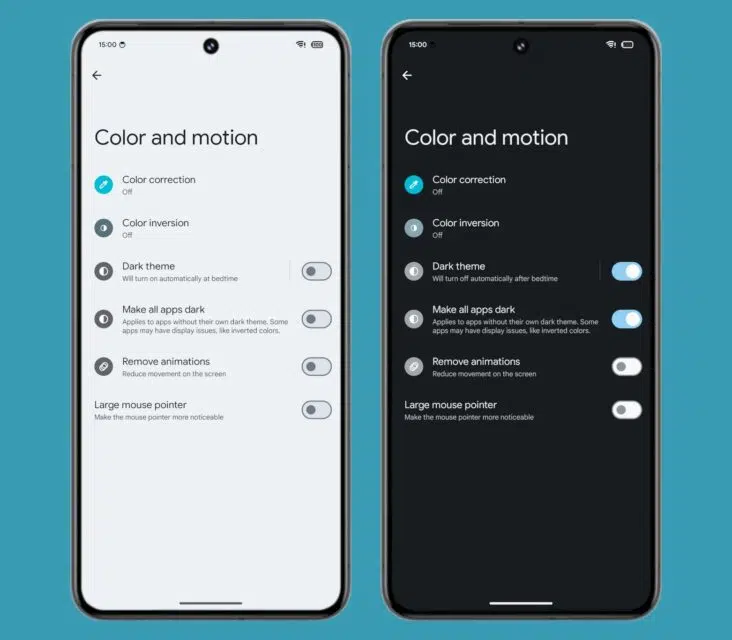
The guys at Android Authority did some digging into the code of Android 15 Beta 1.2 and were able to find that there's a toggle in the Accessibility settings menu, though currently hidden, called “Make all apps dark”. The description under the toggle says “Applies to apps without their own dark theme. Some apps may have display issues, like inverted colors.”
While the setting might be hidden at the moment, it's in the code, and there's a possibility that a future beta will finally give us access to this feature and let us try it out. Android Authority has given the feature a spin, because even though it is hidden, once you're able to make it show up, the functionality is already in place.


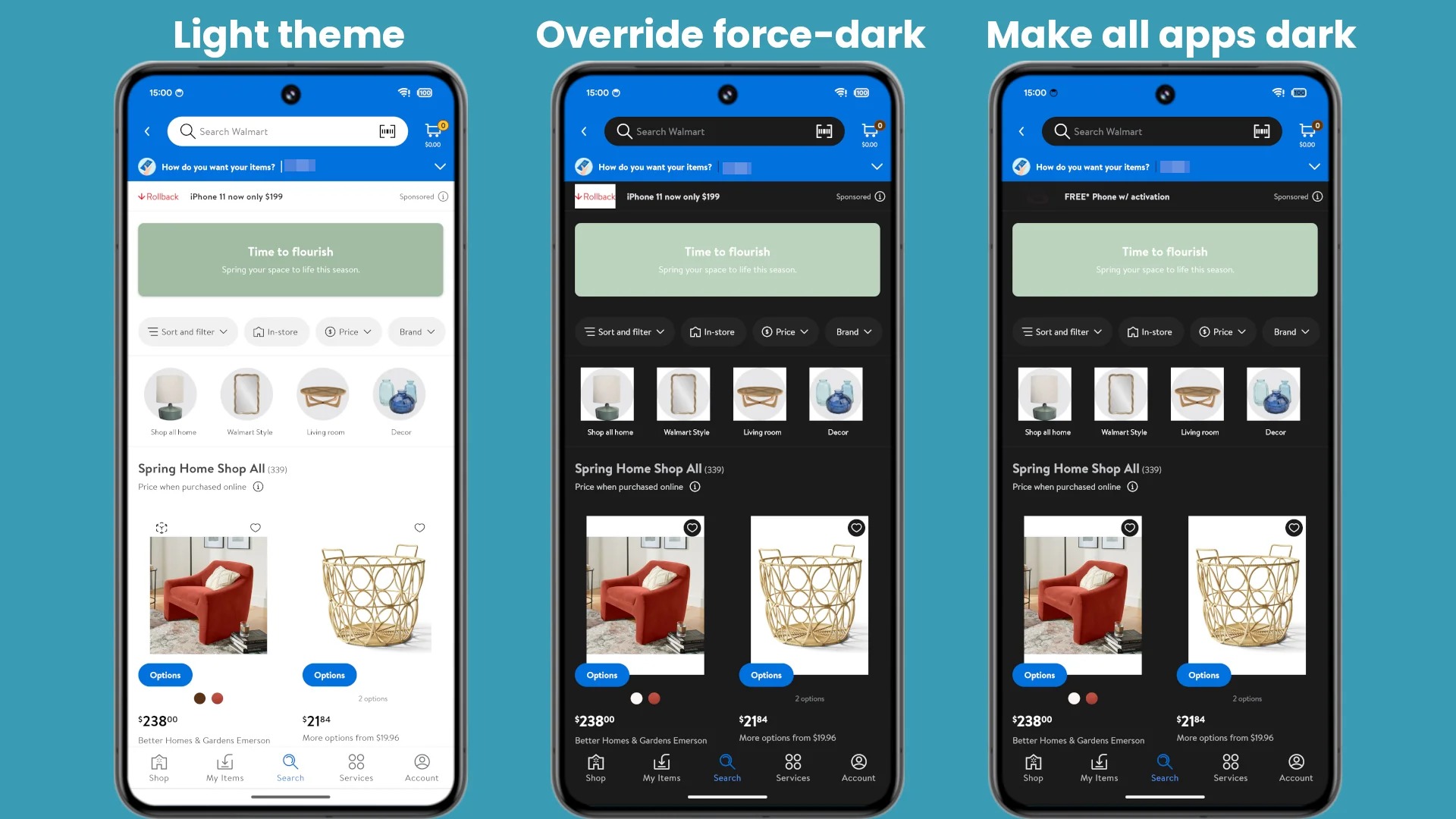
Above is a gallery from Android Authority showing their testing of this feature. The phone at the far right of each set shows what this feature is able to do for apps without a dark mode (or apps like Snapchat which hide dark mode behind a paywall), and honestly, it works very impressively.
But Didn't Android Already Have A Feature Like This In Developer Options?
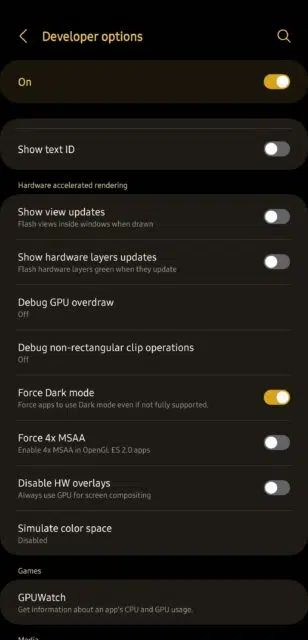
But if you've been the kind of person to dig into the Developer Options on your Android phone (and you know the little trick to get that menu to show up in the first place), you might recognize that there was always a feature that seemed to be able to do the same thing; forcing dark mode.
That feature, known on the dev side of things as “override force-dark”, truly does have the same functionality for the most part. However, there's one key difference, and that is that app developers had to opt into supporting the “override force-dark” option, which means that some devs must have chosen to opt-out. This new feature doesn't seem to respect that and will attempt dark mode on all apps.
In addition, it also seems to just work better, which means that Google must have done some things to fix up the code and make it more efficient at dark mode-ing apps. The gallery earlier in the article can show you the differences between “override force-dark” and the “Make all apps dark” feature. You'll see it works better in at least two cases.