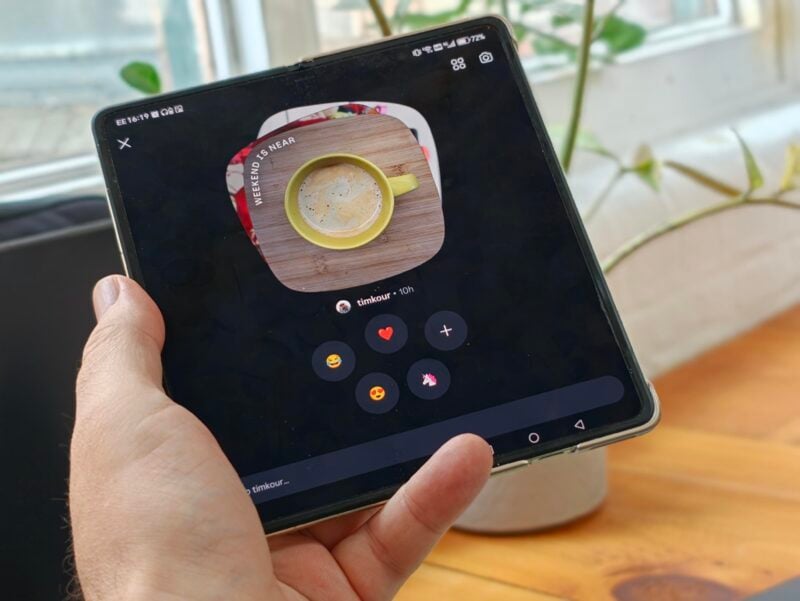
Instagram rolled out Instants globally on May 13, and the complaints followed almost immediately. The feature is designed to send disappearing photos to your entire friends list the moment you tap the shutter button, with no preview and no confirmation step. If you haven't been caught out yet, here's how to make sure you never are.
What Instants actually does
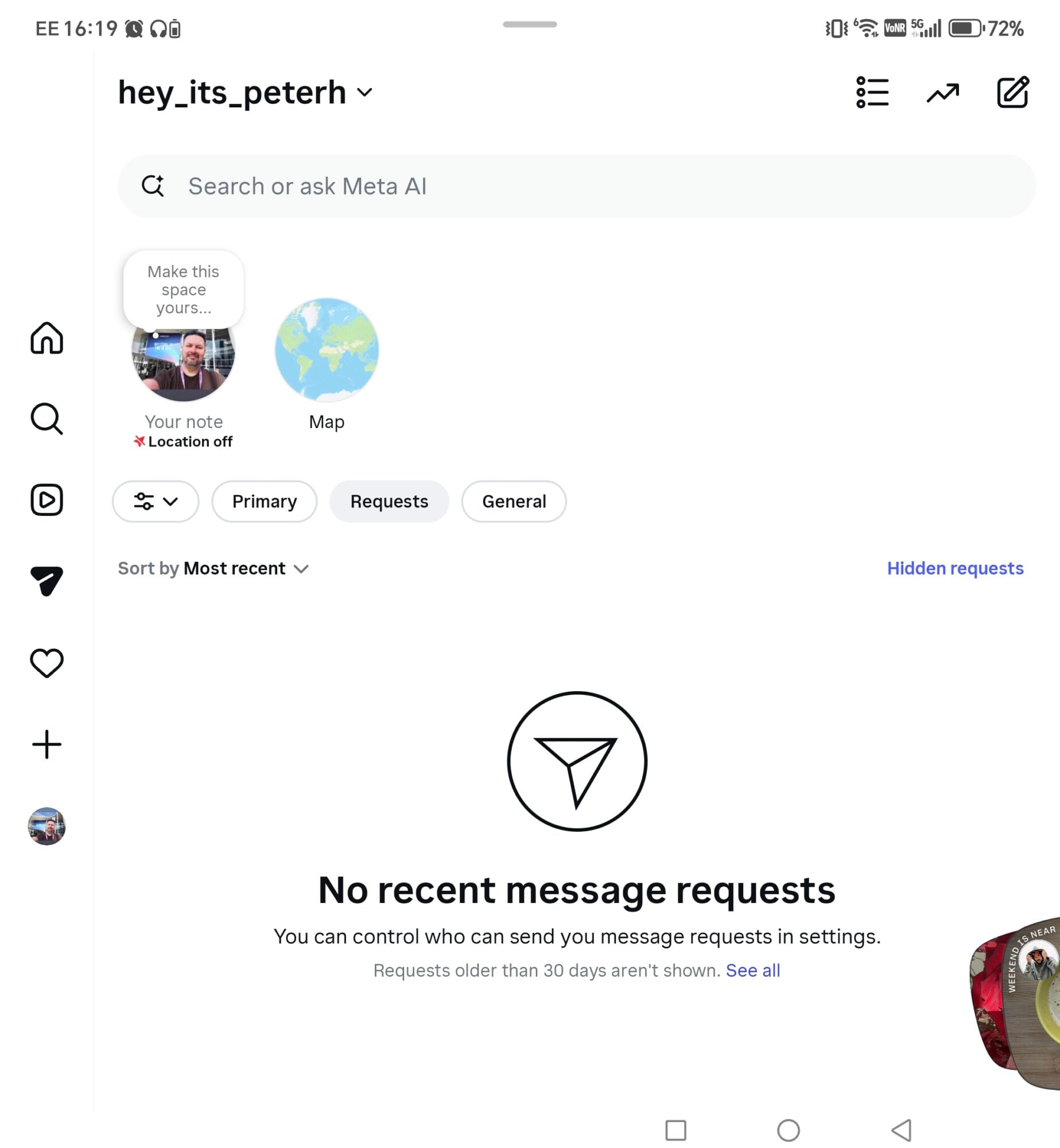
Instants shows up as a small stack of photos in the bottom-right corner of your inbox. Tap it, and Instagram walks you through a brief intro screen explaining that photos disappear after viewing, there's no viewers list, and reactions are private. What it doesn't lead with is the part where pressing that shutter button instantly broadcasts to everyone on your friends list by default. There is no confirmation step, so if you aren't happy with the resulting image, oh well. You'll have to delete the
The toggle beneath the camera lets you switch between Friends and Close Friends, but it defaults to Friends every time. A lot of people have already found this out the hard way.
How to turn Instants off completely
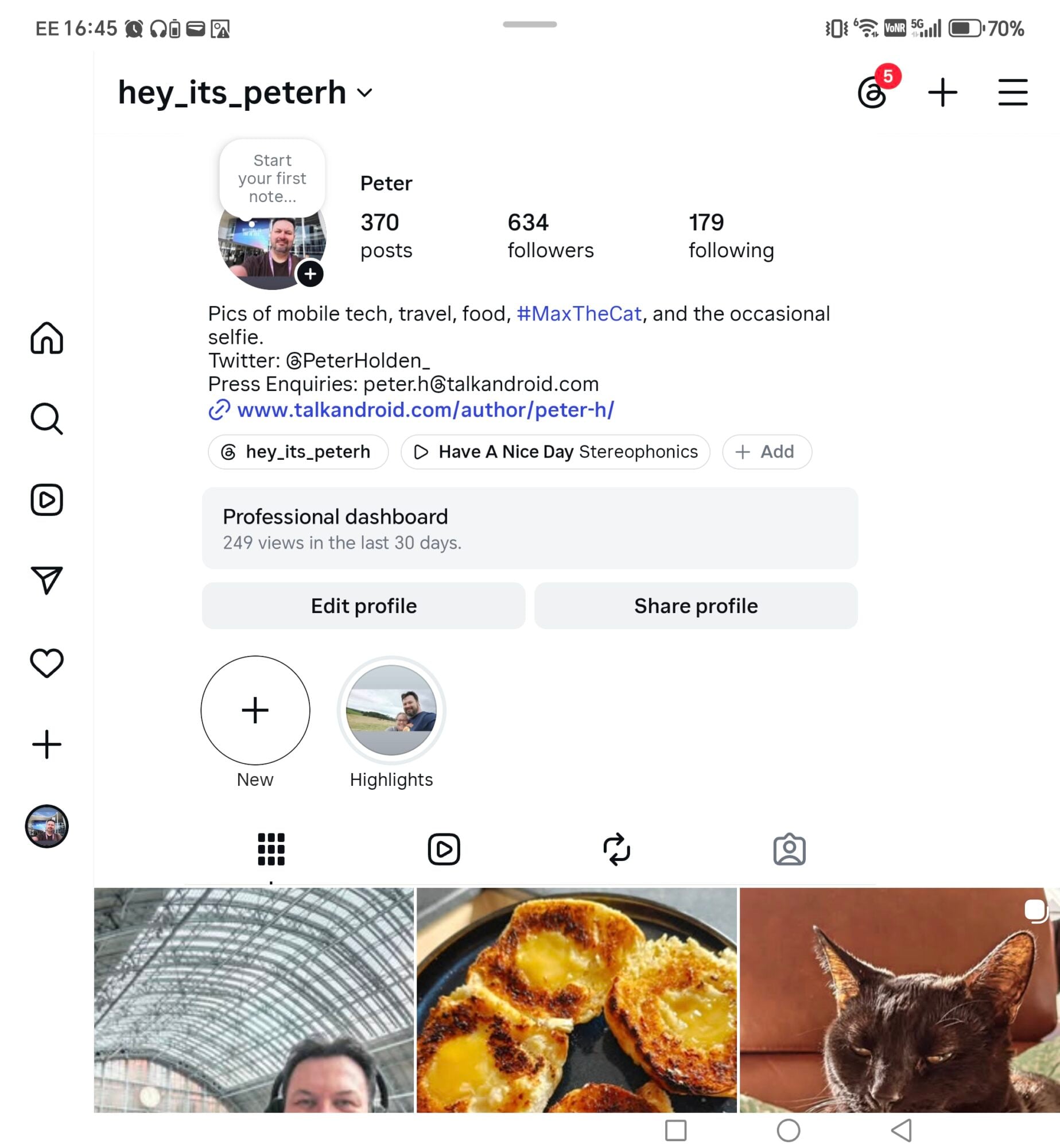
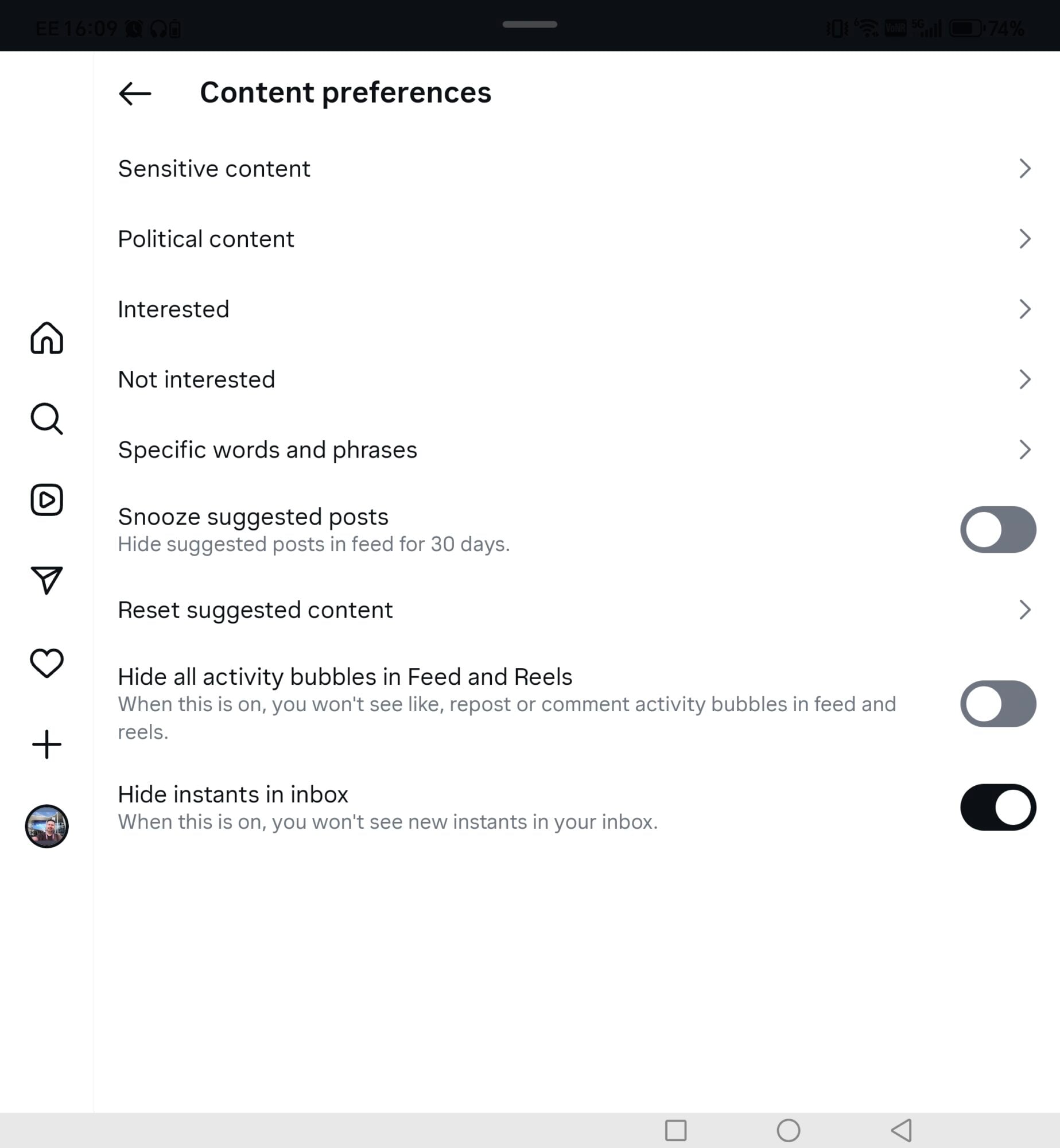
Go to your profile and tap the three-line menu icon in the top-right corner to open Settings. From there, scroll down to Content Preferences.
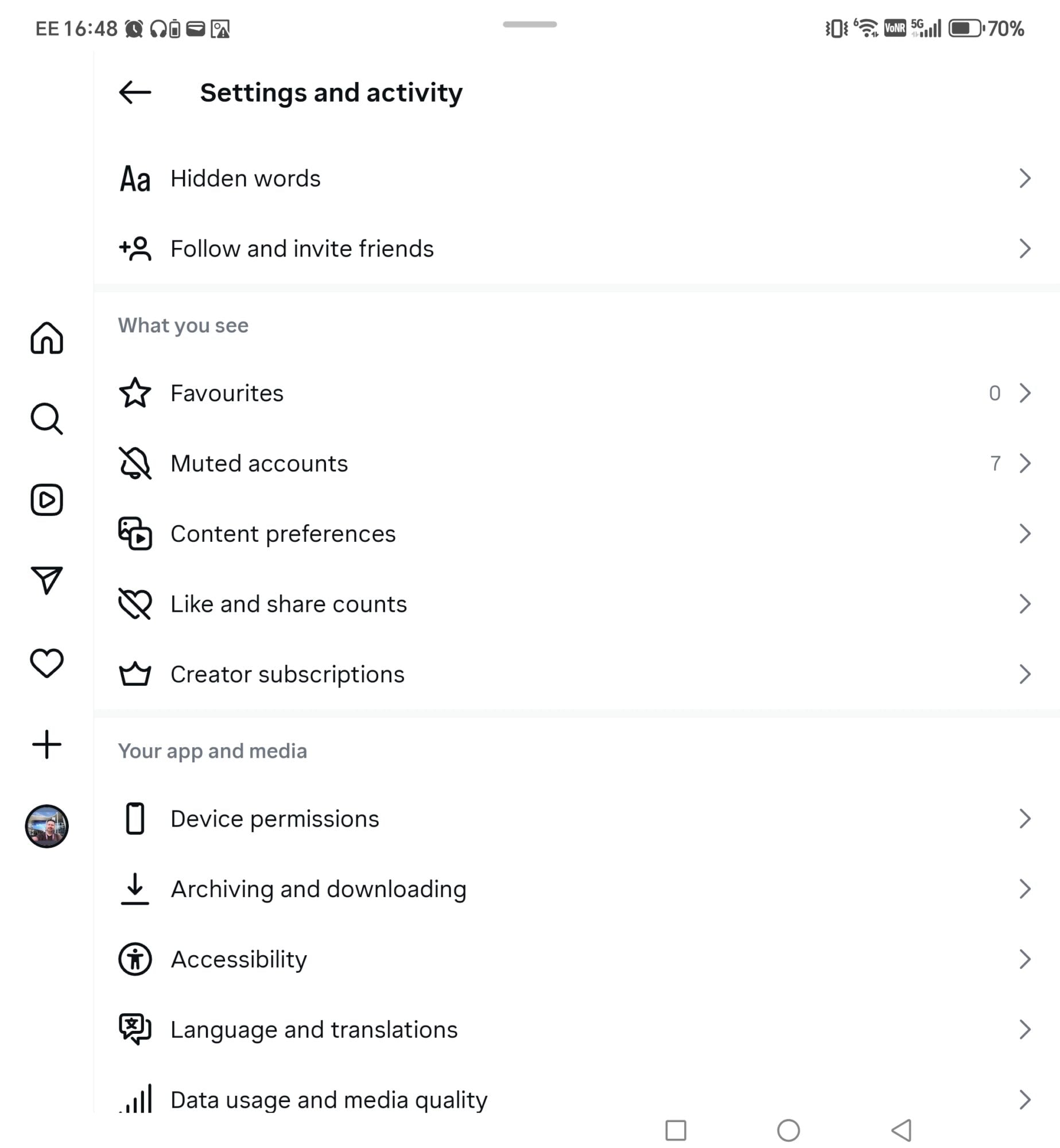
Toggle on “Hide Instants in Inbox” and the feature disappears from your inbox entirely. You also won't see any Instants that other people send you, which is a clean break if you want nothing to do with it.
How to temporarily pause it instead
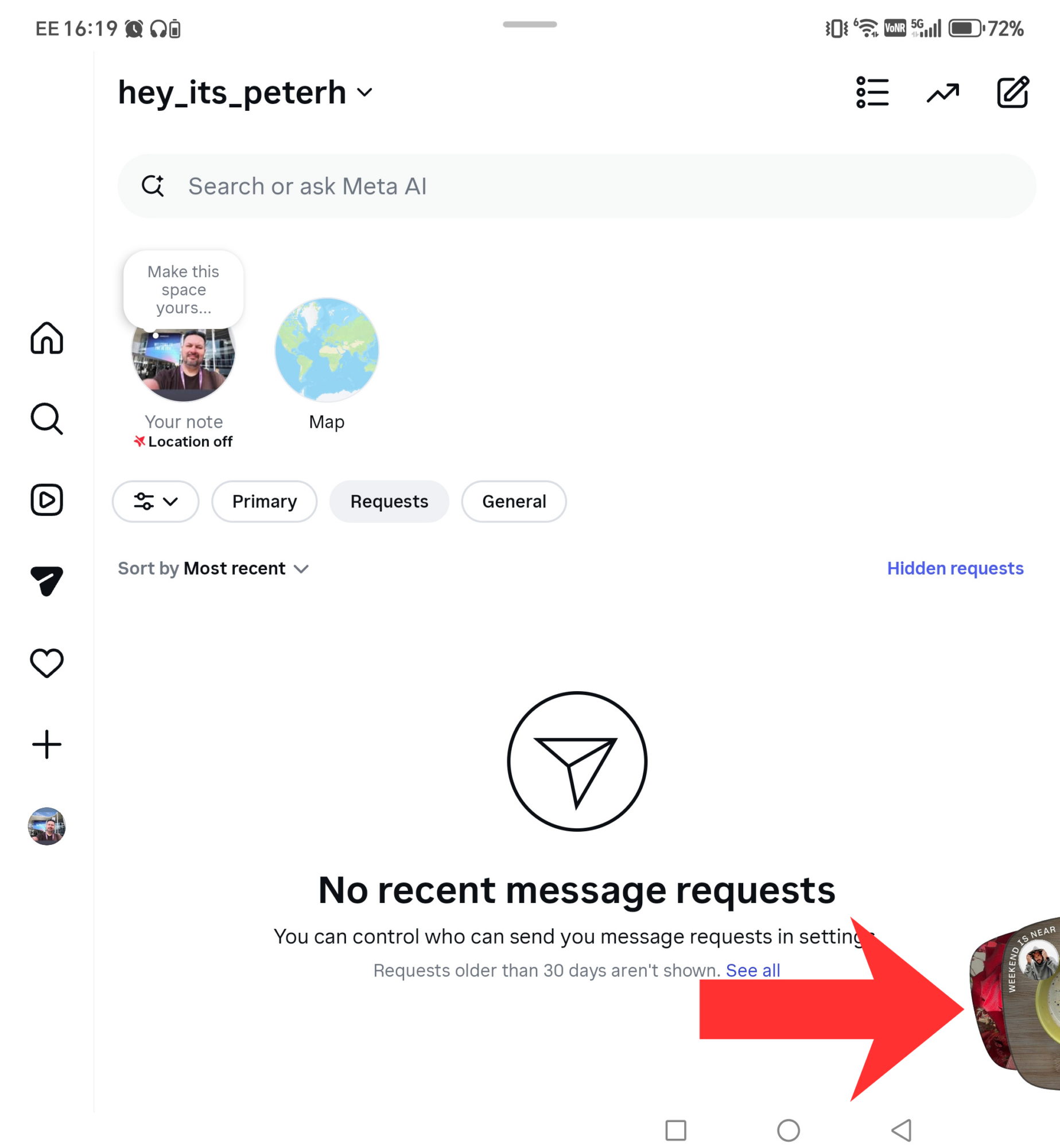
If you'd rather not disable the feature outright, there's a softer option. Press and hold the Instants pile in your inbox and swipe right to temporarily pause incoming photos without fully switching it off.
If you've already sent one by accident
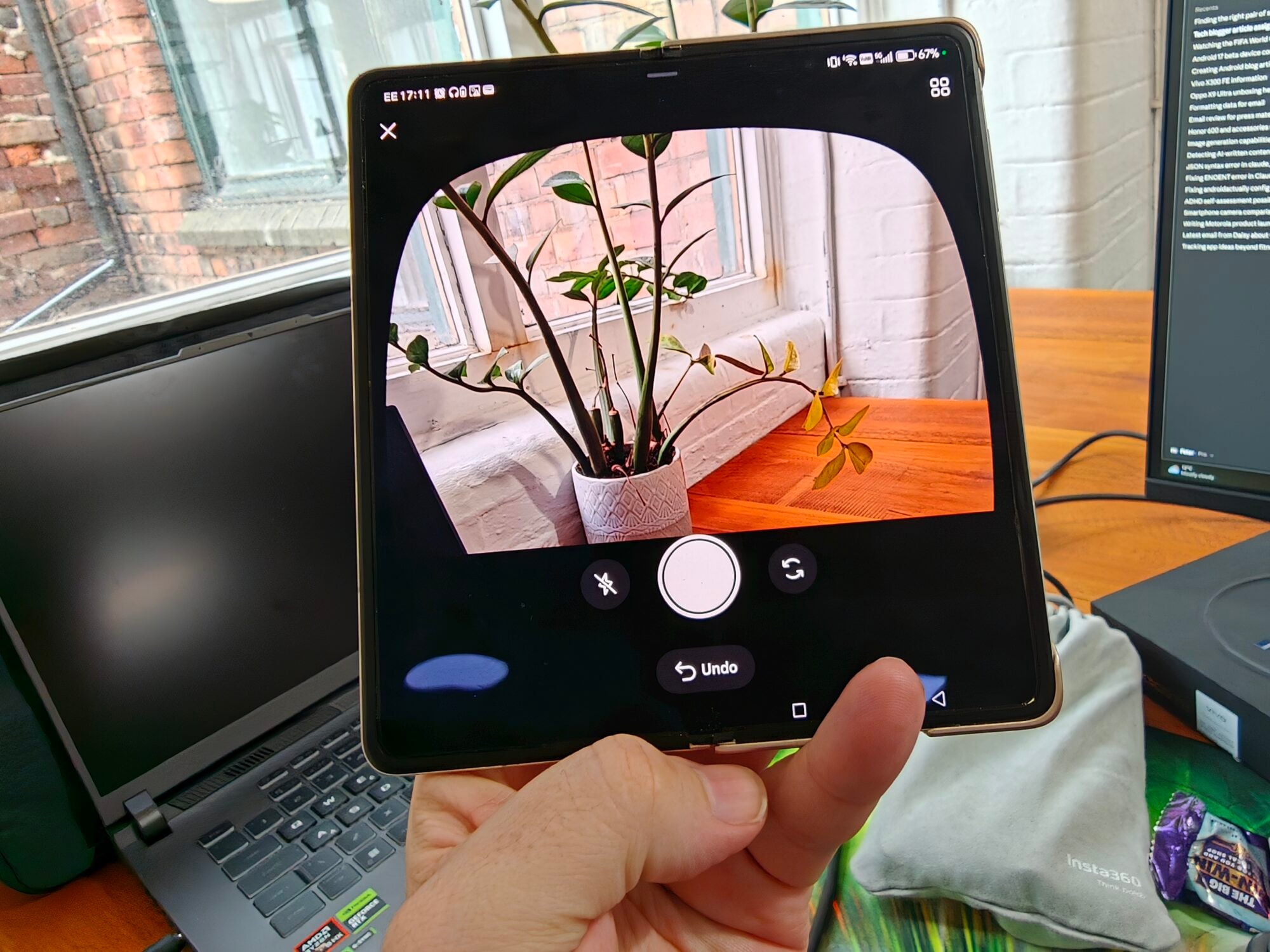
Act fast. An Undo button appears directly below the shutter button immediately after a photo is sent, and tapping it pulls the image back before anyone opens it. You can also tap the four-box archive icon at the top right of the camera to delete the Instant, which unsends it to anyone who hasn't viewed it yet.
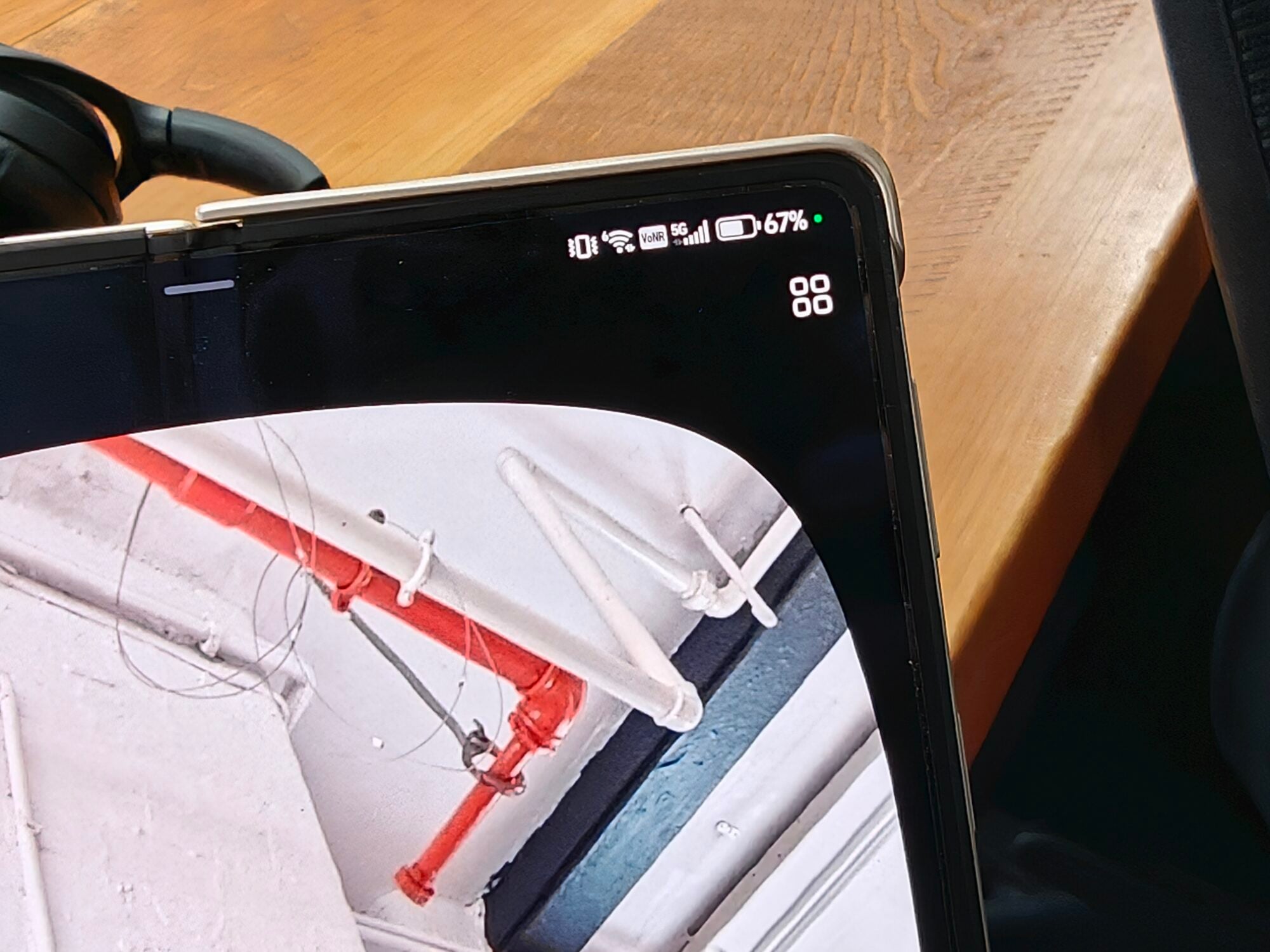
The archive itself saves your Instants for up to a year and lets you reshare them as a Stories recap if you change your mind. For most people, though, the three-step disable is probably the smarter play until Instagram figures out that a confirmation dialog might have been a good idea.