




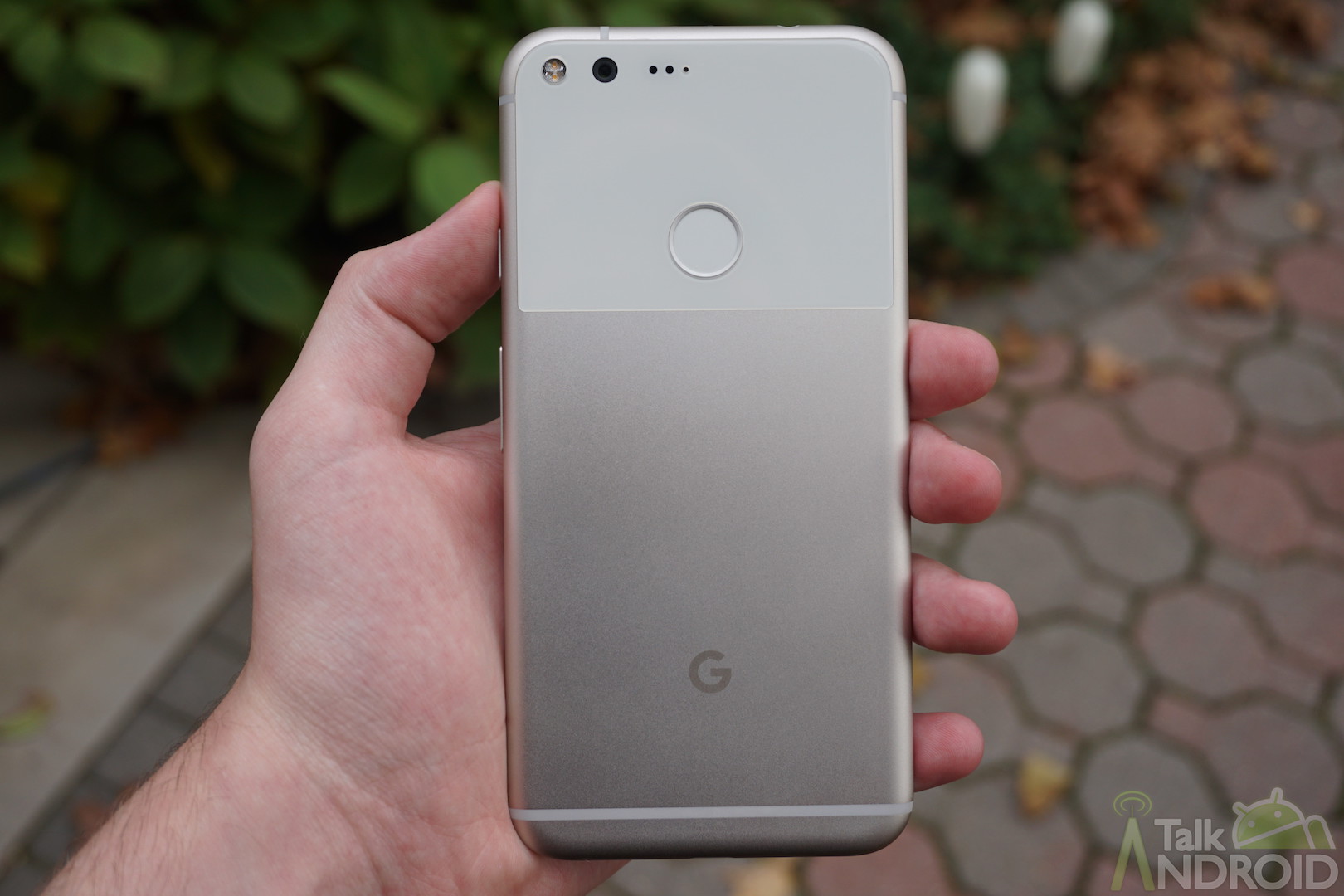
With Google's recently announced restructuring, they've made it clear that they intend to focus a lot on AI stuff, and Google Gemini, at the moment, seems to be the tech giant's flagship product in that domain at the moment.
Google Gemini is available as a web app for everyone to use, as well as having an Android app. The Android app previously required a minimum OS version of Android 12, but with a new update to the app, you'll now theoretically be able to use Google Gemini on literally any Google Pixel smartphone.
Google Gemini Now Works On Android Phones Running On At Least Android 10

If you've been following Google News closely, you'll know that Google has been very intent on putting Google Gemini in front of Android users. There are several features incorporating Gemini that are in the works or set to be released soon, but that doesn't mean that Google isn't paying attention to the standalone app that they've built.
Previously, you were only able to download Google Gemini on devices running Android 12 or higher, but without much fanfare, Google has updated the app and dropped the minimum OS requirement to Android 10, which will open the company's new AI solution up to millions of additional devices.
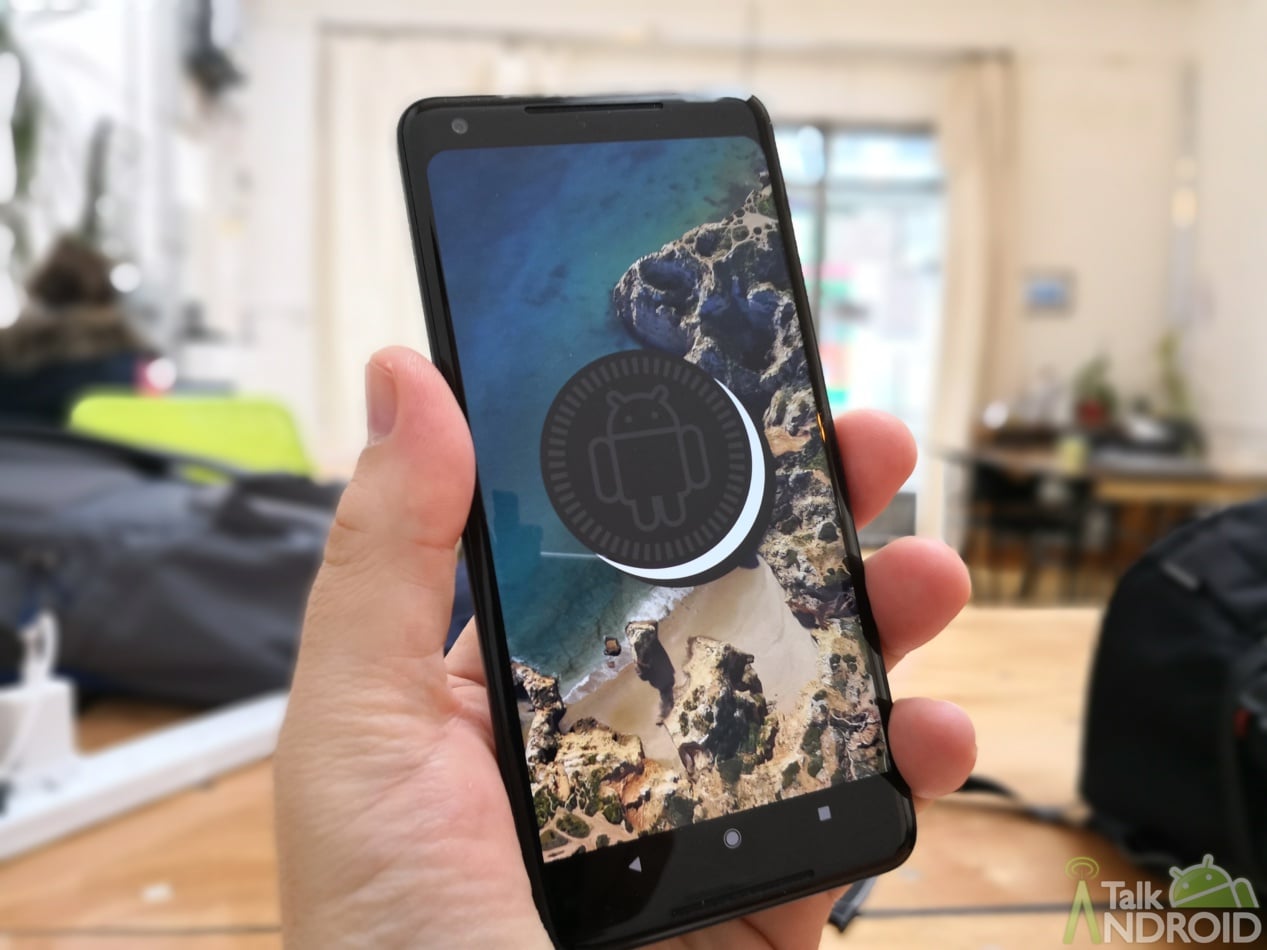
What makes this pretty impressive is that it technically allows any Google Pixel device, straight down to the first generation that was released in 2016, to run on Android 10. The original Google Pixel and Pixel XL didn't launch with Android 10, but they do support upgrades to that version of Android, so once updated as far as they can go, you'll be able to take on Gemini as your new assistant.
Additionally, it doesn't seem like older devices on older hardware have to deal with any handicaps when using Gemini. Since the app is doing everything from cloud servers, it runs with the same functionality as new smartphones.
Google Gemini Is Bound To Be The Grim Reaper For Google Assistant
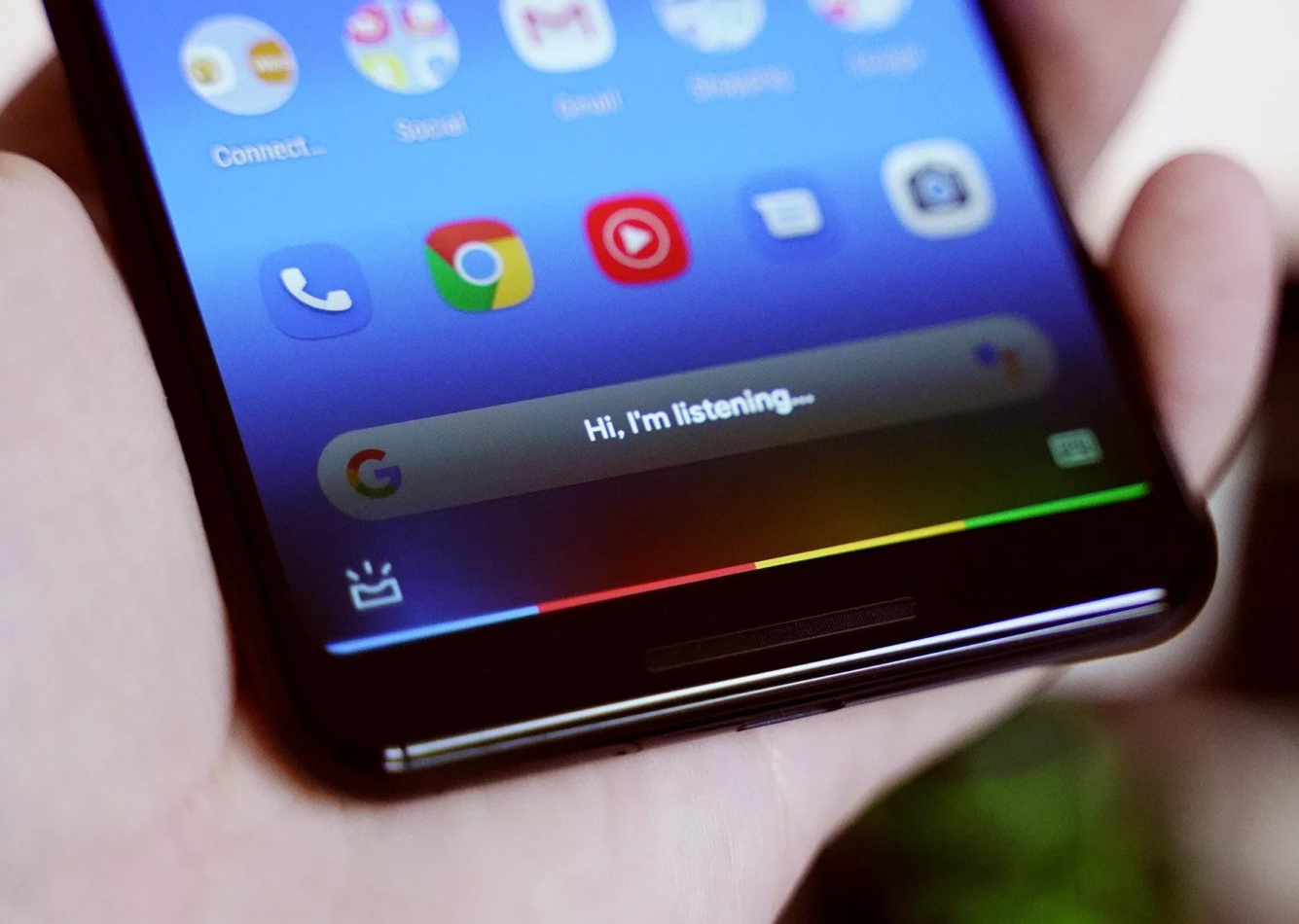
Google let us know in February that Google Gemini wasn't going to be a replacement for Assistant — yet. However, with the way things are going, it is clear that Assistant might not make it past next year and that's not necessarily a bad thing.
When you download Google Gemini on your Android phone, it will ask for permission to take over as your virtual assistant on the device. Once you agree and attempt to trigger Assistant the way you normally would, you'll be greeted with Google Gemini instead. I've given it a go, and honestly, it works smoothly and just as well as Assistant does.

To be honest, Gemini fits the standard of “virtual assistant” that Google must have been aiming for in the first place. While it currently can't do everything that Assistant can, it is slowly adding more features to plug up gaps in its capabilities, and surely, once enough of those are gone, Google is probably going to make us wave goodbye to the Assistant app that's been with us for years.

