




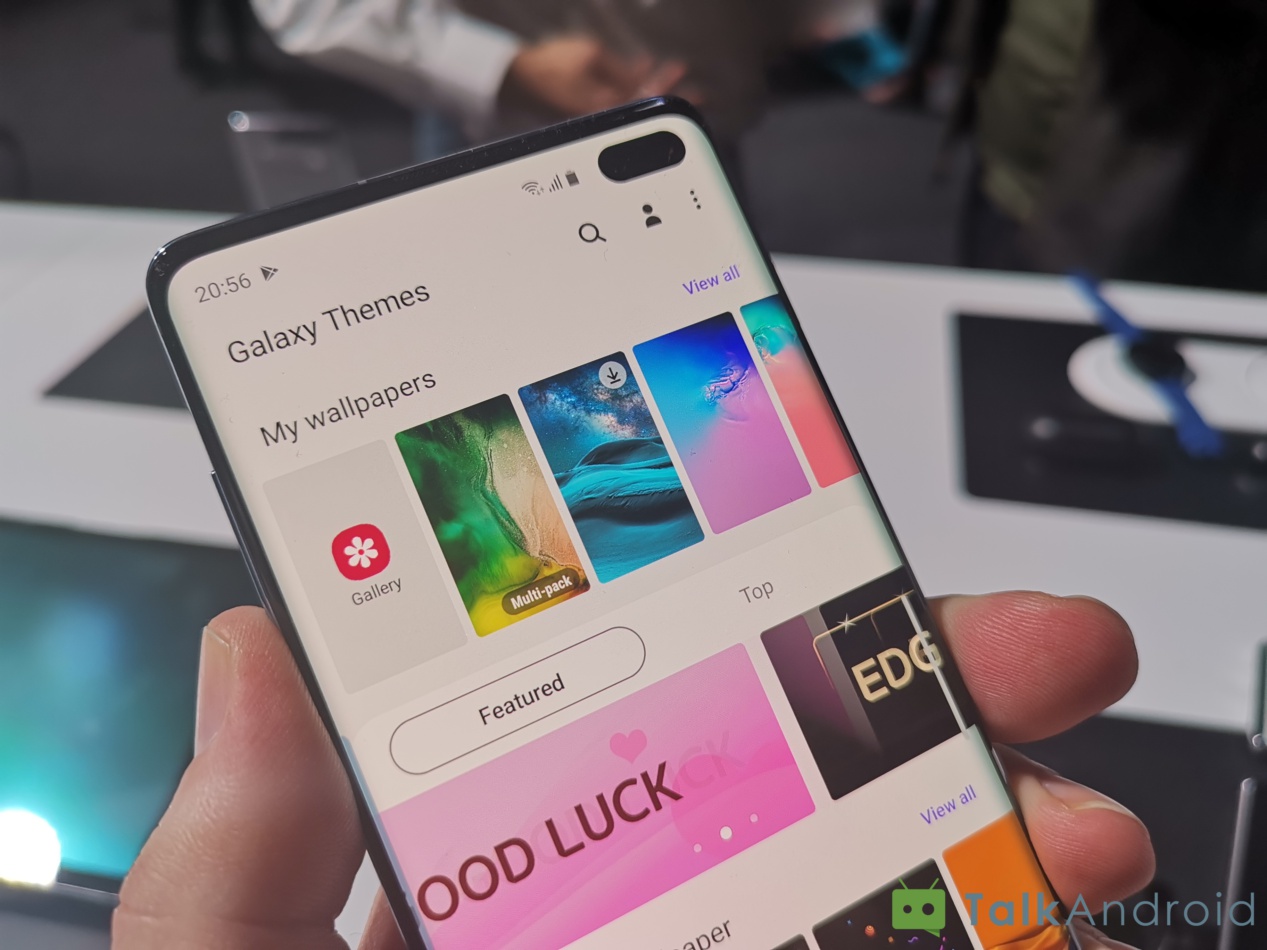
The Galaxy S10's design launched with that extremely recognizable hole punch in the display, which may or may not be better than a typical display notch. Regardless of what you think about Samsung's design choices, the punch has opened up a ton of options for customization of your phone, whether through some apps or wallpapers or other things entirely.
Here are some cool ways to customize your Galaxy S10 and really make it your own.

A fresh new app on the Play Store called Energy Ring wants to take that hole in the display and turn it into something functional, not just something aesthetic. Just like the developer's other apps that put your battery status on the phone's navigation bar, Energy Ring wraps your battery around the front facing camera.
It's pretty customizable, too, so you can have a fully charged battery showing green while a depleted battery would be red. There are custom animations for charging your device, and you can change how the colors will shift as your battery is used. It's pretty cool.
The app is also totally free and promises minimal battery usage, so this should be a pretty easy choice for most users. There's an optional donation in-app purchase that gives you a few extra ring configurations and removes ads, plus supports development of the app. It currently only works on the Galaxy S10 and Galaxy S10e, but Galaxy S10+ support is coming. That probably means you'll see it on other devices with this style of screen sooner or later, too.
Energy Ring

If you don't want to deal with more apps and any battery drain at all, you can still always use wallpapers. This format has gotten so popular that Samsung has publicly released some wallpapers on Twitter, and there's even an entire subreddit dedicated to Galaxy S10 wallpapers that are built around the hole punch display.
As seen above, there are some pretty clever uses for it, making your front facing cameras look like the back of an iPhone, binoculars, or Bender from Futurama, although if you want something a little more serious and classic, there are plenty of options there, too.
You can find these from the Galaxy S10 wallpapers subreddit, or from Samsung's own Galaxy Store.
Maybe you don't really want to do much customization, but you do want to hide the hole punch as much as possible. It's still basically a display notch, after all, and you just want to ignore it.
Unfortunately Samsung doesn't include a way to move the status bar below the camera to get a more traditional phone design, but with the right wallpapers you can effectively hide it. Just make sure your wallpaper has a black bar at the top of the screen (or go with a pure black AMOLED wallpaper) and watch the cutout disappear into the background.
Slap a third-party launcher on the phone with a more stripped down Android skin, get rid of most of Samsung's baked in stuff, and you're back to rocking a much leaner Android phone with Samsung's killer hardware.
Do you have a Galaxy S10 setup that you're particularly proud of? Show us in the comments or tweet at us! We want to see it.

