




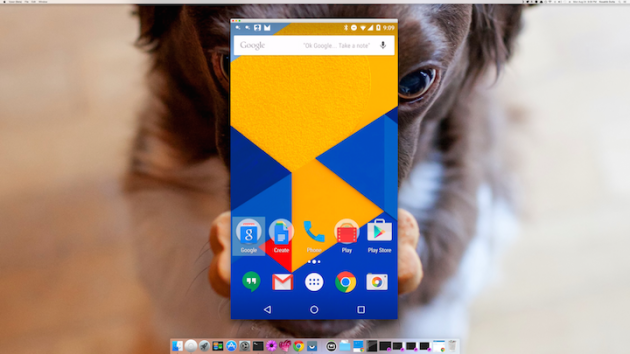
 If you have ever wanted to view your Android device on your computer screen, you already know, it has always been a huge hassle. Vysor aims to change that by simply connecting your Android device with Google Chrome.
All you have to do is download Vysor in the Chrome web store to get started. You don't even need an app on your phone and don't need to be rooted either. The developer behind the Vysor Chrome app also created very popular apps such as Helium, AllCast, and ROM Manager.
To setup Vysor, download the Chrome app, turn on USB debugging in the settings of your Android device, plug in your device to a computer that runs Chrome, and follow the on-screen instructions. That's it! A window should pop up showing you your Android screen on your computer screen.
Do remember the app is still very new and still in beta, so you may run into some bugs here and there.
You can do basically everything you can on your Android device as if you were actually using it.
If you would like to know more about the technical side, check out the video below.

Source: Koushik Dutta (Koush)
