





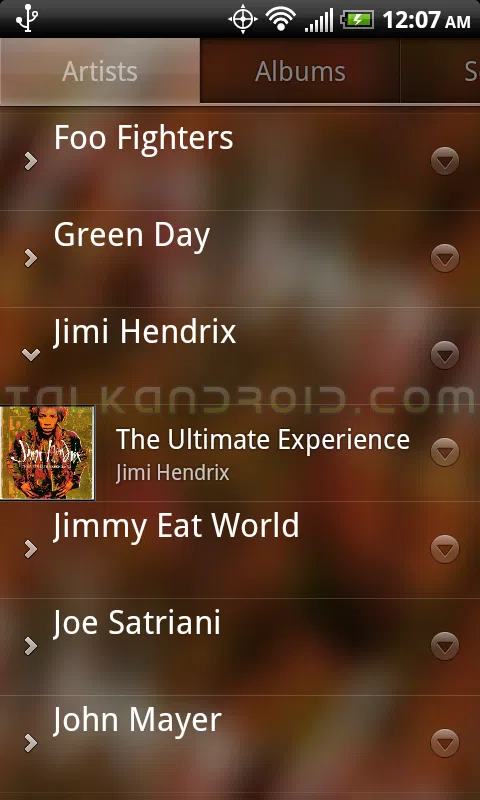
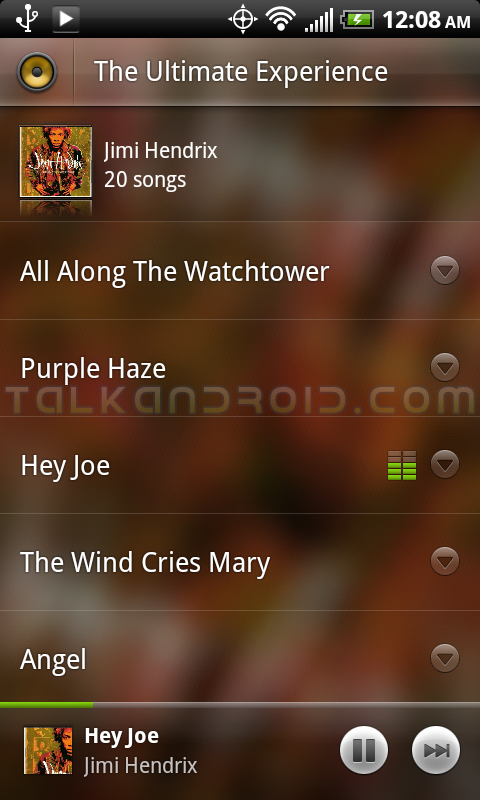
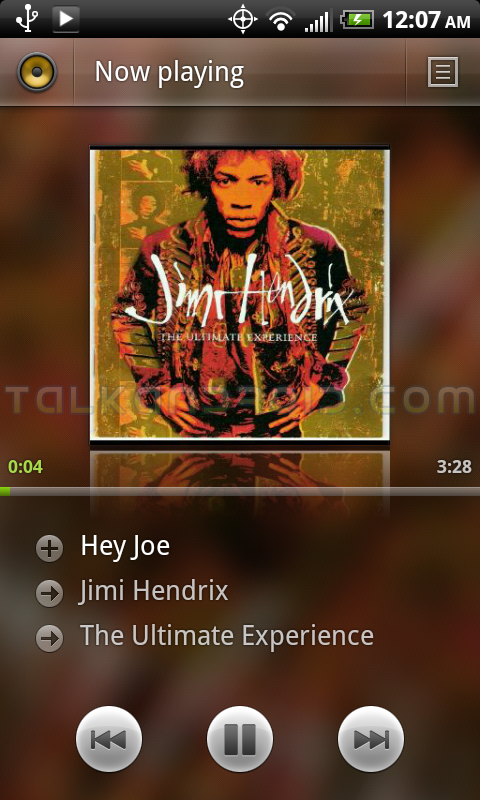
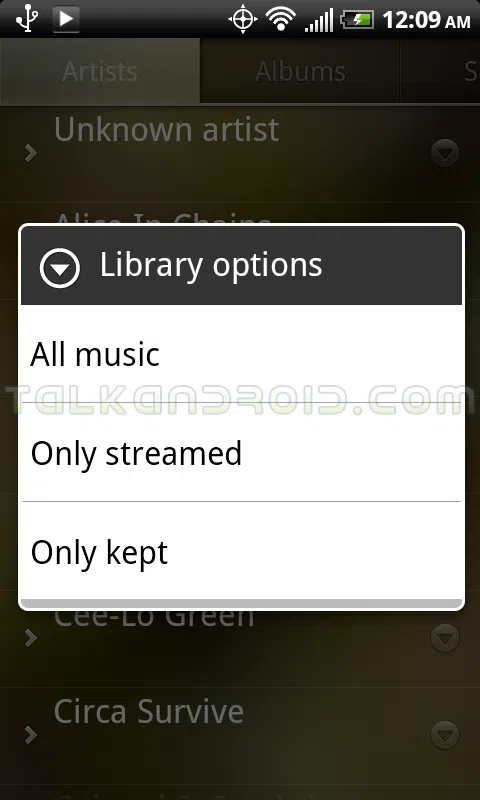
Want a sneak peek at some Honeycomb goodness? Of course you do! And now, thanks to xda member johnnie93, you can have some. It looks like good ol' Johnnie managed to yoink the default music app for Android's yet-to-be-released Honeycomb iteration, and wants to share his wealth. The UI is smooth and slick on this author's Evo, and the entire experience is pretty smooth. Remember, though… it's not 100% functional, and has a tendency to force close. The great news here? You don't even have to be rooted to install the app. Simply:
- download the .apk
- put the .apk on your sd card
- use a file explorer to navigate to the .apk, tap and install
And that's it! Be sure to hit the break for the download link, as well as to check out a gallery of screenshots, and tell us what you think in the comments!
Download Link




Awsome. works beautifully on galaxy tab P1000. Thanx
Well I truly liked reading it. This information offered by you is very constructive for correct planning.
Worked on my rooted 2.1 backflip.
adb ftw
You can’t remove any system apps without root. Sorry
Same problem on N1 2.2.1 – unable to install
How do you remove stock Music app without rooting phone?
Aaaaaagghh!!!
**STILL** NO FLAC SUPPORT!!!
WTF google? Why can’t you support an open source standard!!??
Otherwise the app worked on MyTouch 4g just fine (with poor sounding MP3 files).
does anyone know if google allows its apps from the gingerbread to run on the honeycomb or other 10in devices?
Seeing as honeycomb hasn’t been officially announced yet I think the question is moot.
Tried it and it works great on HTC desire froyo, colors are kinda annoying. btw another shortcut to jumpertest is visible
Does not work on my x10 mini, can’t anyone edit this and make it availble for everyone?
Works a treat for me on my HTC Desire running Oxygen 2 RC4…. Looks rather lovely too :-)
well, I’ve got a rooted legend with a modaco froyo rom and it won’t work :( should I deinstall the stock android player?
Uncheck streaming and do not sync in account, as this isnt currently working, then you will see your music and can use as normal player. ; )
I’ve removed stock player and honeycomb works fine, although I still have miui player installed. Removing stock might fix it.
Tries to install on droid then says ‘unable to install’. Any ideas why?
Anyone with the current stock Android music app won’t be able to install this. All the skinned phones can as they use different music apps.
Certainly explains why the Droid and Nexus One are having trouble.
Can be solved with root though I imagine. Or by waiting. I wouldn’t be surprised if Google go down their recent route of just putting this on the market rather than it just being in honeycomb
Just installed when download completed.
Works on samsung vibrant, nice 3d UI.
not working on stock nexus one 2.2.1
Ahem, why is there not a better notification icon???
Otherwise, great work!
works great on my dell streak… thanks…
Any body with guide to Install!!
It installs on my Incredible, but can’t seem to find any of the music. Anyone else getting this problem on Inc?
Works on stock T-Mobile G2. Thanks!
“there is a problem parsing the package”
rooted mini pro w/ 2.1
sweet, will try in a mini pro
No root needed
Works on my stock g2 lovin it!!!
Works on my stock g2 lovin it!!!
Consider it downloaded! Very nice looking UI.
@Matt:
The post says it’s from Honeycomb, so I imagine that’s when it’ll be introduced, whatever official software version that ends up being ;-)
Works perfect on my DX. Thanks!
installation also fails on htc legend 2.2 :(
Ok clearly the youtube app is also honeyc inspired? The sliding things and so..
lol ok thanks, I might try that then
Not sure. The obvious thing to say is that actually you do need root maybe. Not sure at all really.
Weird. Any ideas why it fails on my N1? Running stock 2.2.1 without root
The package name differs, at least on Gingerbread:
Stock: com.android.music
New: com.google.android.music
I think it’ll prob fail on any phone with stock Android music app cos it will have the same package name.
Maybe.
Annoying though :(
Works great on my HTC Desire (Gingerbread 2.3.1) Check out a screenshot https://twitpic.com/3khv8x/full
@Rich I think you need root.
Unable to Install on Rooted GalaxyI7500, GAOSP Public Beta 3.
The thing is they’ve been using that UI design pattern for a while. Look at the news and weather app, the new youtube app and the youtube remote app. They all use this pattern but we’ll have to build it ourselves if we want it as far as I can see. Same with things like action bars and quick content.
Looks really nice on HTC Desire with Oxygen. I’m getting used to the sliding tabs. Look a lot nicer than the standard tabs.
Anyone think this will be included as a standard part of the SDK anytime soon?
Doesn’t work on my Nexus One :( Installation fails every time, without giving a reason. Tried clearing data from the existing Music app, made no difference. You sure you don’t need root?