




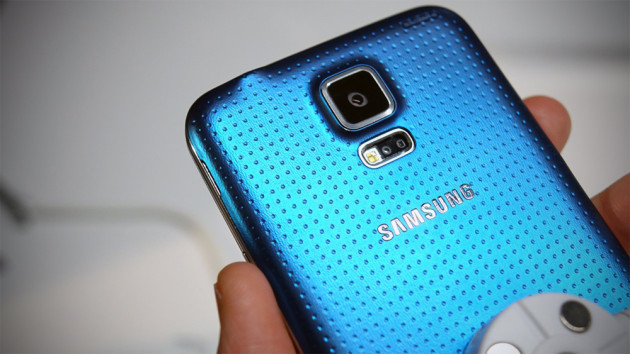
If you cast your mind back to early February, you may remember that Verizon claimed that it was rolling out the much-anticipated Lollipop update for the Galaxy S5. However, it appears the carrier pulled the original upgrade (version number: G900VVRU1BNLC ) with no reason given, and has today started pushing out an identical build of Android 5.0 to the handset, with this new version number: G900VVRU1BOA4.
The two versions seem to be exactly the same, both bringing support for multiple accounts, improved notifications, a smoother multitasking experience, Ambient Display, smarter internet connections and the recently-announced Material Design guidelines.
To start the update, make sure you’re connected to a Wi-Fi network. Then, from the home screen, press the Menu key, followed by Settings. Scroll to the bottom and tap ‘About Device’, followed by ‘Software Update and ‘Update Now’.
Source: Verizon
Via: AndroidPolice

I have the OA8 version and can’t get the OA4 update does anyone know how to fix this problem?
My build is also 0A8 on my phone
My build from February is 0A8………
No update yet for me. I just hope this version is smoother than the last update
And AT&T had yet to release an update at all…
Man, what’s going on with you Big Red? Your making it hard to be a loyal subscriber.
Note 4. Enough said.