

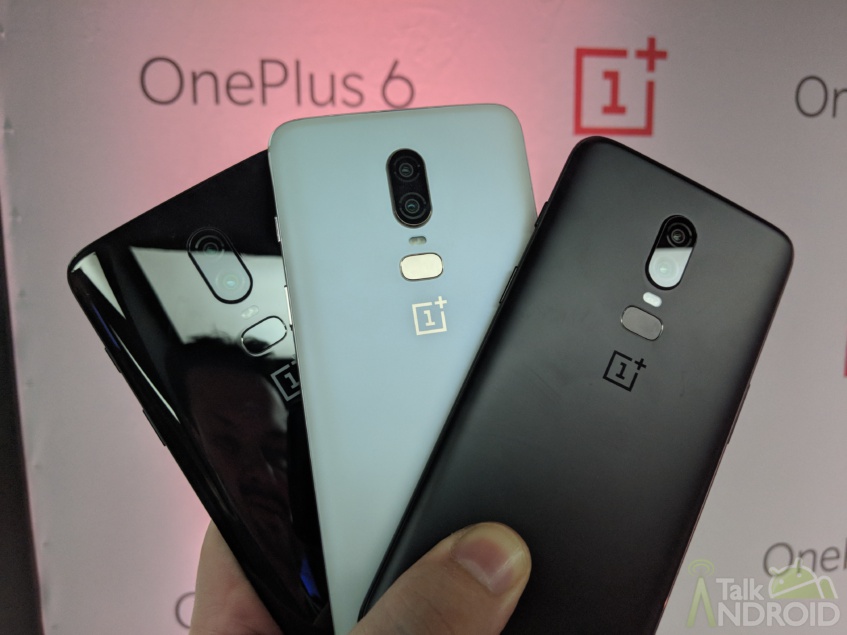
 Google announced the official Android P beta program back in May at I/O 2018, adding support for non-Pixel/Nexus handsets for the very first time. The recently launched OnePlus 6 with its all-glass design and dual rear camera setup is one of the eligible third-party handsets. The second Developer Preview build (DP2) has just dropped for the OnePlus 6, bringing bug fixes, added stability, and new features such as Google Lens.

OnePlus emphasizes that the Android Developer Preview program is ‘best suited for developers and early adopters,' so it probably isn't the best idea to use as your daily driver, especially if it's your only handset. The DP2 changelog is as follows:
System
- Fixed FaceUnlock not functioning issue
Camera
- Fixed camera stability issue
Application
- Fixed compatibility issues for apps (very specific)
Known issues
- Wi-Fi SoftAP device manager is not functional
- Camera Portrait Mode doesn't work
- Widevine L1 doesn't work (temporarily)
New Features
- Google Lens
- Ability to hide the notch
- New Ambient Display settings
- Custom Accent settings – select own notification LED and menu colors
Before installing the DP2 firmware, make sure your phone's battery is at 30% or higher and as always, back up your important data because DP2 will wipe all the content off your OnePlus 6. Finally, you'll need at least 3GB of available storage. You can find the flashing instructions over at OnePlus here along with a guide on how to rollback to the stable channel.
If you are intent on flashing the DP2 to your OnePlus 6, let us know how it goes in the comments below, and if you haven't slapped a case on it just yet, why not check our case guide right here.
Source: OnePlus
Download the official OnePlus 6 wallpapers
The OnePlus 6 is here with a notched display and improved dual-camera system