



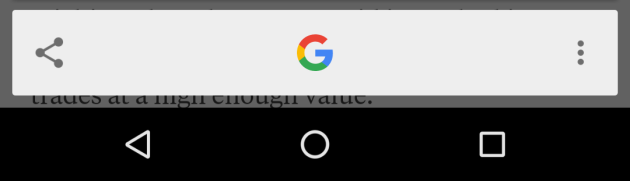
Google is introducing a new way to take screenshots, one that will be accessible to anyone with an Android device that is running Android 6.0 Marshmallow and above. The contextual arm of Google Now, known as Google Now on Tap, now has a dedicated share button to take a screenshot of your display before choosing which app to share it with.
This finally gives every owner of an Android device an identical way to take a screenshot. Before, devices with physical buttons could vary from a combination between the home button, power button, and volume rocker. Now all that needs to be done is Now on Tap's activation.

Screenshot using Google Now on Tap

Screenshot using physical buttons

I have a Nexus 6 and i don’t see Now on Tap any where…
The Google app is being updated. Keep your eye on the Play Store page or find the APK download!
If you mean you don’t have Google Now on Tap at all, then keep waiting for Marshmallow. :-/
I have 6.0.1 on a Nexus 6..
Then you’re missing the version of the Google app needed.
Long press the home key in crome, you should get a notification to enable it or it will already appear.
If neither of these happen you have the wrong version of googe now / launcher for your device or its not supported in your region
I don’t get it. Why not just swipe the edge of your palm across the screen like other android devices?
This encourages using Google Now on Tap. ;-)
where does google now fit in? the screen swipe is just a function of Android.
Because now there’s even more of a reason to launch Google Now on Tap.
What’s a volume rocket? #epicFAILURE oops just like this site.