





Many Android smartphone users have learned over time that certain settings are frequently set for common occurrences or situations and it can be a real drag to constantly make the changes manually. For instance, when going to bed at night, trying to remember to turn sounds off or switching off Wi-Fi when hopping in the car for a drive so you can save battery life. Numerous solutions have cropped up like the use of NFC tags with Tasker or even installation of alternative launchers. If you want something a little more lightweight, XDA forum member j2187 has released TF Profile – Profile Scheduler to Google Play to help automate a variety of chores.
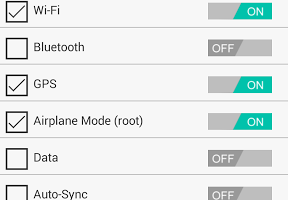
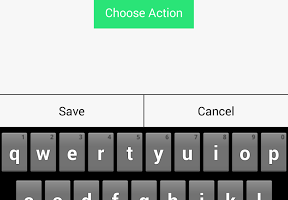
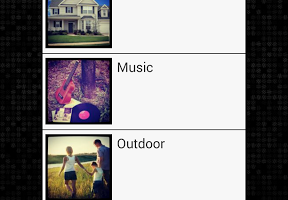
TF Profile enables users to setup a total of five different profiles. Each profile can be configured with a variety of settings related to Network features, Sound, Display options, and even some actions like launching an app or setting an alarm. Just tap on a profile to switch to it.
The app is free so head on over to Google Play to check it out after taking a look at some of the screenshots below.




Google Play Download Link

i have trying to sign into my Google account through Android device app.but can not sign in.which had stop me from using many site in phone
i used app like that in 2010
First to comment.