

I have a bad habit of liking Instagram posts instead of saving them. I'll see a useful Android setting, a phone accessory I want to check out, or a Reel explaining something I know I'll forget in ten minutes. I tap the heart, carry on scrolling, and then spend far too long trying to find it again.
Thankfully, Instagram makes finding your own likes fairly easy. Looking up someone else's activity is another matter. That's where an Instagram likes viewer comes into the picture, although these services aren't quite the magic search engines some websites make them out to be.
If you've ever wondered whether you can still see what another Instagram account likes, the answer is a little more complicated than you might expect.
Instagram used to make this much easier
Anyone who's been on Instagram long enough might remember the Following Activity tab. It was the place where you could see certain posts your friends liked and accounts they followed.
It was also a pretty effective way to discover things you probably didn't need to know.
Instagram removed it in 2019. Since then, there's been no proper replacement for checking another person's recent likes.
You can still see who liked an individual public post, provided that information is available to you. But there's no button on someone's profile that brings up their entire liking history.
And before you start digging through Instagram's settings, there's no secret option hiding in the Android app.
Finding your own liked posts is a different story
If you're trying to find something you liked last week, don't bother installing another app.
Instagram already keeps a record of your own likes, and getting to it takes less than a minute.
- Open Instagram and tap your profile picture.
- Tap the three-line menu in the upper-right corner.
- Open Your Activity.
- Select Interactions, then Likes.
- Browse the posts or use the available filters to narrow things down.
The menu might look slightly different depending on which version of Instagram you're running.
I've found this especially useful for tracking down Android tutorials. You know the ones: somebody demonstrates a clever feature in a 20-second Reel, you think you'll remember it, and three days later you can't even remember which phone they were using.
Unfortunately, this only works for posts you've liked yourself.
So, how does an Instagram likes viewer work?
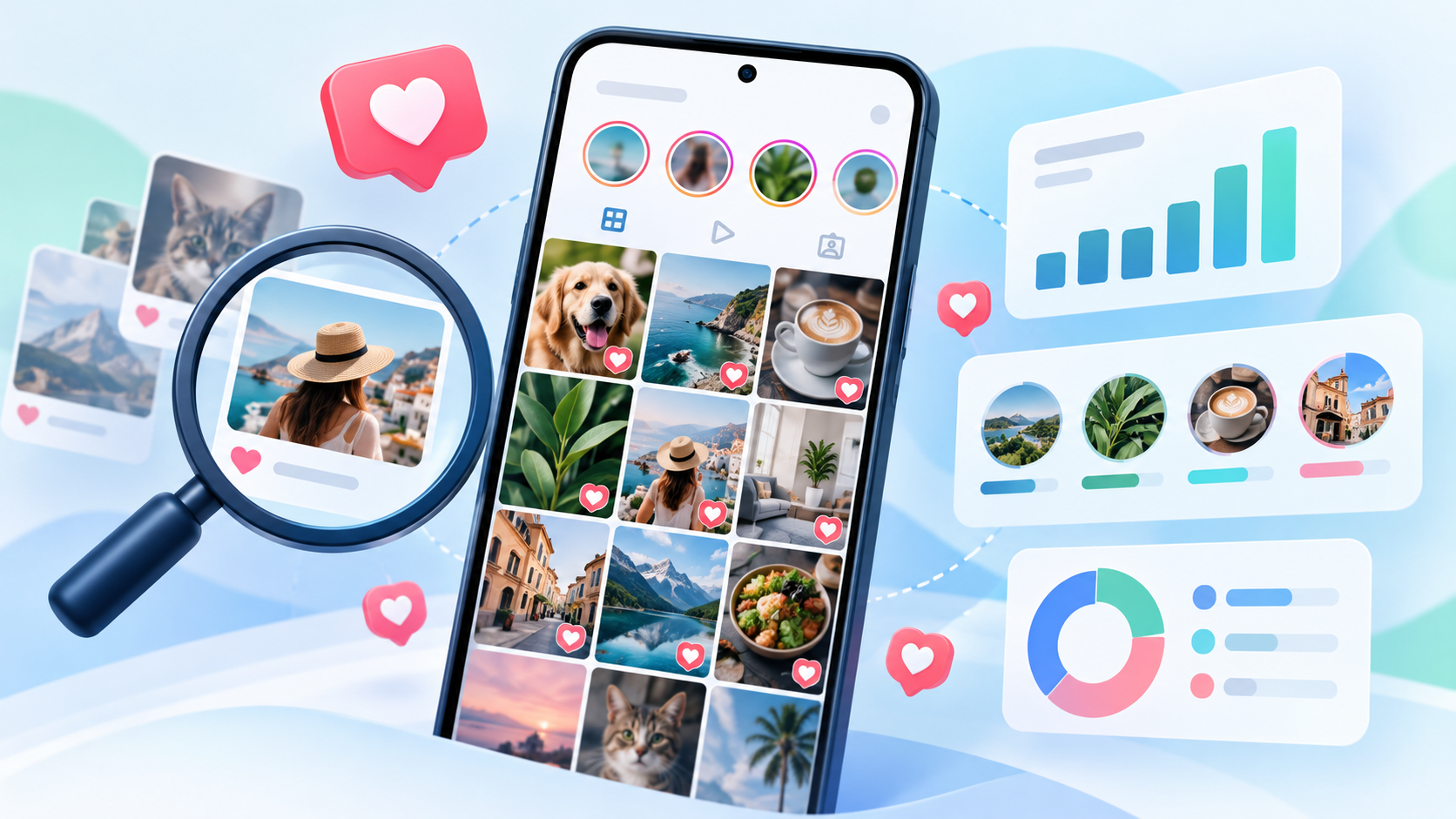
An Instagram likes viewer tries to answer a different question: what has a particular public account been liking?
Rather than showing your own activity, these services collect interactions they can observe and organize them into reports.
Say you're researching a creator who reviews Samsung phones.
Their Instagram feed is full of Galaxy devices, but you want to know what other technology catches their attention.
Maybe they regularly engage with posts about handheld gaming consoles. Perhaps they like content from smaller Android app developers or smartphone accessory companies.
You could spend hours opening individual posts and checking the likes. Even then, you'd probably miss plenty.
A tracking service attempts to do that legwork for you.
The catch is that it can only report activity it manages to observe. It isn't accessing some hidden Instagram database containing every like someone has ever made.
I looked at what Snoopreport actually offers
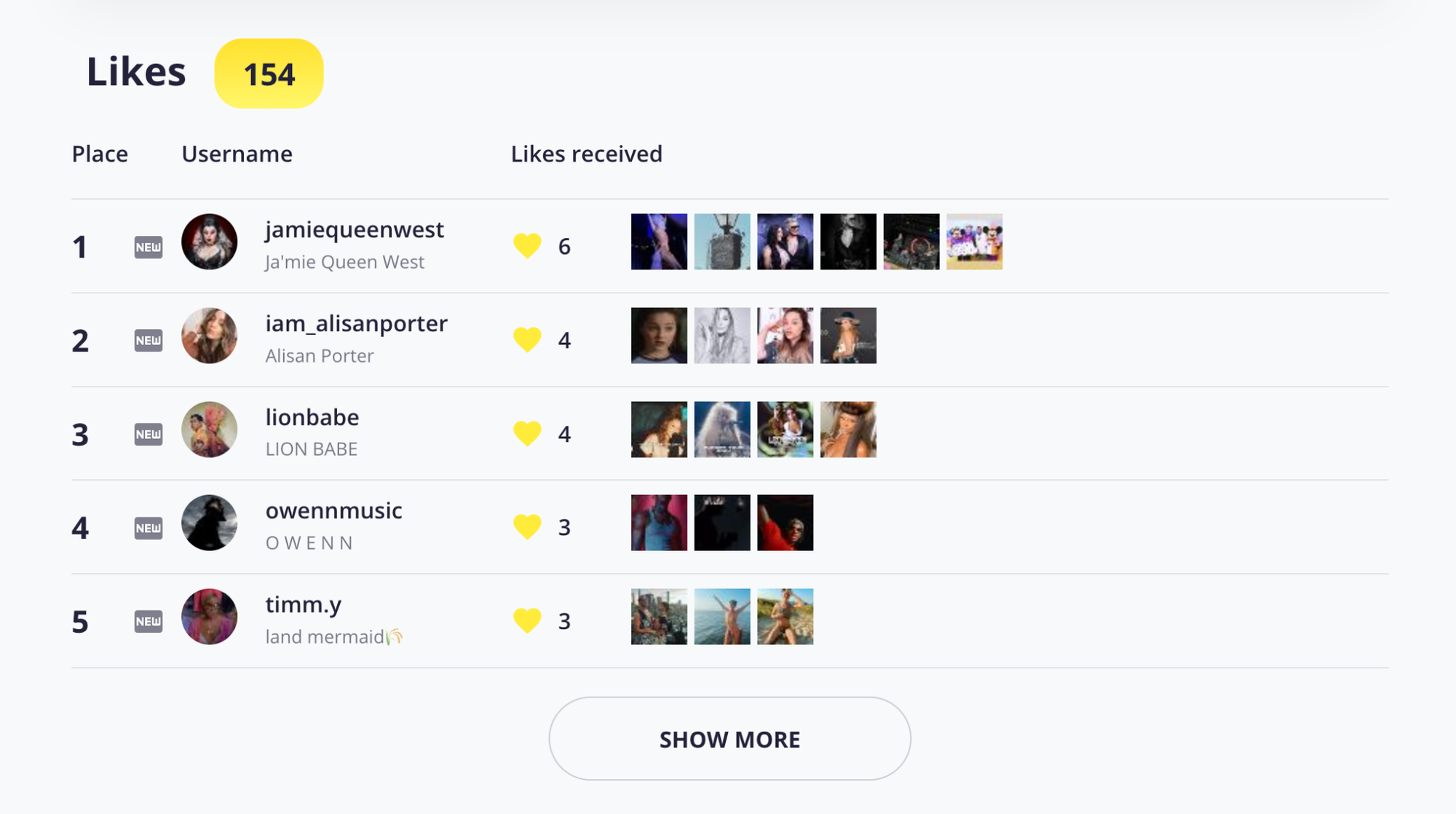
Snoopreport takes the browser-based approach, which is convenient if you don't want another app sitting on your Android phone.
You enter the username of a public Instagram account, add it to your dashboard, and the service begins monitoring available activity.
There's no need to connect your personal Instagram account or hand over your password.
Once tracking is underway, Snoopreport produces weekly and monthly reports showing recorded likes on posts and Reels.
It also identifies accounts that receive repeated likes. That can be more interesting than an individual interaction, especially when you're researching someone's interest in a particular subject.
What you get for the subscription
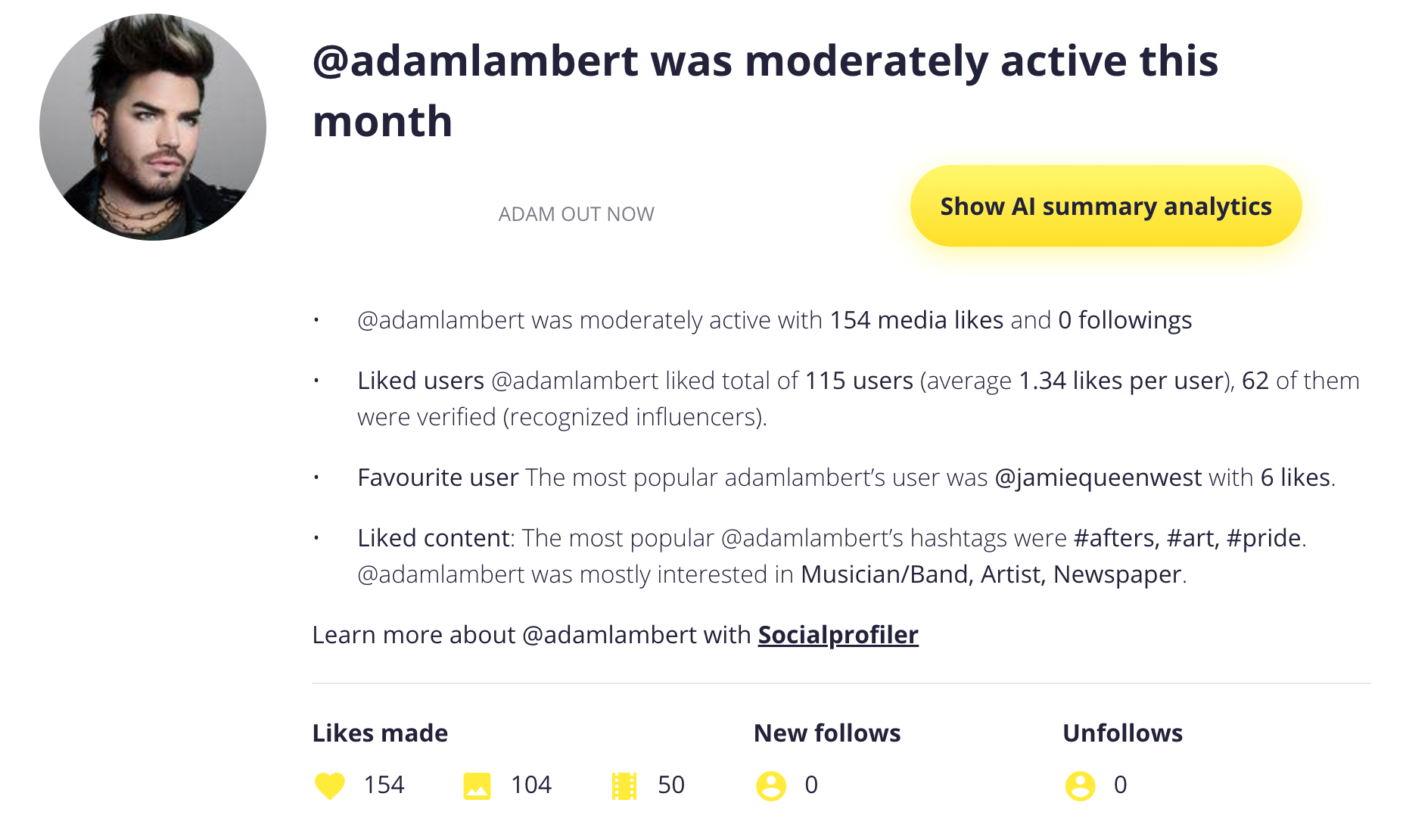
The Personal plan starts at $4.99 per month for two tracked accounts.
A $6.99 option adds AI-generated summaries, while larger plans cover more profiles.
Snoopreport also offers retrospective reports for available earlier activity, currently advertised at $1.19 per account per week.
The main features include reports of liked posts and Reels, frequently liked accounts, and activity comparisons across reporting periods.
There's one limitation I wouldn't ignore.
Snoopreport says it captures up to 75% of public actions. That means you're getting a partial picture, not a complete history.
It also can't access private accounts, direct messages, or restricted information.
For anyone expecting to type in a username and instantly see everything that person has ever liked, that's an important reality check.
Where I think this becomes genuinely useful
Let's move away from the usual examples about spying on an ex or finding out what your friends are doing.
For TalkAndroid readers, there are more interesting reasons to look at Instagram engagement.
Finding smaller creators before everyone else does
If you follow Android technology closely, you've probably noticed that the biggest creators tend to cover the same major phone launches.
Samsung announces something, Google releases another Pixel, and suddenly your feed is full of similar unboxing videos.
Smaller creators often cover the more unusual stuff.
Think alternative Android launchers, budget gaming controllers, obscure emulators, or accessories that haven't made it onto every major tech channel.
Checking the public engagement activity of established creators could help you discover those smaller accounts.
It's not guaranteed, but it's another way to find content beyond Instagram's usual recommendations.
Working out whether an influencer actually cares about your niche
Imagine you're marketing a new Android gaming controller.
You've narrowed your shortlist to two creators. One has a huge audience but mainly posts lifestyle content. The other has fewer followers and regularly engages with mobile gaming posts.
Which would you investigate first?
I'd want to know more about the second creator.
That doesn't mean their likes prove they'll be a good partner. You still need to check their audience, previous sponsored posts, and whether they actually produce good content.
But repeated interest in gaming is at least something worth looking into.
Finding ideas without copying anyone
There's a difference between researching what interests people and copying whatever seems popular.
Suppose several Android photography creators start engaging with posts about astrophotography.
That might encourage you to test night photography on a midrange phone or compare how different camera apps handle long exposures.
The idea still needs to be your own.
And if your audience couldn't care less about astrophotography, there's no reason to force it into your content calendar.
Instagram's algorithm makes this more interesting
Likes aren't the only thing Instagram considers when deciding what appears in your feed.
Meta explains in its article about how AI ranks content on Facebook and Instagram that its recommendation systems consider different signals to predict which posts people may find relevant.
Those signals include previous interactions.
That helps explain why liking a few posts about a particular subject can sometimes lead to seeing more related content.
Of course, Instagram doesn't publish a simple formula that says five likes equal ten more gaming videos.
Its recommendations involve several factors, and the experience changes as you interact with different content.
For anyone researching engagement, the takeaway is simple: likes can be informative, but they aren't the whole picture.
Would I trust every Instagram tracking website?
Absolutely not.
Some of the claims you'll encounter are ridiculous.
A website promising to reveal private profiles, deleted messages, and every hidden Instagram interaction should raise immediate suspicion.
I'd also avoid services asking for my Instagram password when their supposed purpose is to examine public information.
And don't forget browser extensions. Some request permission to read data across websites, which is far more access than you should casually hand over.
Before using any tracking service, check what information it collects, how subscriptions work, and whether it clearly explains what it cannot do.
If the limitations are buried somewhere you can barely find them, that's not encouraging.
Is Snoopreport worth $4.99 a month?
It depends on how often you'll use it.
If you're trying to find a Reel you liked yourself, spending money would be pointless. Instagram already handles that.
If you're curious about one public account and don't intend to check it regularly, I'd probably save the money there too.
But if you're researching several creators or keeping an eye on engagement trends over a few months, Snoopreport becomes easier to justify.
You're paying for organized reports and the time saved checking individual posts, not guaranteed access to every Instagram interaction.
That's a distinction I'd want to understand before subscribing.
One last thing
Instagram isn't likely to bring back its old Following Activity tab just because some of us miss it.
If you need to revisit your own likes, the Android app already gives you a perfectly decent way to do that.
If you're researching someone else's publicly observable activity, an Instagram likes viewer may help fill in some gaps, provided you're realistic about what it can find.
And remember, people like posts for all sorts of reasons. A creator liking a photo of an expensive gaming phone doesn't mean they're about to buy one.
Sometimes the photo just looks good.
Sometimes someone taps the heart because they're actually interested. Other times, they just thought the cat in the video was funny.