



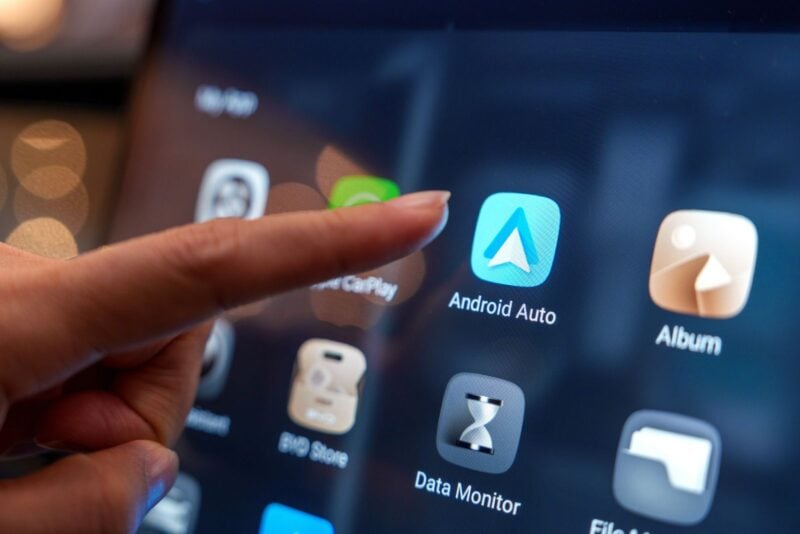
Gemini in Android Auto just got a lot more personal. Google has started rolling out Personal Intelligence to Android Auto, which lets Gemini pull details from your Gmail, Calendar, Photos and Maps when you ask it something on the road. It's off by default, so nothing changes in your car until you say yes.
What Gemini Can Now Do From the Driver's Seat
Picture this: you're on your way to the airport and want to know if your flight is on time. Instead of digging through your inbox at a red light, you ask Gemini out loud. It pulls the details from Gmail and gives you the gate and the flight status in a single answer.
Google's own examples go further. You can say “take me to my doctor's appointment” without giving Gemini an address. You can ask for directions to the car wash you snapped a photo of last week, or to the coffee shop you asked Gemini about the day before. Ask for dinner stops along your route, and it can factor in your preferences, like a vegetarian diet.
Which Google Apps It Taps Into
According to Google, Personal Intelligence on Android Auto can draw on Gmail, Google Calendar, Google Photos, Google Maps, Search and YouTube. You decide which of those apps Gemini is allowed to use, and you can connect all of them or only a few.
If you leave the feature off, Gemini on Android Auto still handles navigation, music, calls and general questions. The answers just won't be tailored to you.
More on This Topic: How to Get the Latest Android Auto Update Instantly and Fix Major Issues
How to Turn It On, or Keep It Off
If you already switched on Personal Intelligence in the Gemini app on your phone, there's nothing to do. Your choice carries over to the car automatically.
If you haven't, the setup happens on your phone, not on the car's screen:
- Open the Gemini app on the Android phone you use with Android Auto.
- Tap Menu, then your profile picture, then Personal Intelligence.
- Open Connected Apps and switch on only the apps you're comfortable sharing, or tap Connect all.
- Connect your phone to Android Auto and ask your question by voice.
Changed your mind? Go back to Connected Apps and switch any app off. The same setting controls Gemini on both your phone and your car.
What Google Says About Your Data
Google says privacy “remains at the center of this feature.” Connecting your apps is opt-in, and Gemini only looks at that data to answer what you ask. When it first introduced Personal Intelligence in January, Google said Gemini doesn't train directly on your Gmail inbox or your Google Photos library. It trains on more limited information, such as your prompts and Gemini's replies, after personal details are filtered out.
Not everyone can use it. You need a personal Google account, you have to be 18 or older, and your Gemini activity setting (Keep Activity) has to be on. Work and school accounts aren't eligible, and the feature isn't offered in the European Economic Area, the UK, Switzerland or Nigeria. In the US, you don't need a paid plan: Google opened Personal Intelligence to free Gemini users in March.
When Will It Show Up in Your Car?
The Android Auto rollout began on October 20, so it may take a few days, or longer, to reach your phone. Cars with Google built-in, where Google's software runs directly on the dashboard, are next, over the coming months. On those cars, Google says personalized answers are only shared when you're in the vehicle with your phone connected.
One thing to keep in mind: earlier this month, 9to5Google reported that Gemini on Android Auto was stalling and giving up without an answer for some drivers on Pixel, Samsung and Motorola phones. Google hadn't acknowledged the problem at the time of that report.
If everything works the way Google describes, the next time you ask your car where you're headed, it may already know. Just decide how much of your inbox you want riding along before you tap Connect all.