



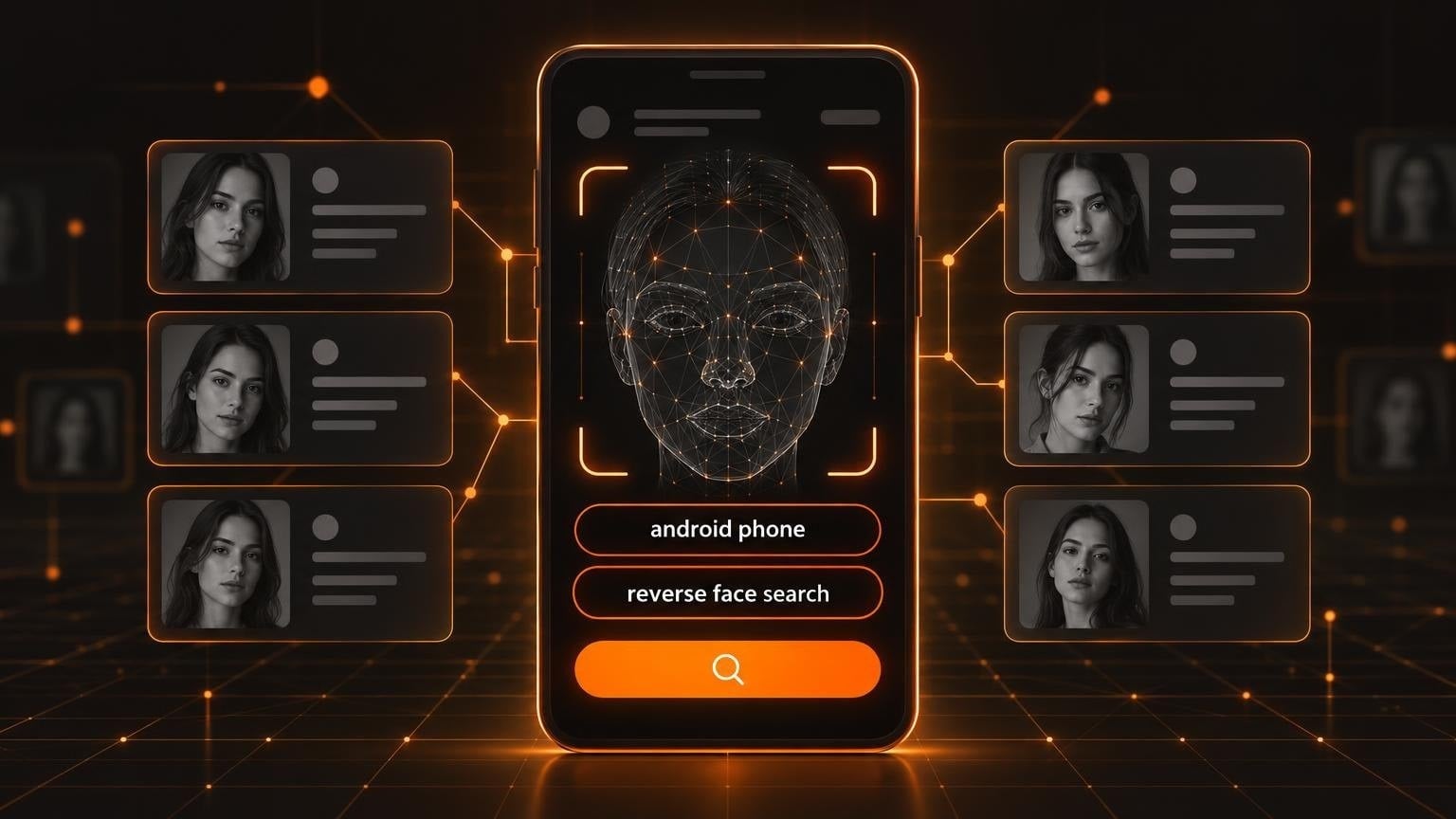
You have a photo and no name. Maybe it is a dating match who seems too good to be true, a seller on a marketplace, or an old picture of a friend you lost touch with. Your Android phone can help you find out who is in it, but the built-in tools only go so far.
A normal reverse image search looks for the same picture. A face search looks for the same person in other pictures. That difference decides which tool you need.
Here are seven tools you can use to find someone by photo, what each one is good at, and what it costs. Each one works in the Google app or in the Chrome browser on your phone.
Quick comparison
| Tool | Best for | Cost |
| Google Lens | A free first check | Free |
| WhoAreThey | Social media and dating profiles | From $5 a search, no subscription |
| PimEyes | Where a face appears on the open web | Free search, paid plans for more |
| FaceCheck.ID | A match score for each result | Free search, paid credits for more results |
| Lenso.ai | Sorting results by category | Free to try, paid unlocks |
| TinEye | The original source of a picture | Free |
| Social Catfish | Combining a photo with a phone or email | Free preview, paid plan for full reports |
1. Google Lens
Start here, because it is already on your phone. Open the Google app or Google Photos, tap the Lens icon, and pick the picture. Google's help page explains how to search with an image on Android.
Lens is strong when the exact picture is published somewhere: a news article, a company page, a public profile. It does not match a face to a name. If the person only appears in other photos, Lens shows you lookalikes and similar clothes.
- Good for: a free first check, public figures, stock photos used on fake profiles
- Limit: no real face matching
2. WhoAreThey
WhoAreThey is a reverse face search engine built for one job: finding the public social media and dating profiles linked to a face. You upload a photo or a screenshot in the browser, and it searches more than 50 platforms, including Instagram, TikTok, Facebook, LinkedIn, Tinder, and Bumble.
The site says results arrive in under 60 seconds, and that it deletes the photo after the scan.
The pricing is unusual for this category. There is no subscription. One search costs $5, three cost $12, and a deep search costs $10.
- Good for: checking if a dating match or a new contact has real profiles elsewhere
- Limit: it searches public content only, and the site itself says to treat each match as a lead to verify
3. PimEyes
PimEyes is the best-known face search engine. It searches the open web and leaves out social media and video platforms.
You can start with a free search. Paid plans unlock more daily searches and extras such as alerts.
- Good for: finding where your own face is published on the web
- Limit: no social media results, and regular use needs a paid plan
4. FaceCheck.ID
FaceCheck.ID gives each result a match score of up to 100 and sorts the matches into tiers, from weak (50 to 69) to certain (90 to 100). Its index covers social media, news sites, blogs, videos, and mugshot records.
- Good for: a safety check before you meet someone
- Limit: paid credits show more results per search, and weak scores bring many false matches
5. Lenso.ai
Lenso.ai sorts its results into categories: people, places, duplicates, related, and similar images. That helps when you are not sure what you are looking for: the same person, the same picture, or the same location.
- Good for: broad searches where a face is only one clue
- Limit: face search is available only in selected regions, and unlocking results can need a paid plan
6. TinEye
TinEye does no face recognition at all. It finds copies of the same image, including cropped and edited versions, and it can sort them with the oldest first.
That makes it the right tool for one question: where did this picture come from? If a profile photo first appeared on a stock photo site years ago, you have your answer.
- Good for: catching stolen profile pictures
- Limit: it cannot find a person in a different photo
7. Social Catfish
Social Catfish is a people-search service that started as an online dating investigation service. Besides photos, it searches by name, phone number, email address, username, and address.
- Good for: combining a photo with a phone number or an email address
- Limit: you can preview matches for free, but full reports need a paid plan
Which tool should you use?
Work from free to paid.
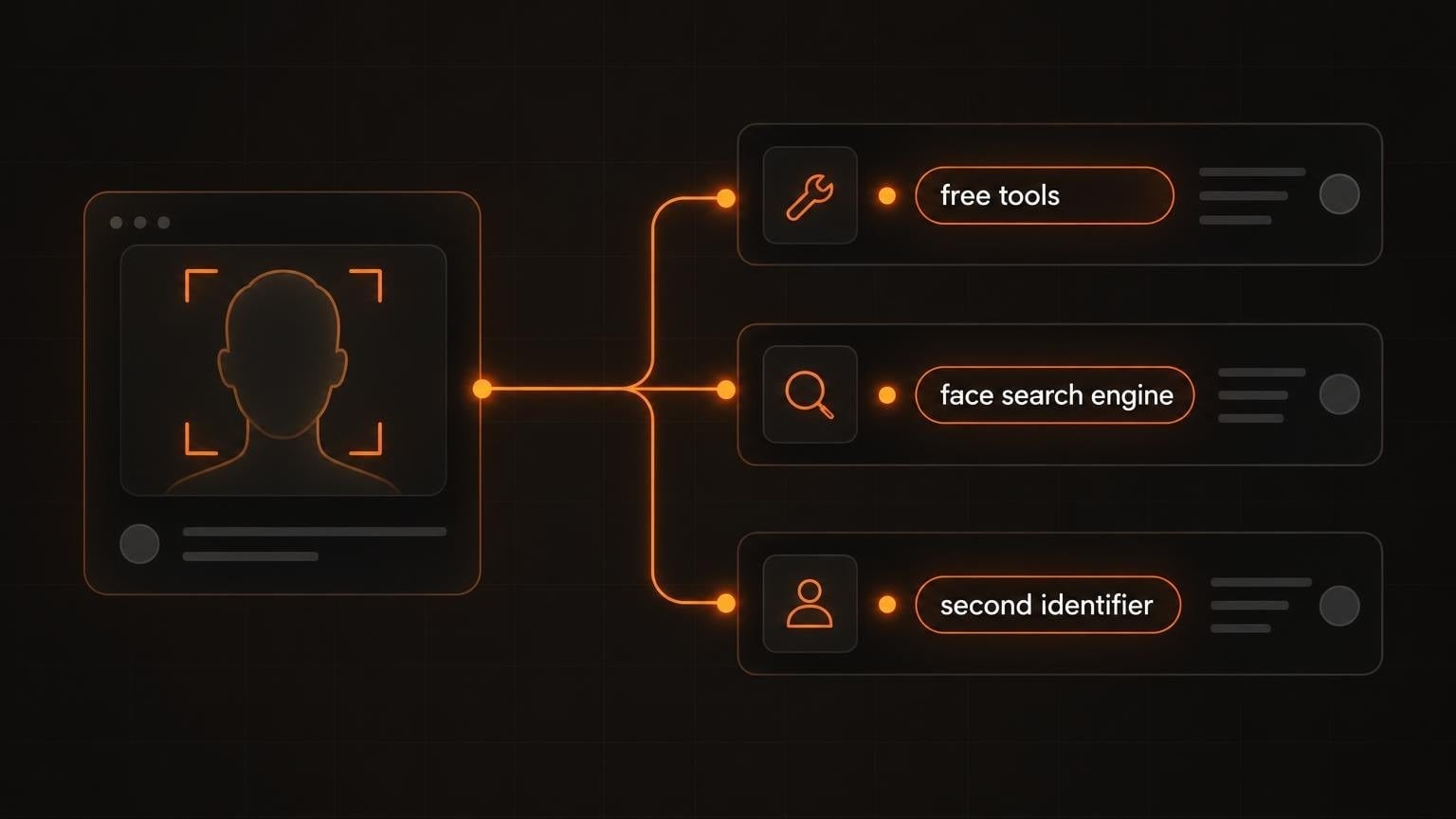
- Run Google Lens and TinEye first. They cost nothing and catch stolen or stock pictures in seconds.
- Use a face search engine when the free tools find nothing. Pick WhoAreThey when you expect the person to be on social media or dating apps. Pick PimEyes when you expect news sites or company pages.
- Add a second identifier. A username or a phone number next to a face match is much stronger proof than the face alone.
Before you search
A face match is a lead, not proof. Every tool on this list makes mistakes, and lookalikes are common. Open the profiles, compare more than one photo, and check details such as the city, the friends, and the dates.
Use these tools for your own safety: to check a dating match, to verify a seller, or to find where your own photos are published. Romance scams are among the costliest frauds reported to the FTC, and its guide on what to know about romance scams lists the warning signs.
Do not use face search to follow, harass, or expose someone. Stalking and harassment are crimes.
The short version: start with the free tools on your phone, pay only for the search you need, and verify every match before you act on it.