



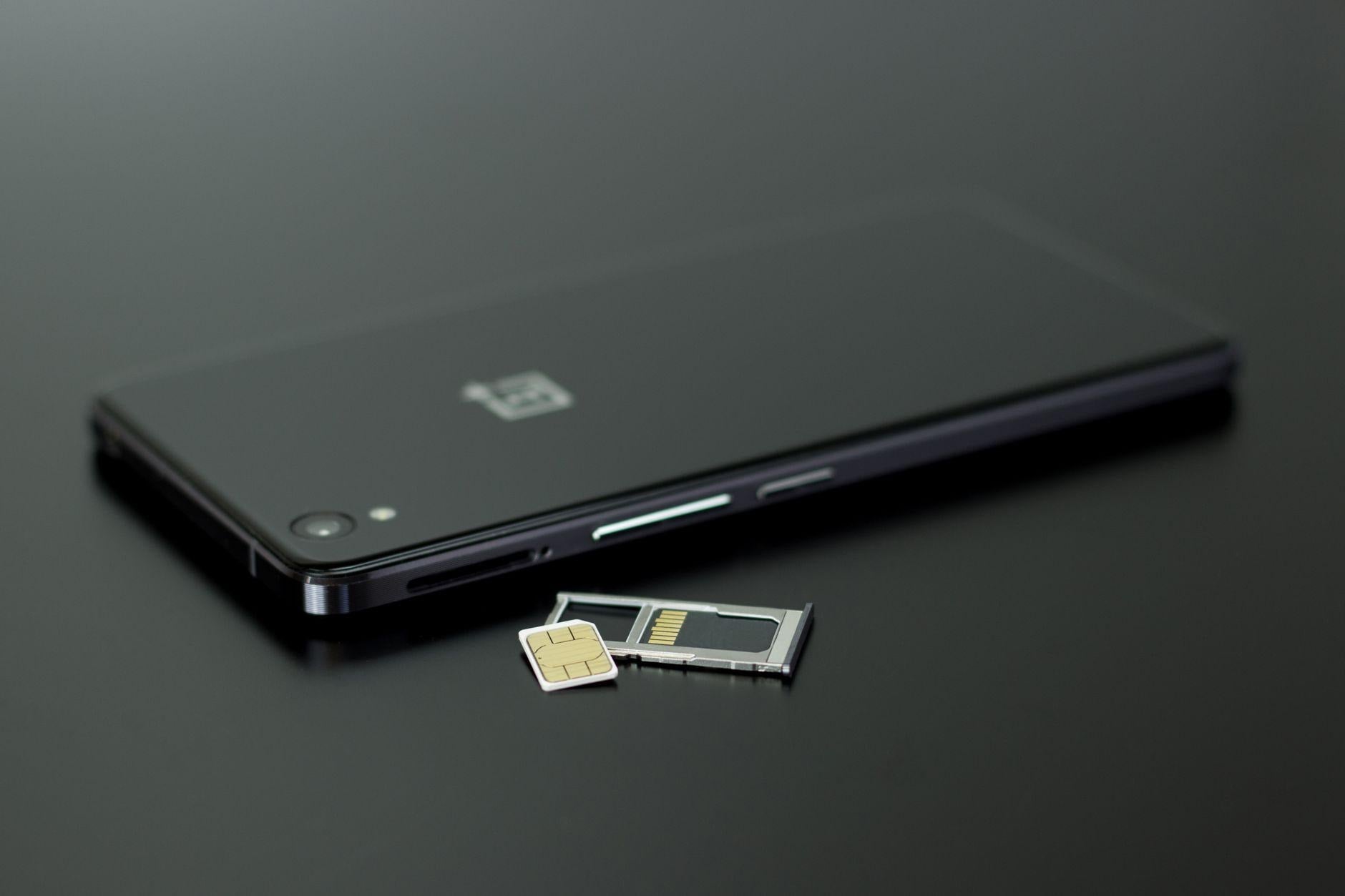
Open Settings, find the SIM screen, and count the on and off switches: two lines with independent switches is what dual eSIM means in daily use, and no spec sheet answers it as reliably as your own phone. Recent Pixel, Galaxy S and OnePlus flagships often qualify, but the same model number can behave differently in the US, the EU and India, because a second live line is a permission set by the carrier variant rather than a property of the chip. Check yours before you pay for a travel plan. Skipping that check is how people end up in an arrivals hall with working data and a home number nobody can reach.
Why Android owners keep getting this wrong
Dual SIM used to be a hardware question. You answered it by looking at the side of the phone: one tray, or two. That check is dead. Most flagships now ship with a single tray at best, and the second line lives in software, where a carrier variant can grant it or withhold it.
So people buy a travel plan, install it in a hotel lobby, and watch their home number go dark. Texts stop. Bank codes stop. That is the phone obeying a one-line-at-a-time rule it never advertised, and the plan is working fine.
Android phones that support dual eSIM
No honest list of model names exists, because one handset can ship with different capability in different markets. The table says where each family usually lands, and where the phone itself will answer.
| Phone family | eSIM hardware (EID present) | Two profiles enabled at once | Where the phone answers |
| Pixel flagships and A-series, 2023 onward | Present across the range | Common, though carrier variants differ | Network & internet > SIMs |
| Galaxy S flagships, 2023 onward | Present in most markets | Varies by regional model number | Connections > SIM manager |
| Galaxy Z Fold and Z Flip, 2023 onward | Present in most markets | Varies by regional model number | Connections > SIM manager |
| OnePlus flagships, US models | Present on some US variants | Varies by variant and firmware | Wi-Fi & network > SIM & network |
| Mid-range Android, 2023 onward | Sometimes, market by market | Uncommon; usually one line live | Dial *#06# and look for an EID |
| Handsets released before 2020 | Rare | Rare | No EID means no eSIM |
Storing several profiles is common on recent flagships. Keeping two of them enabled at the same moment is the part that shifts between regional variants, and it is the only part that matters once you land. Two phones with the same name on the box can differ by market, so read the settings screen before you pay for anything.
Three things get called dual SIM, and only one of them travels well
An eSIM is a rewritable chip soldered to the board when the phone is built. You never install the chip. You install a carrier profile onto it, delivered as a file over the internet, which is why one phone can carry a stack of profiles in the space that used to hold a single plastic card.
- One physical SIM plus one eSIM. The oldest arrangement, and it costs you the tray.
- Two eSIM profiles, one enabled at a time. Both sit in storage, you switch between them, and whichever one is off receives nothing.
- Two eSIM profiles enabled together, usually badged DSDS. Your home number stays registered while the travel profile carries data.
Here is where that last badge oversells itself. DSDS is dual SIM dual standby, and standby is the operative word. Both lines stay registered with their networks, but on most Android hardware they share one radio, so a voice call on one line can put the other out of reach for the length of the call, and data on the second line pauses while you talk. True dual active hardware is far less common. For a traveller the trade is usually fine: a half-hour call home is a half-hour your maps app waits. It stings only if you assumed two enabled lines meant two fully live ones.
Check your own phone in under a minute
- Open the dialer and enter *#06#. An EID printed beside the IMEI numbers means the phone has eSIM hardware.
- Open Settings and find the SIM screen. Pixel: Network & internet > SIMs. Samsung: Connections > SIM manager. Other skins move it, so search Settings for “SIM” if neither path matches.
- Look for an option to add or download a SIM. A phone that holds only one profile says so here.
- Check whether each line has its own on and off switch. Independent switches mean two lines can run together.
- Confirm which line is set for mobile data and which is set for calls and texts. Those are two separate settings, and mixing them up is why a good plan can look half broken.
If step three or four fails, the phone can still take a travel eSIM. You switch profiles instead of running both, and incoming calls to your home number go nowhere while the travel profile is on.
Adding a travel profile alongside your home carrier
Amsterdam makes a good working example. Your US line stays live for texts and codes, and a Dutch profile carries the data. Buy before you fly, on Wi-Fi you trust. HelloRoam's eSIM plans run on a platform covering 185 countries and 212 or more local networks, and the QR code lands in your inbox within minutes, so the install happens at your kitchen table.
- Scan the QR code, or paste the activation string if the email arrived on the phone itself.
- Label the profile clearly. “Netherlands” beats “SIM 2” at 6am in an unfamiliar airport.
- Set mobile data to the travel profile.
- Set calls and SMS to your home line, so login codes still arrive.
- Turn data roaming ON for the travel profile only. Most people miss this, and the plan looks broken without it.
- Leave the home line enabled, then switch its mobile data off. That is what stops your carrier billing you for roaming.
What a week of data costs, and what still goes wrong
Travel data here is priced per day of travel; gigabytes do not enter into it, so the sum is settled before you leave.
Four European markets from the HelloRoam travel data price index, sampled 1 August 2026:
| Destination | Entry price, unlimited data | Seven-day total (day rate × 7) |
| Netherlands | $2.36/day | $16.52 |
| Germany | $2.36/day | $16.52 |
| Italy | $2.68/day | $18.76 |
| France | $3.35/day | $23.45 |
Each row is the entry price for a HelloRoam daily unlimited plan in that market, in US dollars, read on 1 August 2026. The right column multiplies that day rate by seven and does nothing else. Rates move as platforms and local partners reprice, so check the live figure on the day you buy.
Seven days of data in the Netherlands totals $16.52, paid on your own Wi-Fi before you fly, on a profile that sits beside your home number.
Three things break in practice. Carrier-locked phones bought on a US installment plan can refuse an outside profile until the lock clears, so start that check weeks out. Profiles do not always move between handsets, since many are tied to the device that downloaded them, and upgrading mid-trip can strand a plan you already paid for. Deleting a profile is usually permanent, so disable or archive it instead.
The Netherlands sits at the lower end of the four markets above, so if Amsterdam is your first stop, price an eSIM Netherlands plan before you fly rather than after you land. A 180-day money-back guarantee takes some risk out of testing a profile on a phone you are unsure about.
FAQ
Can I use an e-SIM and my normal SIM at the same time?
Yes, on a phone that keeps two lines enabled at once, and a HelloRoam travel profile installs alongside your existing SIM from $2.36 a day in the Netherlands. Your own number stays registered for calls and login codes while mobile data runs on the travel profile. Switch your home carrier's data off in the same screen so it cannot bill you for roaming.
Does a dual eSIM phone keep my normal number working abroad?
Only if it runs both profiles at the same time. Your home line then stays registered for calls and texts. On one-line-at-a-time phones, it goes unreachable while the travel profile is on.
How do I know if my phone can take an eSIM at all?
Dial *#06# on the keypad and read what comes back. An EID listed beside the IMEI numbers means the phone has eSIM hardware; no EID means it has none, and no software update will add it. That settles the hardware question. Whether you can then download a profile is a separate matter: carrier-locked handsets often show an EID and still refuse new profiles until the lock clears, and a few carriers restrict eSIM on prepaid accounts. If the dialer code returns nothing at all, open Settings and search for EID.
Do I need to turn on data roaming?
Turn it on for the travel profile and leave it off for your home line. A travel eSIM connects you to a local network, and Android still files that connection under roaming. Leaving the toggle off is the usual reason a working plan looks dead.
Where the numbers and menu paths come from
Menu wording reflects Android as shipped in August 2026, and skins file SIM settings in different places, so search Settings for “SIM” when a path here does not match yours. Support for two enabled profiles varies by model, regional variant and carrier firmware, and that is why the switch check beats any spec sheet. Prices come from the same index sample, taken on 1 August 2026.