



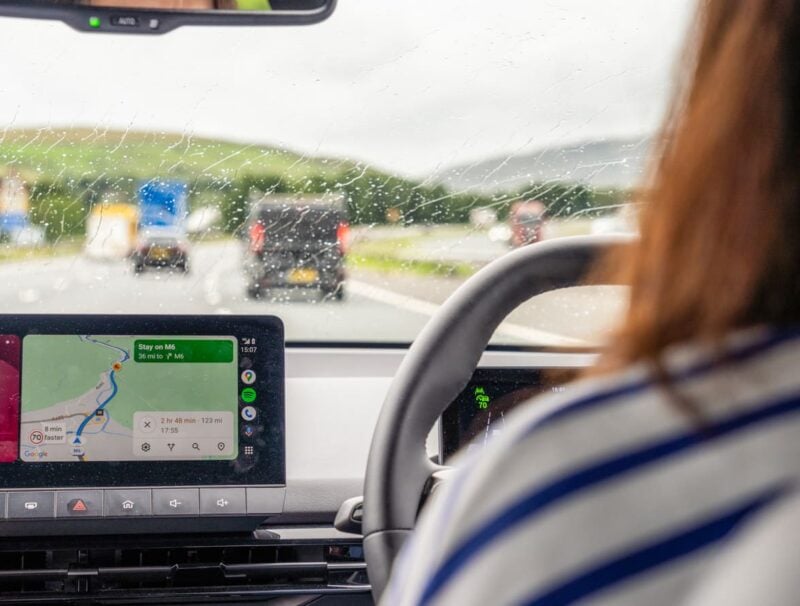
Immersive Navigation and Live Speedometer Are Reaching More Drivers
After months of limited access, Google is broadening the reach of two major Google Maps updates for Android Auto users: Immersive Navigation and a live, built-in speedometer. Previously, these features were mostly limited to those running beta versions, but reports now indicate the rollout is expanding to users on stable, non-beta builds of Google Maps.
The update follows Google’s ongoing efforts to refresh its in-car navigation tools. Immersive Navigation, introduced earlier this year, was touted as one of the biggest Android Auto enhancements in years. Deployment has been slow and staggered, but the latest server-side rollout is bringing these features to a wider audience. Availability can still vary, depending on region and device.
What’s New in Google Maps for Android Auto?
Immersive Navigation aims to make driving directions easier to follow by delivering clearer road layouts, more useful lane guidance, and detailed intersections. These changes help reduce confusion so drivers can interpret directions with a quick glance instead of needing to decipher a dense map under pressure.
Alongside the refreshed interface, the live speedometer displays the current speed of your vehicle directly in Google Maps on Android Auto. This provides extra convenience, especially for cars where the speed readout isn’t always easily visible. Unlike the existing speed limit alerts, the new feature shows your actual speed within the navigation app, potentially reducing distraction.
Small Interface Shifts—And Google’s Gemini Makes Its Mark
Android users may also spot a subtle change. The Gemini icon has replaced the familiar Google Assistant shortcut in the top-right corner of Google Maps on Android. This is in line with Google’s wider shift from Assistant to Gemini across its apps and ecosystem.
These updates are tied to server-side changes, so updating the Google Maps or Android Auto apps themselves may not immediately enable the new features. Instead, users might simply find Immersive Navigation and the speedometer appear as part of the ongoing rollout, no beta sign-up required.
Everyday Improvements Add Up
Rather than introducing flashy additions, this upgrade focuses on refining core driving features. Enhanced lane visuals, better intersection details, and an integrated speedometer might seem incremental on their own but together make for a noticeably smoother—and potentially safer—navigation experience. As Google continues to expand access, more drivers should soon notice the changes during their regular commutes.