




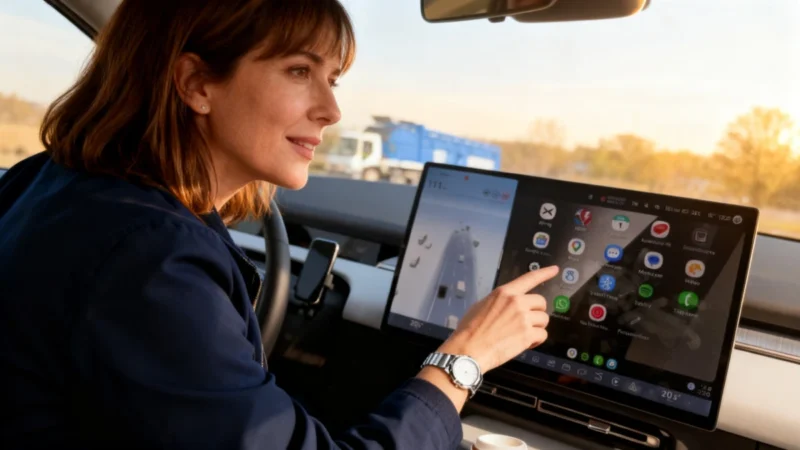
Gemini Replaces Assistant—But Problems Follow
After Google replaced its familiar Assistant with Gemini in Android Auto, many users began reporting trouble with voice-activated calling. In the weeks following the change, complaints surfaced from drivers unable to make calls by voice command. The same glitch has also affected the Gemini app on smartphones.
When users asked Gemini to make a call, the interface often replied with:
“Something went wrong. Please try again.”
This error appears tied to contact management issues within the AI. In some cases, Gemini identified multiple numbers for a contact and asked for clarification but then stopped responding before the user could answer. This effectively made phone calls by voice impossible.
Users Report Frustration—Few Solutions Work
On Reddit, users described trying just about everything, from resetting their vehicle’s infotainment system and clearing app caches to rebooting their phones. None of these steps seemed to solve the calling problem. The issue may be related to how the new AI interacts with app permissions for the Phone app. Some users also noticed that other basic tasks, like setting alarms, no longer worked with Gemini.
Switching Back to Google Assistant
Some users decided to revert to the old Google Assistant to restore calling features. To do this, users needed to open the Google app’s settings, select the Assistant tab, and turn off Gemini in favor of the prior version. This solution reportedly allowed calls to work again, though it meant giving up Gemini’s newer capabilities. Others found that uninstalling updates to the Google app via Android settings rolled things back to a functional state.
Google’s Fix: Mixed Results
Google eventually addressed the problem through its support teams, including posts on Reddit. The company released a Google app update on the Play Store, asking users to keep all their apps up to date to resolve the issue. However, responses were mixed. Some users said the fix restored calling through Android Auto, while others still received the error message even after updating. For those still stuck, clearing the app cache after installing the update has reportedly resolved the problem for some.


Latest update to the Google Dialer v227 on Android 16 breaks Android Auto contacts lists and dialing. Any interaction causes force close of the dialer, Ouch!! Google must have missed testing this in the field as there must be many users with Android 16 on their phones and fixed versions of Android in the car display. Anywhere from Android 9 to 14. Fortunately uninstalling the update rolls back to v204 which works perfectly. For now I’ve set this app to not update in my Play Store account.