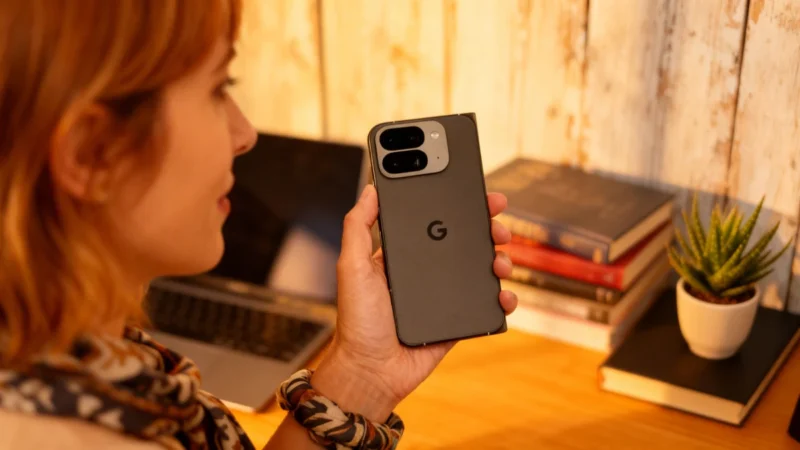
Pixel users, rejoice: the days of endlessly fiddling with settings and restarting your phone just to make Bluetooth work might finally be over. Google has quietly rolled out a new diagnostic tool designed to take some frustration out of isolating Bluetooth problems—say goodbye to those mysterious connection gremlins!
Pixel’s Long Bluetooth Saga Gets a New Fix
Bluetooth problems had long been a source of annoyance for many Pixel owners. Whether it was headphones, watches, or car systems refusing to connect, frustration was common. Google has introduced an integrated diagnostic tool that helps users identify the source of their Bluetooth issues in just a few steps.
Previously, Pixel phones offered diagnostic menus for the touchscreen, battery, temperature, and mobile connection. While helpful, these tools didn’t catch every problem—some users were caught off guard in January 2026 when a software update disrupted Wi-Fi, Bluetooth, and camera functions on some Pixel models. Now, Google has added a fifth option in its diagnostics suite focusing on Bluetooth specifically.
The New ‘Bluetooth Diagnostics’ Menu
According to reports originating from a user on Telegram and noted by Android Authority, the new Bluetooth diagnostics menu comes as part of a Pixel Troubleshooting app update (version v1.0.885948717). The feature arrives amid a wave of recent Pixel bugs, some affecting connectivity and automations.
How to Access the Bluetooth Diagnostic Tool
This tool can be found through two paths in the Pixel’s settings. The first method is via Settings, then Connected Devices, then Bluetooth, and finally Bluetooth diagnostics. The second is through Settings and then Device Health & Support. Once inside, users are guided step by step to test connections with Bluetooth accessories. Google highlights the tool’s compatibility with Pixel Watch and Pixel Buds, but also includes an “Other” category for diagnosing headphones, other smartwatches, or Android Auto systems.
The diagnostic tool suggests practical tests, like placing a phone call, to see if the accessory is functioning. This helps users determine whether the issue is with the Pixel device itself or with the accessory—a distinction that often required trial-and-error or unnecessary resets in the past.
Rolling Out Across All Pixels—What to Do If You Don’t See It Yet
The update is rolling out gradually to all Pixel devices. If the Bluetooth diagnostics submenu hasn’t appeared on your phone yet, checking for updates to the Pixel Troubleshooting app in the Google Play Store should help enable it.
With this update, Pixel owners have a more effective way to troubleshoot persistent Bluetooth headaches and focus on enjoying their devices without endless troubleshooting.