


If you’ve ever been stuck with slow internet or wanted to keep a clip for later, you know the frustration when YouTube or Instagram give you no download option. VidMate can solve that problem.
So, what is Vidmate?
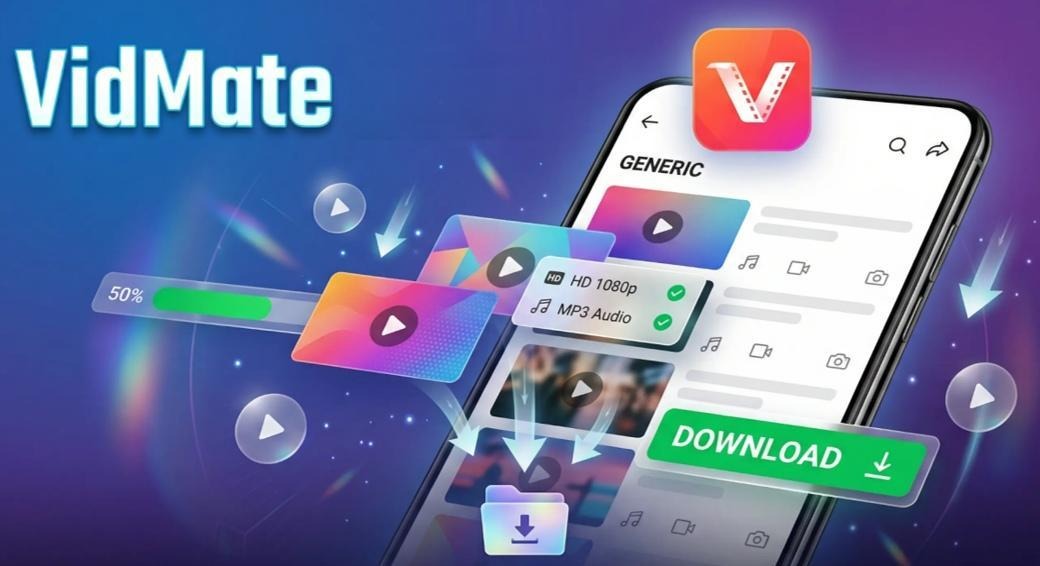
It’s a free Android app that lets you save videos and music from YouTube, Instagram, X, TikTok, and plenty of other sites. You can choose MP4 or MP3,,and choose the resolution you need, from small files for quick saves to full HD 1080p. VidMate also serves as a player, so you can watch or listen without opening another app.
The only downside? VidMate is no longer on Google Play. Google’s policy blocks apps that can download content from YouTube, and VidMate falls into that category.
But that doesn’t mean you can’t get it! On Android, you can install apps from outside the Google Play Store, which is known as sideloading an APK. These files are called APKs (they’re like .exe installers on Windows)
Below are two safe and simple ways to download VidMate APK on your phone.
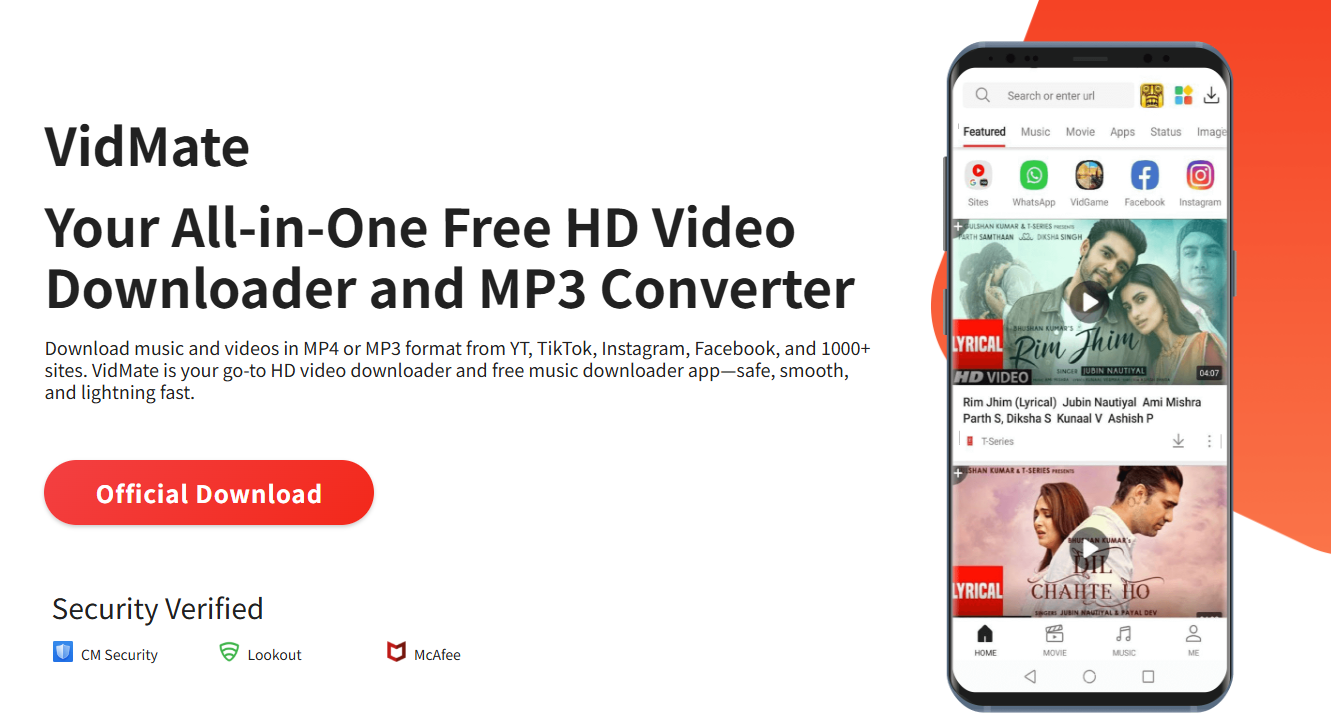
Download Vidmate from Official Website
If you want the most reliable way to get the Vidmate app, go straight to the official site. This ensures you’re getting the genuine app. Here’s how to do it:
1. Go to the official VidMate website
Open your phone’s browser and search “VidMate” on Google, or go straight to www.vidmate-official.com.
2. Download the APK file
On the homepage, find the large “Official Download” button and click it. Your phone will begin downloading the APK file package, which should be something
like vidmate_versioncode.apk.
3. Install It
Find the APK file in your Downloads folder and tap it. If your phone blocks the install, it’s probably because it hasn’t allowed “unknown sources” yet.
Go to “Settings,” find “Install unknown apps” (or a similar option), and allow your browser to install third-party APK files. Once that’s done, run the file again and follow the on-screen steps. VidMate should launch and be ready to use shortly.
Download Vidmate from APKPure
If the official Vidmate site isn’t opening in your region, or you’re looking for specific versions of VidMate, APKPure is a trusted alternative. It’s been around for years and many Android users rely on it for safe, virus‑checked APKs, especially when an app isn’t available on Google Play.
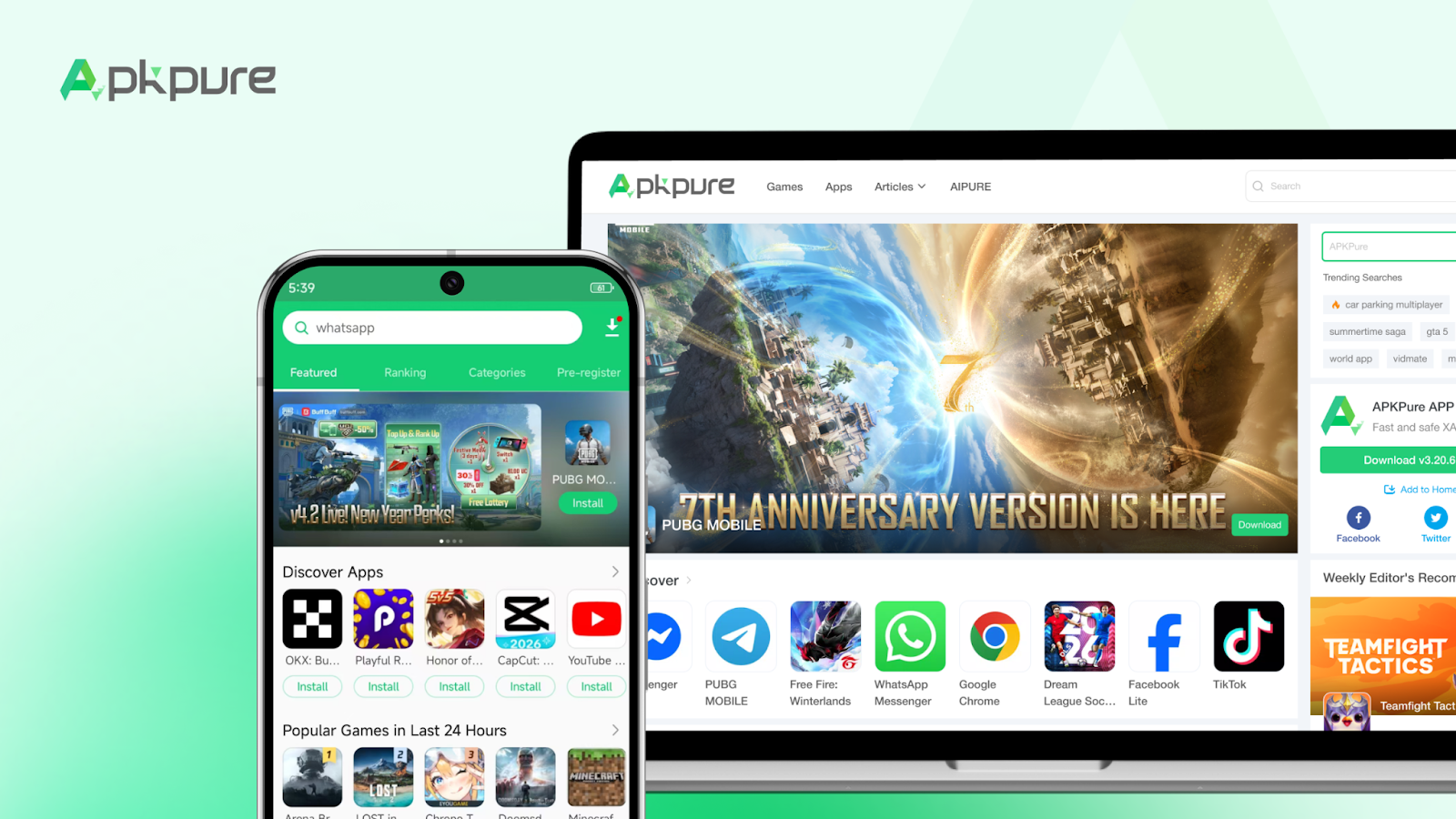
Here’s how to get VidMate from APKPure:
- Open APKPure (apkpure.com) in your browser, or search “APKPure VidMate” in Google.
- Use the search bar at the top to type in “VidMate”.
- Tap the VidMate icon in the search results.
- On the details page, hit the Download APK button. The page provides the latest version by default. If you want an older release, scroll down until you find the Old Version section, select the one you need, and download it instead.
- Once the download finishes, open your phone’s Downloads folder and tap the VidMate apk file to install.
Both download methods are safe and simple, but APKPure has the advantage of letting you download Vidmate old versions, while the official site will always give you the newest version.
Why VidMate Is Still Popular
It’s fair to say that not all parts of the world enjoy fast, affordable mobile data. In places where every megabyte counts, being able to save videos for offline viewing can make a big difference.
Key features of VidMate include:
- HD video downloads: Users can pick from 144p up to 4K Ultra HD before downloading.
- Broad platform support: It works with hundreds of sites, including YouTube, Facebook, Instagram, TikTok and others.
- Audio conversion: The app allows users turn any video into an MP3 file, which is useful if they only want the audio, like for music or podcast episodes.
- Batch & background downloading: Users can line up several downloads at once, and they’ll keep running in the background while other apps are in use.
- Built‑in browser and player: Users can search, find, and watch without needing a separate app. This can greatly save phone space.
VidMate covers most needs for saving and enjoying online content. That’s why it’s still a go‑to app for many users.
If you’re on Android, you can download it from the official site or reputable sites like APKPure. One last note: VidMate works on Android devices only. There’s no iPhone or PC edition.