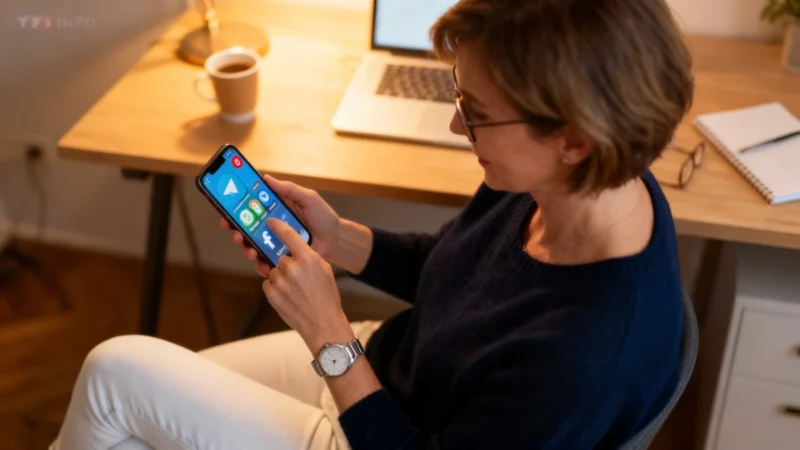
With nearly three billion active users each month, WhatsApp has become a messaging powerhouse. What continues to set it apart isn’t just lively group chats or fun stickers, but its commitment to privacy. In early 2026, WhatsApp introduced a new privacy feature aimed at users who want even tighter control over their security and interactions.
Privacy: A Pillar of WhatsApp
WhatsApp has long offered a suite of privacy options. End-to-end encryption protects both calls and messages, while features like two-step verification, controls over online presence, and disappearing messages help users keep their conversations private. All of these can be configured from within the app’s settings, allowing anyone to adjust their privacy preferences with just a few taps.
Introducing Strict Account Settings
In a blog post published on January 27, 2026, WhatsApp announced the rollout of a new security option called “Strict Account Settings.” According to the company, enabling this function locks certain account settings to the most restrictive privacy levels. This can limit some WhatsApp features, notably by blocking attachments and media sent by anyone who isn't already in your contacts.
“If you activate this feature, certain account settings will be locked to the most restrictive mode, resulting in some WhatsApp functions being limited in specific cases,” the company explains on its website.
For users, this means less risk from unwanted images or files sent by unknown numbers—a compelling reason to turn it on if you want to minimize unexpected or potentially risky content.
Who Can Benefit?
WhatsApp recommends this stricter setting especially for people using the app professionally. The company notes it could be particularly useful for those at higher risk from sophisticated cyberattacks, such as journalists or public figures. As the company stated in its announcement:
“We also know that some people who use WhatsApp, like journalists or public figures, may require extreme security measures to protect themselves against rare and highly sophisticated cyberattacks.”
How to Enable Strict Account Settings
To switch on this new feature, open WhatsApp, go to Settings, then navigate to Privacy. Once there, tap Advanced. Inside this menu, you'll find the option to enable Strict Account Settings. With just a few steps, you can help ensure that only trusted contacts are able to send you media or attachments, adding another layer of security to your private conversations.
Whether you use WhatsApp for work or simply want more peace of mind, Strict Account Settings are now available to help you keep your chats safe and your digital life more secure.