




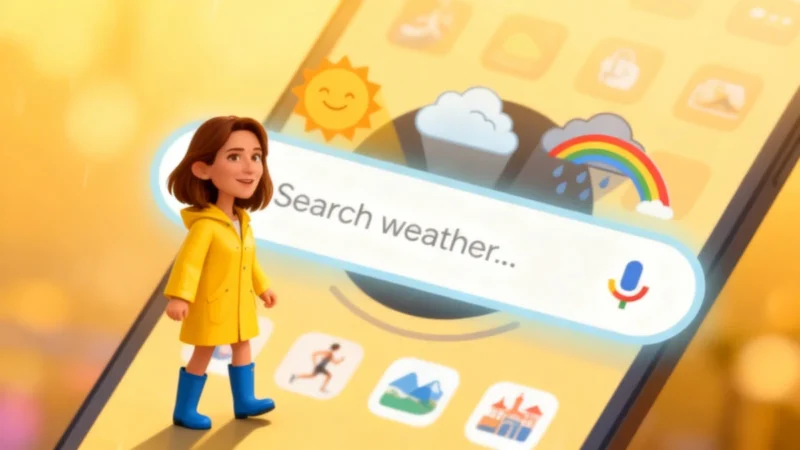
If you’ve been checking the forecast on your Android phone with Google’s weather shortcut, brace yourself: your favorite little sun-and-cloud icon has largely vanished. Instead, tapping it now takes you to a standard Google search results page for the weather—and a lot of users aren’t exactly thrilled about the switch.
From Full-Screen Forecasts to Search Results: What’s Changed?
For some users, this could be a reason to switch to another weather app. Google has been phasing out its de facto weather app on Android, directing people to simple search results instead. While many great alternatives exist on the Play Store—and Apple’s own Weather app is often discussed—this move still feels significant for users who relied on Google’s familiar setup.
Google’s decision isn’t unexpected. The transition began several months ago, but recently the migration has sped up. For years, Android users could launch a full-screen weather experience from a home screen shortcut, marked by a sun-and-cloud icon next to the classic “G.”
What Set Google’s Old Weather Experience Apart?
Tapping the shortcut once gave you a streamlined interface, featuring a search bar for switching between favorite cities and, of course, Froggy—Google’s frog mascot—set against a colorful background. The page displayed current temperature, daily forecasts, and real-feel weather, along with an hourly forecast carousel, a 10-day forecast, and detailed charts for wind, humidity, UV index, and atmospheric pressure. It was a straightforward, effective tool for getting the weather at a glance.
The Transition: Search Results Take Center Stage
But now, things are different. More Android users clicking their usual shortcut are being redirected to a standard Google search for the word “weather.”
This search page has recently been redesigned, possibly to make the change less jarring. The Froggy card is still visible, combining current conditions and the hourly carousel, but new features have appeared. Google has added dropdowns for precipitation, wind, and air quality—a welcome improvement—plus AI-powered summaries that distill the current situation.
The issue for many is that the feeling of a dedicated app is gone. For those who’ve received the notification that “Your weather page has moved,” the “See all details” button at the bottom has also disappeared. Scrolling down now leads to typical web links, not the rich weather graphs users were used to.
Why Did Google Do This, and What’s Next for Users?
This migration accelerated over the past several days. More devices have lost the old interface and now receive only the search-based version. The process isn’t fully complete, but Google’s direction is clear.
Why the change? While Google hasn’t provided an official explanation, it appears the company wants to avoid maintaining two different ways to show the same information. Centralizing forecasts in Google Search simplifies technical maintenance and encourages greater use of its search engine. While the unified approach may help Google internally, it comes at the cost of the specialized, user-friendly features Android users enjoyed.
Ultimately, a weather shortcut should just tell you if you’ll need an umbrella—not leave you searching for the forecast itself. While there are plenty of weather app alternatives available, losing Froggy and the old interface feels, for many, like the end of a uniquely Google part of the Android experience.


I was worried about this for a moment because the Pixel weather app is amazing. I looked it up, and that is safe, and I’m grateful. I would genuinely miss it.