If you spend a significant chunk of your day creating content — shooting, editing, posting, responding — Android 17 has clearly been built with you in mind. Google has announced a set of creator-focused features that cover capture quality, social media integration, and AI-assisted editing.
Screen Reactions
The most immediately useful addition is Screen Reactions. Creating a reaction video used to mean a second device, a green screen setup, or editing two clips together in post. Now it's a few taps: record yourself and your screen simultaneously, with your camera feed overlaid directly on top of the clip you're reacting to. Rolling out first on Pixel this summer, it's the kind of feature that will save a lot of people a lot of unnecessary hassle.
Instagram Gets a Proper Upgrade
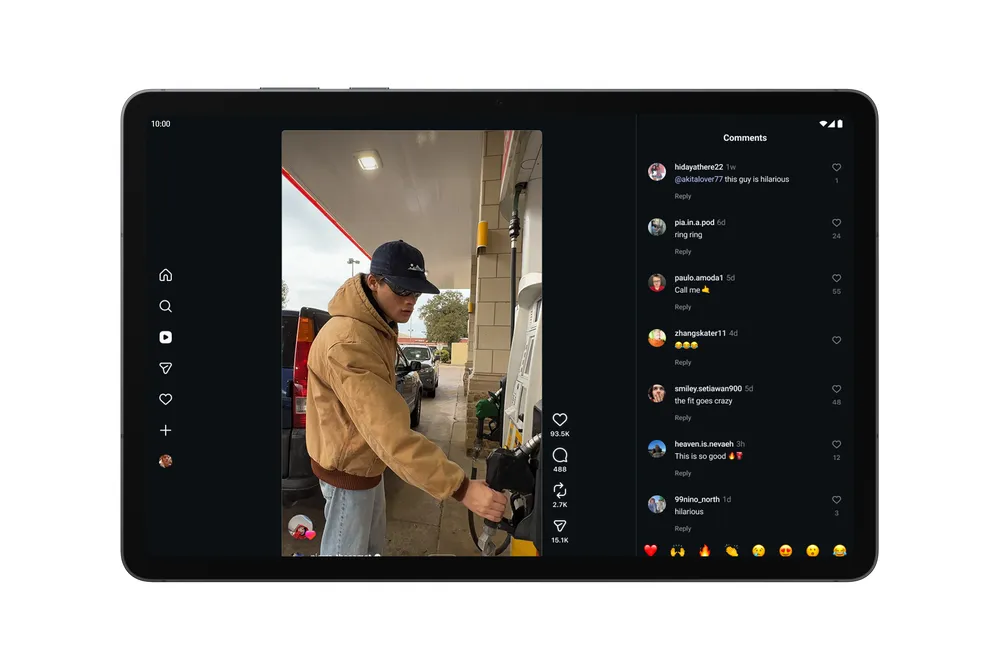
Google and Meta have worked together to bring a significantly better Instagram experience to flagship Android devices. That means Ultra HDR capture and playback for noticeably more vivid colors, built-in video stabilization that actually works while you're walking, and Night Sight integration for the kind of low-light shots that were previously a pain to get looking good on upload. The capture-to-upload pipeline has also been completely reworked. Side-by-side tests using Google's Universal Video Quality model show Android flagship uploads scoring equal to or better than the leading competitor. Instagram is also now fully optimized for Android tablets.
Edits App AI Tools
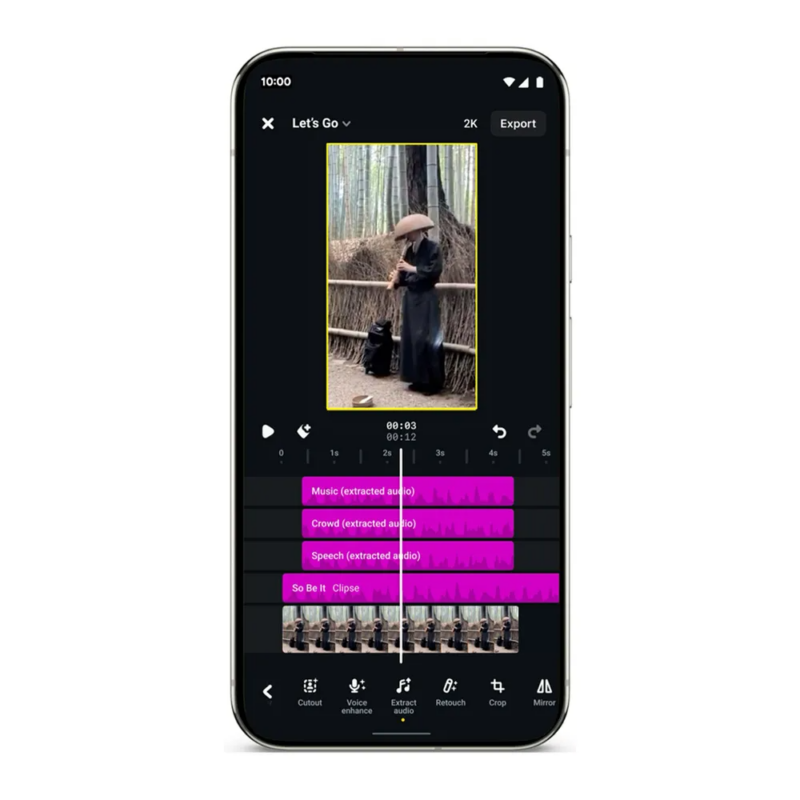
Instagram's Edits app gets two new on-device AI features exclusively on Android. Smart Enhance upscales photos and videos in a single tap. Sound Separation is the more interesting one: it identifies and separates audio tracks — wind, background noise, music — so you can boost what you want and ditch what you don't. If you've ever ruined a take because someone started a lawnmower outside, you'll know exactly why this matters.
Adobe Premiere and APV
Adobe Premiere is coming to Android soon, bringing professional templates and effects, including dedicated tools for creating and posting YouTube Shorts. Alongside that, Google and Samsung have co-developed a new professional video format called APV (Advanced Professional Video). It's the most storage-efficient pro capture format available, hardware-accelerated on the Snapdragon 8 Elite Gen 5, and currently live on the Samsung Galaxy S26 Ultra and Vivo X300 Ultra, with more flagships arriving later this year.
Who It's For
This isn't really about casual users — it's aimed squarely at people who use their phones as primary production tools. If that's you, Android 17 is quietly becoming a meaningful competitive advantage over iOS for mobile content creation.