




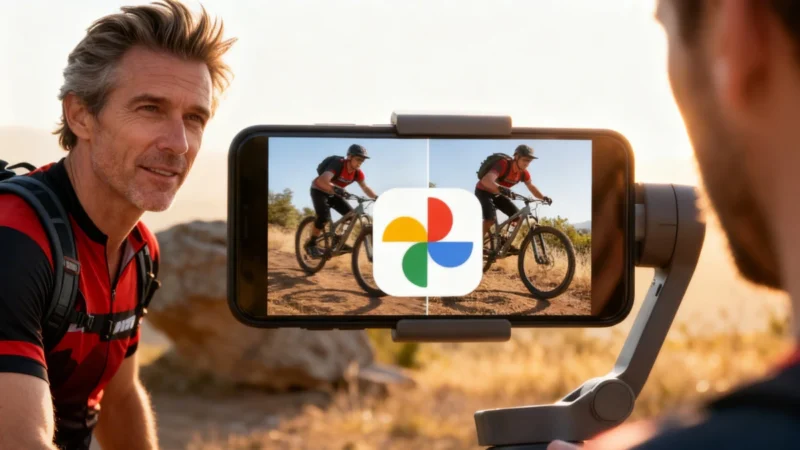
Think Google Photos is just your cloud attic for digital memories? Think again. Hidden within its features is a surprisingly effective AI-powered video stabilizer that’s been available since 2017—though most users seem to have forgotten it exists.
Stabilization: The Overlooked Google Photos Feature
Google Photos introduced video stabilization back in 2017. While the tech press at the time praised its debut, the feature quickly slipped out of the spotlight. As a result, most people started using Google Photos strictly as a storage tool or an easy way to back up their images and videos to the cloud, rarely exploring its other tools.
More Than Storage: How AI Smooths Out Shaky Footage
What often gets missed is that Google Photos is more than a digital locker—its editing capabilities are powered by advanced AI. The video stabilization tool uses sophisticated algorithms to smooth out shaky footage, creating results similar to what you’d expect from a physical gimbal. Clips that once seemed ruined by hand tremors or sudden shakes can often be restored, ready for sharing or revisiting. And you don’t have to clutter your phone with extra apps to get these results—everything happens right within Google Photos.
How to Use Stabilization in Google Photos
The process for using video stabilization is straightforward, although the exact steps can vary depending on your phone’s interface or which app version you have. Typically, on Android devices like Pixel or Samsung phones, you open a video in Google Photos, tap Edit, and look for the shaking frame icon in the Video tab. For example, with a Xiaomi Redmi Turbo 4 Pro, once you select “Stabilize,” the phone processes the footage. How fast it’s done depends on your video’s length and resolution. Tests with both HDR10+ and standard video files have shown the tool is consistently effective, delivering noticeably smoother playback every time.
Why Google Photos Stabilization Works Best on Android
Even though Google Photos is available for download in the App Store, the stabilization tool has historically remained exclusive to Android. That’s because the technology relies on an operating system-level API that only exists for Android. For those using Apple devices, the best free alternatives have been apps like CapCut or using the built-in Action mode (which requires setting it before you start filming).
For photo management, Google Photos still offers plenty to iOS users. However, when it comes to easily salvaging shaky videos after the fact, Android remains one step ahead.

Says stabilize on the Moto G Power.