




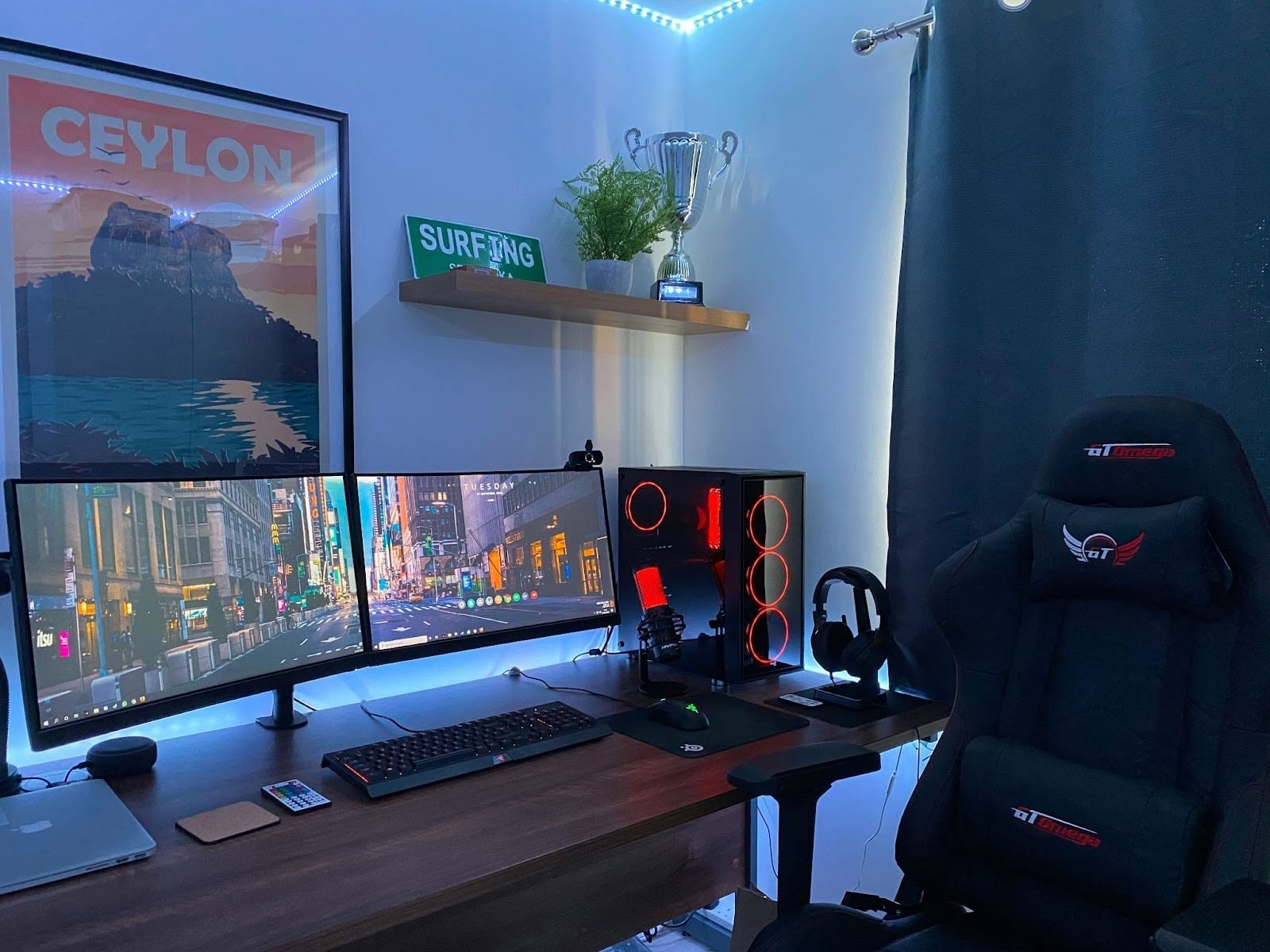
Every gamer dreams of having that perfect setup—a corner that feels like a personal command center, where everything from the lighting to the chair just works. But here's the thing: you don't need to empty your bank account to create a gaming space that's comfortable, functional, and downright inspiring. The secret isn't in chasing the most expensive gear; it's about making smart choices, understanding what truly matters, and building a corner that reflects your passion without the financial stress.
Whether you're transitioning from console to PC, upgrading from a cramped laptop setup, or starting fresh, this guide will walk you through creating a budget-friendly gaming corner that prioritizes comfort, performance, and smart organization. We'll explore everything from choosing ergonomic seating to managing power efficiently, selecting the right computer components, and even incorporating clever accessories that enhance your daily gaming experience.
Start with the Space: Planning Your Ideal Gaming Corner
Assessing Available Room Space
Before buying a single piece of equipment, take time to really look at your space. Grab a measuring tape and note the dimensions of your corner or wall area. Think about ventilation—your computer will generate heat, especially during intense gaming sessions, so adequate airflow matters more than you might realize.
Pay attention to natural lighting during different times of day. A window nearby can reduce eye strain during daytime gaming, but you'll want curtains or blinds to control glare on your screen. Most importantly, check where your power outlets are located. You'd be surprised how many people design their entire setup only to realize their nearest socket is five feet away in the wrong direction.
Creating a Minimal Yet Immersive Setup
Clutter is the enemy of focus. A clean, minimal setup doesn't just look better—it helps you concentrate and actually enhances your gameplay. Start with a compact desk that fits your space comfortably. Look for models with built-in cable trays or grommets that help route wires beneath the surface.
Consider LED strip lighting along the back of your desk or behind your monitor. These aren't just for show; they reduce eye strain by providing ambient backlighting and can be surprisingly affordable. Natural light during the day combined with warm LED accents in the evening creates a comfortable visual environment that won't fatigue your eyes during marathon sessions.
Choosing the Right Gaming Chair: Comfort Meets Functionality
Ergonomic Design on a Budget
Let's address the elephant in the room: gaming chairs have a reputation for being overpriced. While premium models from established brands offer exceptional build quality and features, you don't need to spend a fortune to get proper ergonomic support. The key features you absolutely cannot compromise on are lumbar support, height adjustability, and a recline function.
When shopping for best computer chairs, focus on models that offer adjustable lumbar cushions rather than fixed support. Your spine's natural curve needs proper backing, especially during those extended gaming sessions. Height adjustment ensures your feet rest flat on the floor with your knees at a 90-degree angle—critical for preventing circulation problems and leg fatigue.
The debate between gaming chairs and office chairs is worth mentioning. Office chairs often provide better ergonomic features at similar price points, though they lack the aesthetic appeal that many gamers prefer. Gaming chairs typically offer deeper reclines and adjustable armrests, which can be genuine advantages if you switch between gaming, working, and relaxing in the same spot.
Setting Up for Long Sessions
Even the best chair won't help if you're sitting incorrectly. Your back should rest against the chair with your shoulders relaxed—not hunched forward toward the screen. Position your monitor at arm's length, with the top of the screen at or slightly below eye level.
Take breaks every hour. Seriously. Stand up, stretch, walk around for five minutes. Your body wasn't designed for complete stillness, and regular movement prevents stiffness and improves your overall gaming performance by keeping you alert.
For chair maintenance, vacuum fabric surfaces monthly and wipe down armrests and controls regularly. Check bolts and screws quarterly—they can loosen with regular use, and a wobbly chair isn't just annoying, it's potentially unsafe.
Power Management: The Unsung Hero of a Smooth Gaming Setup
Importance of Safe and Efficient Socket Setup
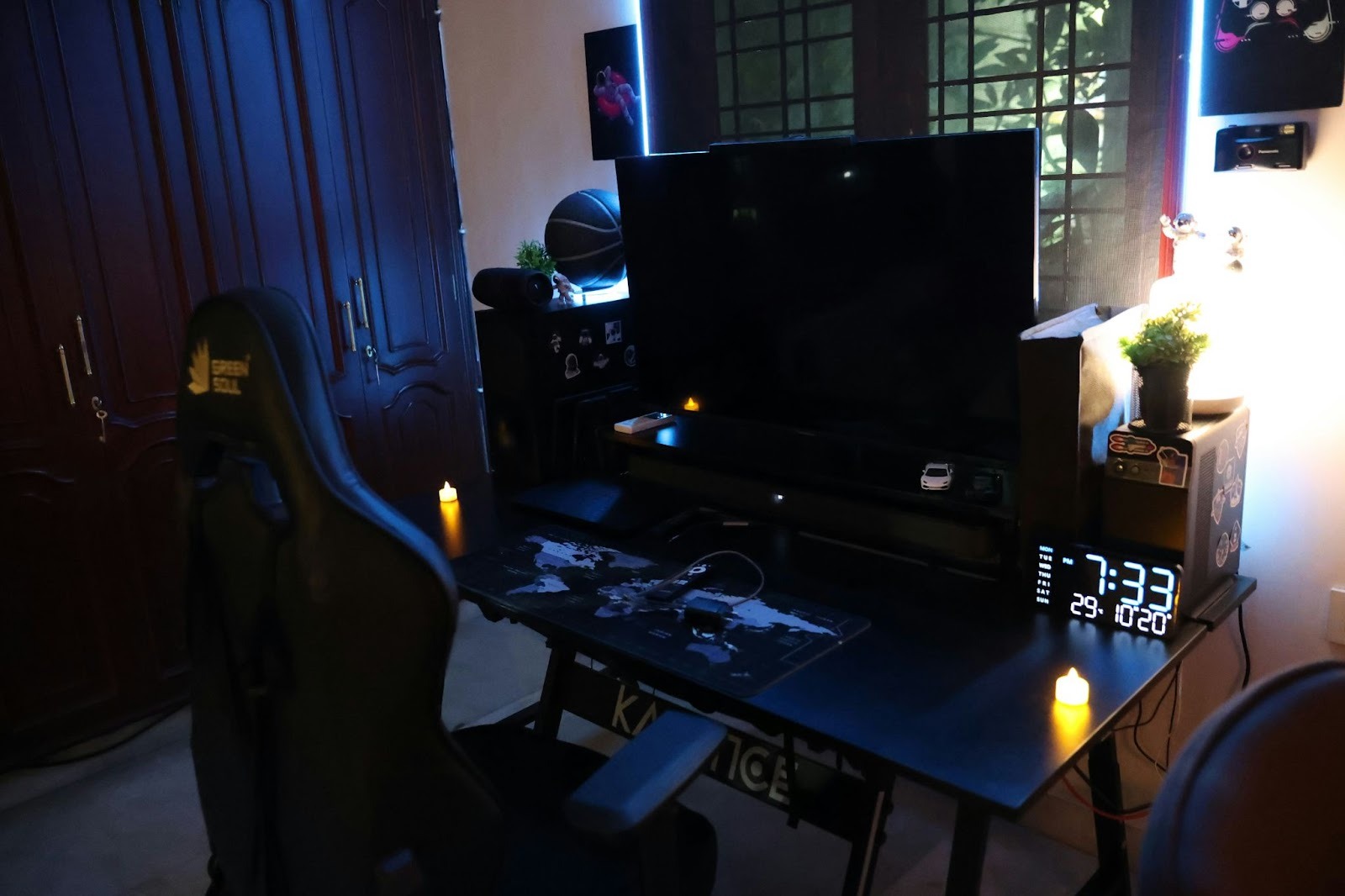
Power management rarely gets the attention it deserves in gaming setup guides, yet it's absolutely fundamental to both safety and convenience. Gaming rigs, monitors, speakers, charging devices—they all demand power, and plugging everything directly into wall outlets isn't practical or safe.
Invest in a quality surge protector with enough outlets for your needs. This isn't optional. Power surges from lightning storms or electrical grid fluctuations can fry expensive components in seconds. Look for surge protectors with joule ratings of at least 1000—higher numbers mean better protection.
Multi-socket extensions with individual switches are incredibly useful. You can control which devices stay powered and which go into standby, saving electricity and reducing heat generation when devices aren't in use. USB hubs built into power strips eliminate the need for separate wall adapters for phones, controllers, and other accessories.
Socket Placement Tips
Ideal socket placement is behind or beside your desk, easily accessible but out of sight. Nothing ruins a clean aesthetic faster than a tangled mess of cables snaking across the floor. If your outlets are far from your setup location, use a heavy-duty extension cord as a base, then connect your surge protector to that.
For mobile devices—whether you're an iPhone user who streams gameplay or someone who uses their phone for Discord while gaming—having dedicated charging spots prevents the annoying hunt for cables. Consider adding a small shelf or magnetic mount near your setup where your phone can rest while charging.
Color-coded cables or labels might seem excessive, but they're lifesavers when troubleshooting connection issues or rearranging your setup. Velcro cable ties are reusable and infinitely better than zip ties, which can damage cables if pulled too tight and create plastic waste when you need to reconfigure things.
Building Your Budget Computer Setup
Balancing Performance and Cost
The computer is obviously the heart of your gaming corner, and this is where strategic spending makes the biggest difference. The good news? You don't need the absolute latest hardware to enjoy most modern games at respectable settings.
Your approach should depend on what you play. First-person shooters benefit most from high refresh rate monitors and responsive peripherals. RPGs and story-driven games can run beautifully on mid-tier graphics cards. Simulation games often demand strong CPUs more than GPUs.
For budget builds, prioritize a solid graphics card—it's the single most important component for gaming performance. Mid-range options from previous generations often provide incredible value. Pair this with a capable processor, but you can save money here by avoiding the absolute top-tier models. The performance difference in gaming between a high-end and mid-range CPU is often minimal.
Don't skimp on storage. An SSD for your operating system and frequently played games is non-negotiable in modern setups. The speed difference compared to traditional hard drives is dramatic—we're talking 10-second boot times versus minutes, and virtually eliminating in-game loading screens.
Essential Accessories for a Complete Setup
A decent mechanical keyboard doesn't need to cost hundreds. Budget mechanical options have improved dramatically, offering satisfying tactile feedback and durability. For mice, prioritize comfortable grip and reliable sensors over flashy RGB lighting and excessive buttons.
Headsets are tricky because personal comfort varies wildly. If possible, try before you buy. A $50 headset that fits comfortably for hours beats a $150 model that gives you headaches after 30 minutes.
Adjustable monitor stands or arms are worth their weight in gold for ergonomics. Being able to adjust screen height, tilt, and distance helps maintain proper posture and reduces neck strain significantly.
Smart Tech Integration: Enhancing Convenience and Style
Using Pop Sockets and Mobile Accessories
Modern gaming extends beyond just your computer screen. Whether you're checking Discord messages, streaming to Twitch from your phone, or using mobile companion apps for games, your smartphone is part of the ecosystem.
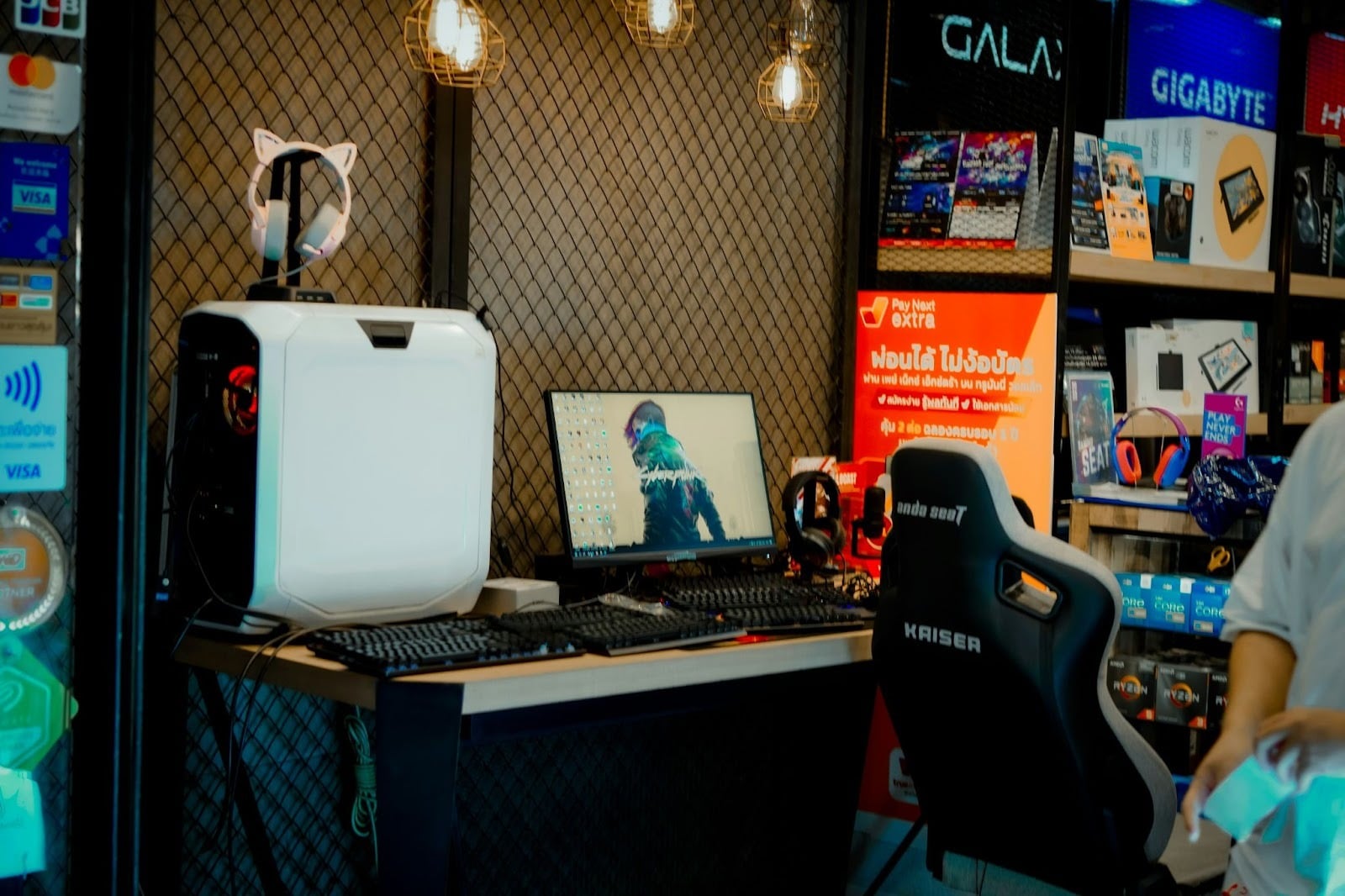
An iPhone pop socket might seem like a small addition, but these accessories genuinely enhance usability. They provide better grip when holding your device one-handed, prevent accidental drops, and can function as a stand for hands-free viewing. For streamers who monitor chat or alerts on their phones while gaming, pop sockets create a more stable viewing angle on your desk.
Beyond just grip enhancement, pop sockets come in countless designs, letting you personalize your phone to match your gaming setup's aesthetic. Some models even include wallet functionality or swappable tops, adding versatility to this simple accessory.
Consider how your mobile device integrates into your gaming routine. Some players use tablets as second screens for walkthroughs or stat tracking. Others keep their phones handy for quick research or communication. Having dedicated spots and accessories that accommodate these devices keeps your workflow smooth.
Smart Lighting and Voice Control
RGB lighting has become synonymous with gaming culture, sometimes to excessive degrees. But thoughtful lighting genuinely improves your space. Affordable LED strips behind monitors or under desks create ambient backlighting that reduces eye strain and adds personality.
Smart bulbs or plugs let you control your entire setup's lighting with voice commands or smartphone apps. Imagine saying “gaming time” and having your overhead lights dim, desk lights activate to your preferred color, and your computer wake from sleep. These automations aren't just cool—they create consistent, comfortable lighting conditions that benefit your eyes and mood.
Cable and Accessory Organization: The Aesthetic Factor
Keeping It Clean and Efficient
The difference between an amateur setup and a professional-looking corner often comes down to cable management. It's not glamorous work, but it's transformative.
Under-desk cable trays are simple, affordable, and remarkably effective. They keep power strips and excess cable length off the floor and out of sight. Adhesive cable clips can route individual wires along desk edges or legs, maintaining clean lines.
Here are some affordable organization tools that make a real difference:
- Velcro cable ties in various lengths for bundling wires
- Adhesive cable clips for routing individual cables
- Cable sleeves that bundle multiple wires into one clean tube
- Under-desk trays or baskets for hiding power strips
- Label makers for identifying cables at connection points
Displaying Gear and Personal Touches
A gaming corner should reflect your personality, not just be functional space. Small shelves can display controllers, collectible figures, or your headphone collection when not in use. This keeps items accessible while adding visual interest.
Plants—real or high-quality artificial—soften the tech-heavy aesthetic and improve air quality if you opt for real ones. Posters or LED signs related to your favorite games personalize the space without significant cost.
The goal is intentional decoration. Each item should either serve a purpose or bring genuine joy. Random clutter achieves neither.
Budget Breakdown and Cost-Saving Tips
Prioritize What Matters Most
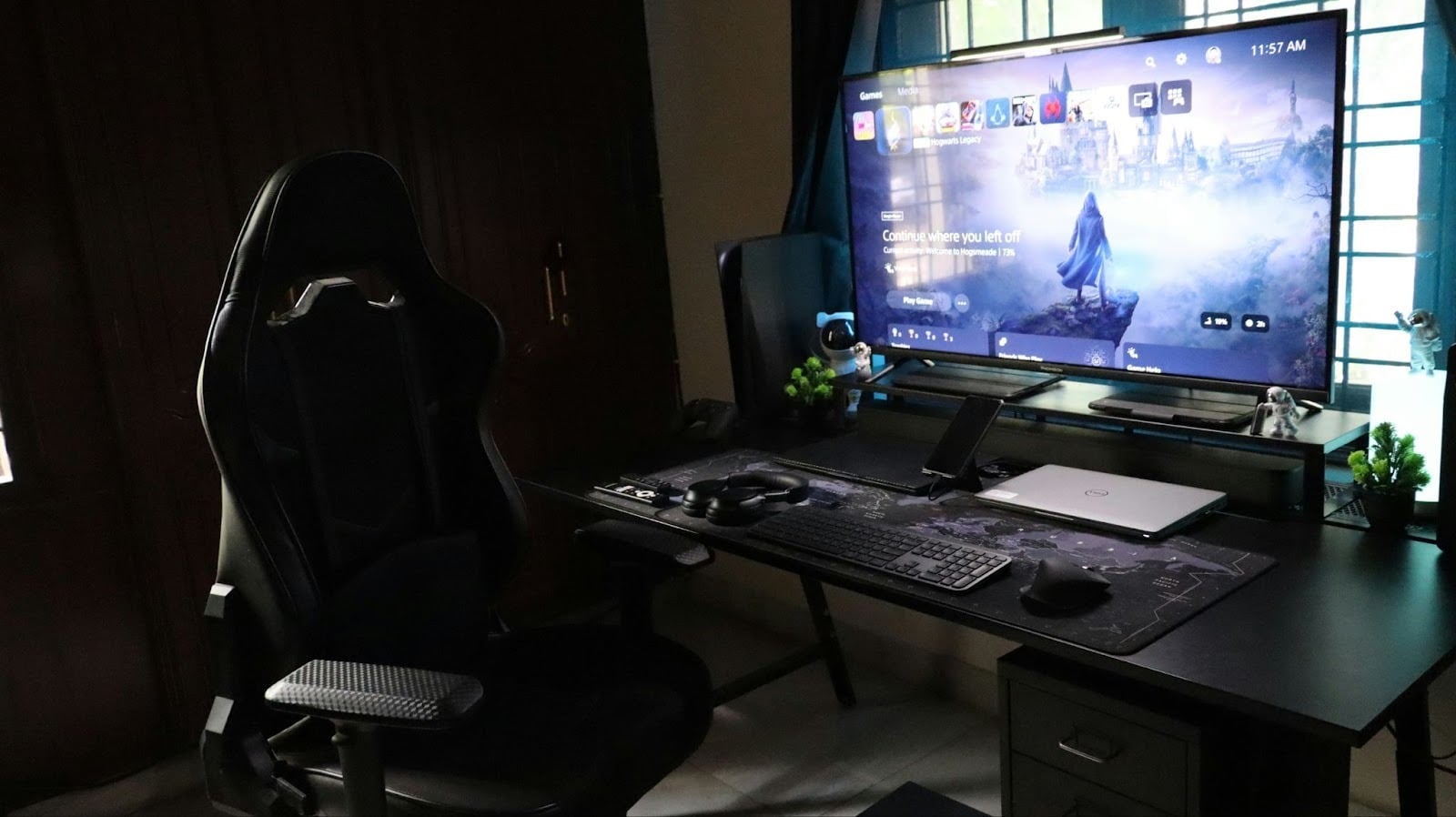
If you're working with limited funds, spend strategically. Your chair and computer deserve the bulk of your budget—these directly impact comfort and performance. Peripherals, decorations, and accessories can be upgraded gradually.
The used and refurbished market offers remarkable value for patient shoppers. Previous-generation graphics cards, monitors, and peripherals often perform excellently at fraction of new prices. Check manufacturer refurbished sections and reputable resellers rather than random online marketplaces.
A sample starter setup under $600 might include:
- Budget gaming PC or console: $350
- Ergonomic chair: $120
- Desk: $60
- Monitor (used or budget model): $50
- Peripherals (keyboard, mouse, headset): $40
- Power management and accessories: $30
This leaves room for personal adjustments based on whether you prioritize better graphics, more comfortable seating, or additional features.
DIY Enhancements
Creativity stretches budgets considerably. LED strips can be mounted with simple adhesive backing—no installation skills required. Phone tripods become monitor stands or camera mounts for streaming. Wood planks and brackets from hardware stores create custom shelving for a fraction of pre-made furniture costs.
Look at your setup through a problem-solving lens: what bothers you or could work better? Often, simple, inexpensive solutions exist once you identify the specific issue.
Maintenance and Upgrade Roadmap
Keeping Your Setup Running Smoothly
Monthly maintenance prevents bigger problems. Dust your computer internals, wipe down surfaces, check that cables remain properly secured, and test your surge protector's indicator lights.
Back up important files regularly—whether save games, streaming content, or work documents. Driver updates keep your system running optimally and often improve performance in newer games.
Plan upgrades thoughtfully. Adding more RAM, upgrading storage, or replacing your graphics card every few years keeps your system relevant without requiring complete rebuilds. This incremental approach spreads costs over time and lets you prioritize based on current needs.
Conclusion: Build Smart, Play Better
Creating a budget-friendly gaming corner isn't about compromise—it's about intentionality. By focusing on ergonomic seating that supports your body, efficient power management that protects your investment, thoughtful computer component selection that matches your gaming style, and smart accessories that enhance both function and aesthetics, you build a space that serves you well for years.
The best gaming corners aren't measured by their price tags but by how well they support your passion. A well-organized, comfortable, personalized setup enhances every gaming session, whether you're competing in ranked matches, exploring vast open worlds, or simply unwinding after a long day. Your gaming space should evolve with you, reflecting both your personality and your needs—and that journey starts with smart planning, not unlimited spending. Game on.

