




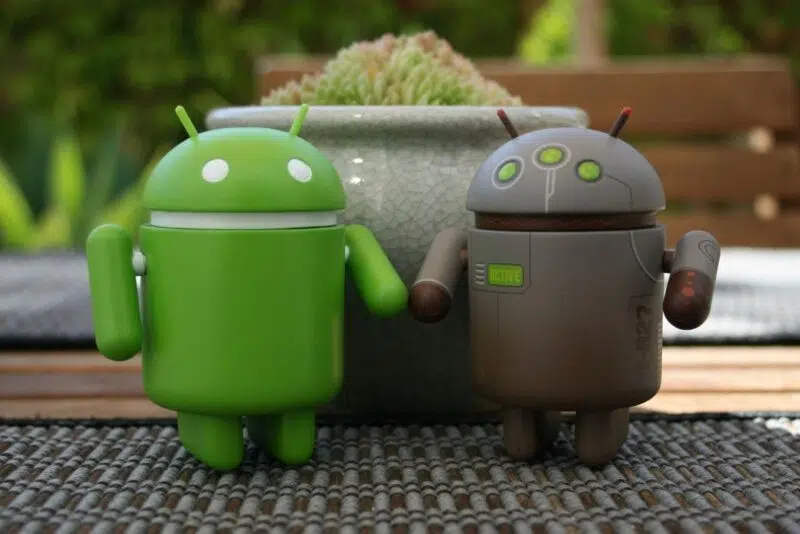
There’s something undeniably satisfying about unboxing a brand-new phone — peeling off that plastic screen protector is pure dopamine. But then comes the part we all secretly dread: transferring your data. Thankfully, a new feature called Android Switch is changing the game, making the handoff from old to new far smoother than before — and not just for Pixel users.
A smarter way to move your data
Until now, data transfer between phones typically had to happen during initial setup. Miss that window, and your only option was to reinstall apps manually and hope your cloud backups were up to date. But with Android Switch, that’s no longer the case.
Launched with the Google Pixel 9 and also available on the Pixel 10, this new tool enables users to merge data from an older phone after the initial setup, even weeks later. And the best part? Google has hinted that this feature will roll out to more Android phones via an app update in the near future.
Where to find it (if it’s available yet)
If you’re using a Pixel 9 or 10, the process is simple. Just head to Settings > Backup or Copy Data > Copy Data > Start. For everyone else, keep an eye on the Android Switch app in the Google Play Store. A fresh update might quietly unlock this feature on your device.
Although it’s not yet available on Samsung Galaxy models, Google has promised broader support by 2025 — so it’s worth checking back periodically. Once it lands, it could become one of the most user-friendly upgrades Android has offered in years.
How to use Android Switch
Once you’ve updated the app (if needed), launching Android Switch gives you two key options:
- Express Transfer: This pulls in any content from your old phone that isn't already backed up to your Google account. Think of messages, call logs, apps, and settings.
- Custom Transfer: Want more control? This lets you choose exactly what to bring over — whether it's just contacts and messages or a full settings and app migration.
You’ll connect your devices by scanning a QR code, and the app will guide you through the process step by step from there. Importantly, this process won’t erase or overwrite your current phone’s data. It simply fills in the blanks, which is handy if you forgot to transfer something or left a few files behind.
Why this update matters
For people juggling multiple phones or switching platforms, Android Switch simplifies what used to be a frustrating process. And for anyone moving from iOS, this could make transitions even smoother in the future. The fact that it works after setup means no more factory resets or awkward workarounds to grab a missing app or contact.
This represents a significant step toward making Android more flexible, particularly for users who don’t want to start from scratch every time they upgrade.
So if you’re eyeing a new Android device — or just discovered you left your entire call history on your old one — Android Switch might just be your new best friend.


Well first for citizens needing this option is great, but adding to device without consent is another. Second to be obliged to have this turn on for your device to work properly, now samsung added Google to my settings options so without my consent. This option work with google now like many on my device without my choice, and if I disabled thoses options my device doesn’t work properly. Maybe citizens doesn’t want google but obligated to used ….. looking for options to remove completely of my device to be able to used my choice.