

You may be familiar with YouTube livestream ads where videos shrink to make room for them. It's normal, and Google is proud of it. In a recent development, YouTube has officially rolled out side-by-side ads for the livestreams on mobile.
The format, which has been live on desktop and TV since last year, splits the player so the ad runs alongside the stream. However, the stream's audio is intentionally muted for the duration, and you'll wait for it to finish.
YouTube ads are never going away
There was a time when YouTube ads were a minor inconvenience. A single skippable ad before a video meant a five second wait. Since Google introduced unskippable ads up to 30 seconds, it's ruined the experience.
Now it's common to sit through two unskippable commercials back to back, and there is nothing you can do about it. Free users are more at a disadvantage, with the YouTube Premium existing as the official solution to all of these problems.
Lauren, a program manager on YouTube's team and producer of Creator Insider, revealed a new update in a recent YouTube video.
Side-by-side ads will continue to appear in livestreams on the app. The format lets ads play alongside a livestream so creators can still earn ad revenue without a full-screen interruption, with the note that they'll expand it to more creators down the line.

Google Lens is coming to YouTube
On a lighter note, a second development to hit the streaming platform is Google Lens support. Google Lens is coming to YouTube Shorts as a beta, and rolling out to all viewers already.
While watching a Short, you can pause, tap the Lens option in the top menu, and then draw, highlight, or tap anything on screen to pull up visual search results. You can use it to identify anything.

The results overlay on the Short itself, and you can jump back into the video easily after. However, it won't work on Shorts that have YouTube Shopping affiliate links or paid product promotions.
YouTube doesn't explicitly say why, but the implication is clear enough. They don't want Lens helping you find the same product cheaper elsewhere when a creator has a shopping deal tied to it. Plus, tagging a product disables the Lens search.
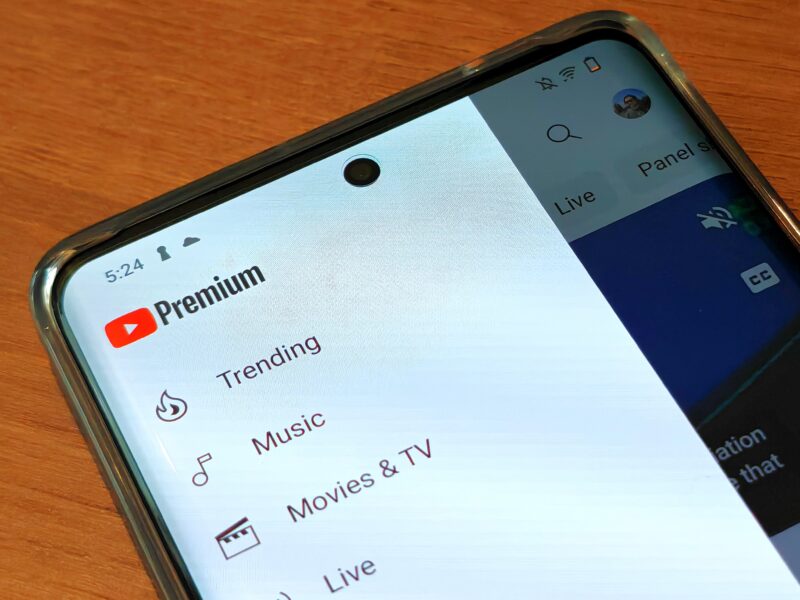
Get YouTube Premium to eliminate ads
YouTube Premium costs $16 monthly for the individual plan and it removes ads. However, it doesn't stop you from seeing creator-sponsored promotions within videos, branded content, or “limited-offer” ads.
Premium also offers offline downloads and lets you save videos locally to watch without an internet connection. You can use it for commutes, flights, or anywhere your signal is unreliable. But the downloads are locked to the YouTube app, so you can't actually transfer or keep the files outside of it.

Background play keeps videos running even when you lock your screen or switch to another app. On the free tier, the video pauses the moment you leave the app.
YouTube Music ad-free is also bundled with the subscription, although whether that adds value depends entirely on if you'd use it over whatever streaming service you already have.