Introduction
Need to overcome language barriers with ease? In 2025, the need for a free video translator has never been prioritised. AI-based video translation software is changing the manner in which we interact, whether between creators across the world or between businesses. This guide will discuss the 7 top AI video translator apps of 2025 that can help you increase your global reach.
Part 1: What Makes a Great Video Translator
The correct AI video translator will transform the situation when it comes to covering an international crowd. A great translator goes beyond what is stated in the spoken words; they ensure it is accurate, culturally sensitive, and flows naturally. The significant attributes include sophisticated voice recognition, multi-language support, and seamless synchronisation of audio, subtitles, and images.
A good AI video translator must also have good voiceovers that are not robot-like but have a human tone. The speed and ease of use are also critical, particularly to creators, businesses and educators who work with a lot of video content. Security and privacy are also considered to be of great importance because sensitive media ought to be safeguarded during translation.
After all, the most appropriate video translator is a combination of accuracy, efficiency, and economy. It assists in the growth of businesses worldwide, allows creators to reach a wide range of audiences, and provides viewers with the chance to watch authentic material in their native language. Through these attributes, an AI video translator is a vital application in modern digital communication.
Part 2: Best AI Video Translators with Voice Dubbing
Here are some of the robust AI Video Translators discussed comprehensively.
1. BlipCut
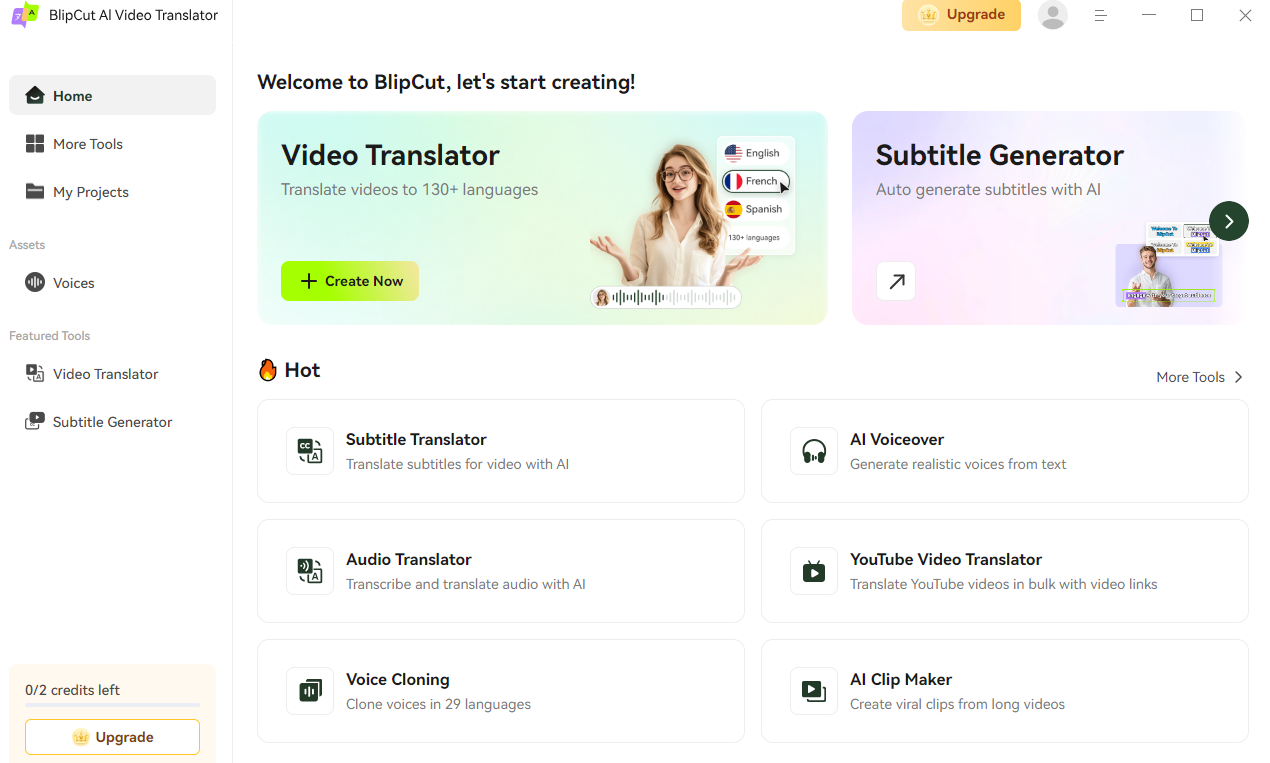
When it comes to reaching a global audience, producers typically seek a YouTube video translator that provides natural-sounding dubbing in addition to subtitles. BlipCut is a robust and dependable option. It was developed to satisfy the demands of educators, companies, and content producers. It enables them to translate videos into several languages while preserving their professional calibre and delivery. Its AI dubbing and editing capabilities make it especially useful for YouTube, social media, and corporate presentations.
BlipCut’s Robust Key Functionalities
- Multi-Language: Video contents are translated into more than 130 languages.
- AI Subtitle Generation and Translation: AI identifies speech to produce correct subtitles.
- AI Dubbing/Lip-Sync: Provides different AI voices and also provides voice cloning to make it sound lifelike.
- AI Editing and Transcription: Enables editing of long videos into short and shareable clips in a single click.
- Bulk Processing: Allows batch processing and automatic sequential processing.
Step-by-Step Guide to Using Blip Cut’s AI Video Translator
Step1: Insert File & Translate
Choose the AI Video Translator feature after downloading the BlipCut AI Video Translator from its official website. You may either input a video link into the program to start the translation process or click the Upload option to select a video from your device.
Step2: Go to the Edit Page
After the translation is complete, click the video to access the Edit page, where you may review both the translation and the transcription.
Step3: Modify the Transcription
The transcribed text is on the left; click on the section you wish to change. Always click the centre arrow to change the translation at the same time you make changes.
By selecting “Merge Card,” you may alter a statement that has been divided into two cards. Remember that it is better to retranslate the statement at this stage.
If a section of the transcribed text is missing, you may add a card, type the transcription, and translate it to fill it in.
NOTE: The card cannot be inserted if the interval between two card timestamps is too small.
Step4: Change the Translation
Click on the appropriate section where you wish to make changes if you just need to alter the translation. If the speed is too quick, you may change the text and play each segment of the speech.
To assist you in compressing the translation, you may also utilise ChatGPT's rewrite option. Finally, click the Apply button.
You may rapidly re-translate to the most recent language by clicking “+ Language,” choosing the desired language in the pop-up box, and then clicking the “Translate” button.
Step5: Examine the Results
Once editing is complete, you can view a real-time preview of the output by clicking the Play icon.
Step6: Download the Video
Once everything is finished, select your file types by clicking the Export button.
After a few seconds, in order to correctly save your file or files, you must click the Download button on the pop-up box.
2. Notta Showcase
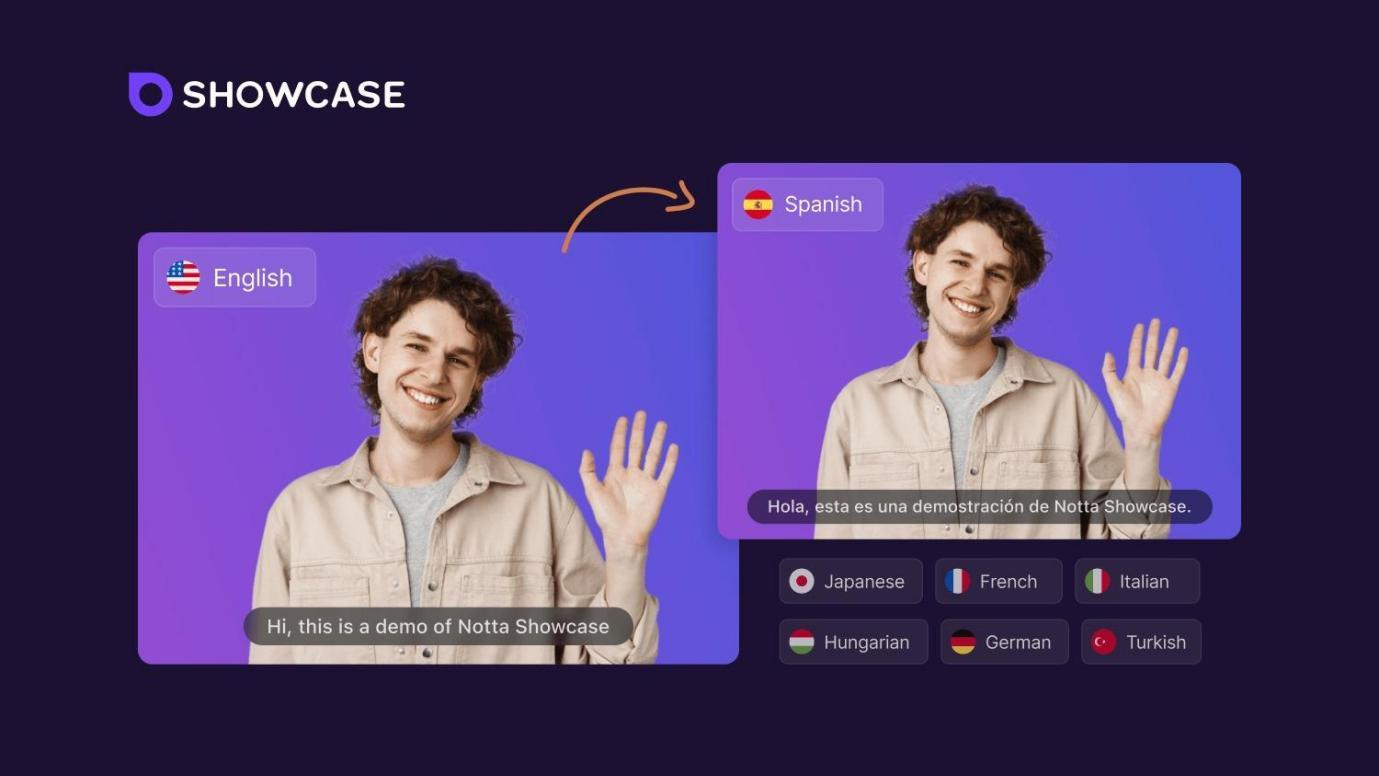
It is an excellent AI video translator that can be used during meetings, webinars, or to translate educational content, as it offers perfect translation and accuracy. The platform will be of strength in that it is simple and capable of providing multilingual accessibility within a short time.
Key Functionalities & Features
- High-accuracy automatic speech recognition.
- Multi-language real-time generation of subtitles.
- Video translation and AI-based video transcription.
- Connection to other large platforms such as Zoom and Teams.
- Exporting subtitles and transcripts.
Pros
- Extravagantly precise speech-to-text conversion.
- Trustworthy both at the corporate and academic levels.
- Favours teamwork.
- Secure cloud storage
- Supports significant conferencing software.
Cons
- Few customisations in dubbing.
- The free version is limited in its features.
3. HeyGen
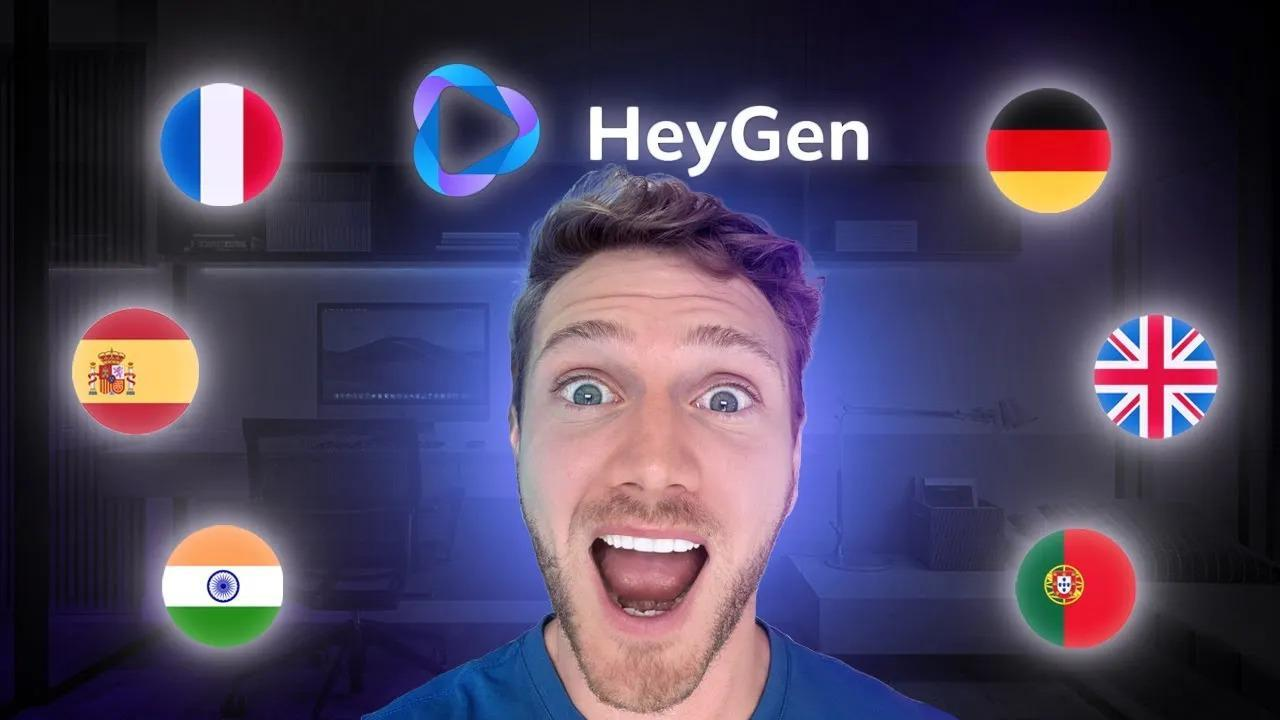
HeyGen is an intended AI video translator, which is acclaimed for its high-tech artificial intelligence avatars and realistic dubbing features. Marketers, educators, and YouTubers who do not wish to spend money on a professional studio are particularly fond of it.
Key Functionalities & Features
- Lip-sync dubbing-generated AI-based avatars.
- Cloning of voice to suit branding.
- Instant generation and translation of subtitles.
- International multilingualism.
- Connection with the social media publishing tools.
Pros
- Highly engaging AI avatars
- User-friendly editing environment.
- Helps to maintain brand voice.
- Superior in marketing and education.
- Offers professional-level dubbing.
Cons
- High prices for superior features.
- Needs an active internet connection to operate.
4. Vizard
Vizard is a useful AI video translator designed to help creators quickly reuse long-form videos in multilingual short videos. It has a broad adoption of YouTube Shorts, TikTok, and Instagram Reels.
Key Functionalities & Features
- AI-based video clipping of continuous videos.
- Subtitle automatic generation and translation.
- Social media video editing with one click.
- Automatic scene detection
- Multi-language dubbing and support.
Pros
- Saves time using automatic video clipping.
- Perfect social media producers.
- Synchronisation of subtitles.
- Hustle-free transfer to other platforms.
- Easy editing functionality.
Cons
- Poor customisation for advanced users.
- The increased concentration on short-form videos alone.
5. Flixier
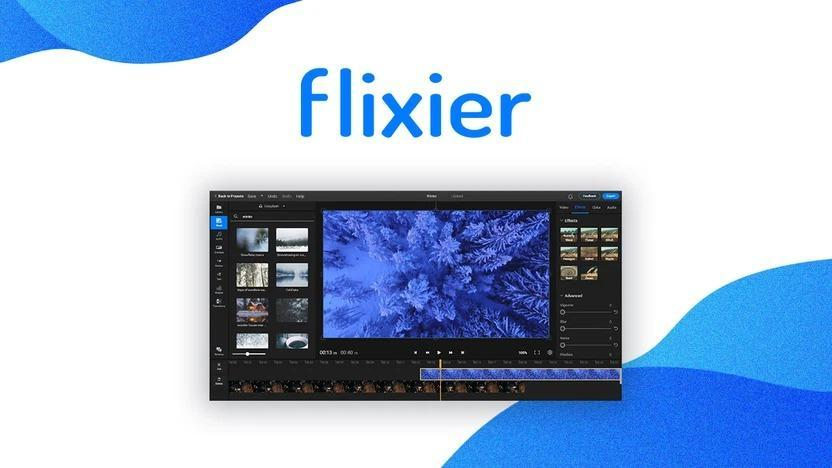
Flixier is a multifunctional AI video translator that provides an option to use professional video editing and a powerful translator. It is preferred among content creators, agencies, and businesses that require editing power and multilingual capabilities in a single platform.
Key Functionalities & Features
- Collaborative video editing on the cloud.
- Generation of AI subtitles and translation.
- Multi-language dubbing and voice effects.
- Incorporation of stock media libraries.
- Team sharing of projects in real-time.
Pros
- Edits and translates on a single platform.
- Web-based, with no extreme requirements on the system.
- Superior in firms with various clients.
- Large stock media support
- Quick project turnaround.
Cons
- Always needs an internet connection.
- Certain features are locked in the superior plans.
6. VMEG
VMEG is an AI video translator that is gaining popularity due to its high-quality dubbing and real-time translation capabilities. It is also oriented towards providing natural and context-concept translations, which is why it can be used in e-learning, entertainment and business communication.
Key Functionalities & Features
- Context-sensitive translation AI-assisted dubbing.
- Subtitles generated in real-time.
- Global multi-language transcription.
- Voice cloning is used to retain the speaker's profile.
- Subtitling and voiceovers are automated.
Pros
- Contextual accuracy in translations
- High-quality voiceovers
- Dependable as a source of education.
- Data security focus
- Efficient bulk processing
Cons
- Inadequate design customisation tools.
- Less user base than large competitors.
7. Wavel. AI
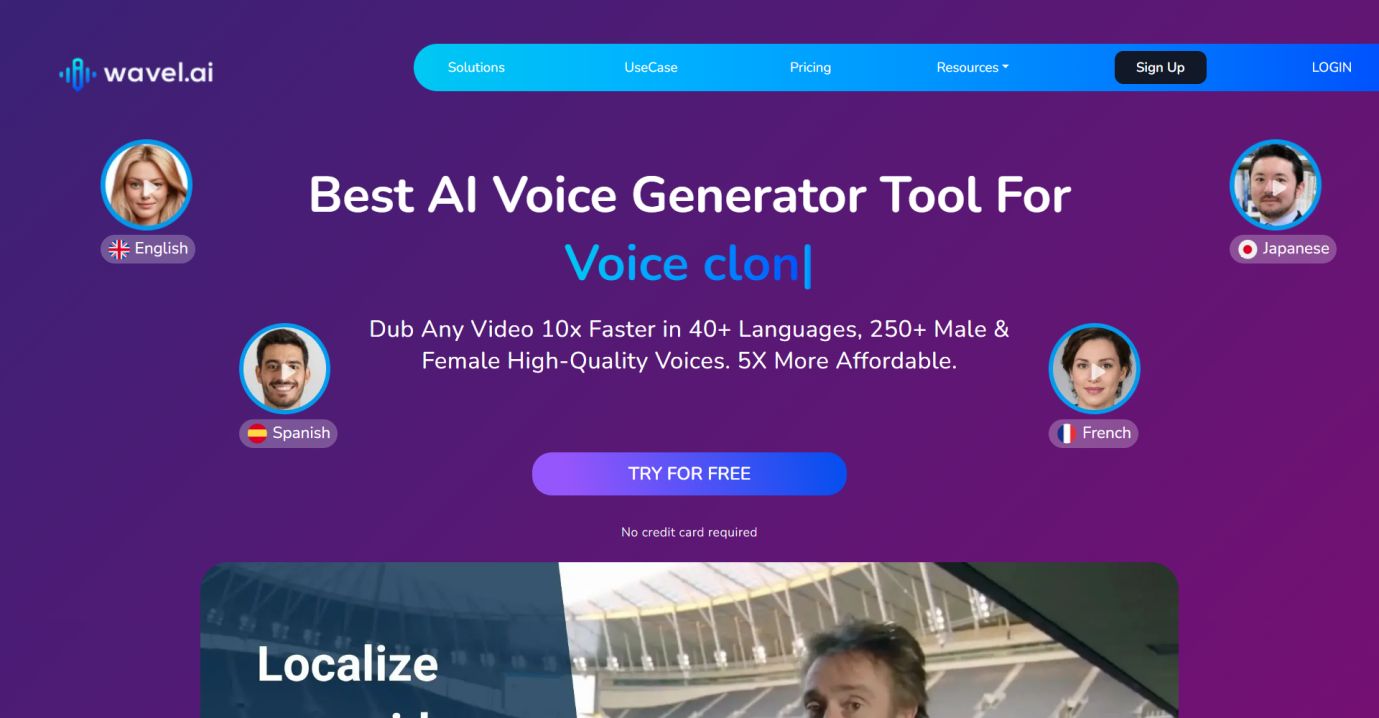
Wavel.AI is among the most comprehensive AI video translators available on the market, offering end-to-end services including dubbing, subtitles, and voice translation. It has been proven to be scalable, and it is popular among businesses, the media industry, and large-scale educational institutions.
Key Functionalities & Features
- Subtitle generation and AI translation.
- Dubbing in a natural language in 30+ languages.
- Voice cloning and voice recognition.
- Safety of cloud storage and team management.
- Multi-format exportation facilities.
Pros
- Very scalable to large businesses.
- Outstanding dubbing and translation.
- Strong teamworking capabilities.
- Open source accessible API.
- Trusted and stable platform.
Cons
- More complex for beginners
- More expensive than tools that can be used casually.
Part 3: FAQs About AI Video Translation
Q1. What Is a Free Video Translator, and How It Works?
A free video translator utilises AI to translate the spoken words in videos into a different language. It produces subtitles or dubbing and maintains audio and video synchronisation.
Q2. Can AI Video Translators Maintain Natural Voice Quality?
Yes, voice cloning and high-level speech synthesis enable modern AI tools to offer a realistic dubbing option, making video sound good and natural.
Q3. Are Free Video Translators Suitable for YouTube Creators?
Absolutely. A free video translator can help YouTubers connect with a global audience, add more multilingual subtitles and dubbing, and increase audience visibility and interest.
Conclusion
The selection of the appropriate AI video translator is the key factor to overcoming language barriers and increasing your reach across the globe in 2025. Most of the tools are commendable, but BlipCut is particularly useful due to its accuracy, dubbing capabilities, and efficiency. BlipCut translator, whether on YouTube, in business, or in education, enables creators to communicate with the world straightforwardly and professionally.