




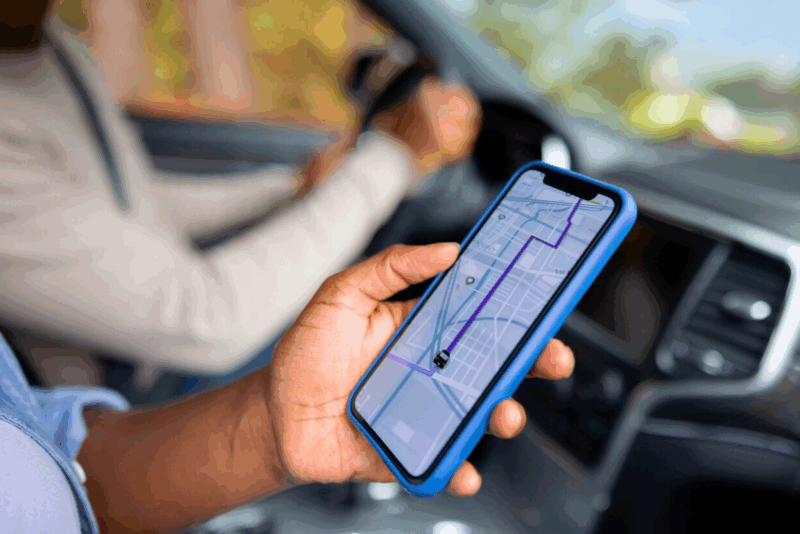
Stuck in a tunnel with your GPS frozen? Not anymore. Google Maps has just introduced a clever feature that keeps your navigation smooth even when the signal drops. Here’s what it does, why it matters, and how you can switch it on in seconds.
More than just a map app
For years, Google Maps has been the trusted co-pilot for millions. Whether it’s reaching a job interview on time or hunting down a hidden cafe, it’s become second nature to open the app. Yet many people only use it for basic directions, overlooking the wealth of smart tools tucked inside.
You can, for example, save your parking spot so you don’t wander around a car park in despair. Or share your real-time location with friends so they know exactly when you’ll arrive. For pedestrians, Live View projects arrows onto the street through your camera, guiding you like a digital trail of breadcrumbs. And if you fancy a touch of fun, you can swap the blue arrow for a cheerful little car icon.
The underground problem solved
Driving through tunnels used to be a nightmare: the moment you lost GPS, your route froze. But now, Bluetooth beacons placed in certain tunnels keep your journey flowing without interruption. Already in use in places like Paris’s La Défense district, these transmitters make sure you don’t miss a turn when it matters most.
The update is not just for tunnels. Expect it to prove useful in underground car parks, shopping centres, and railway stations where signals usually vanish.
How to switch it on
Turning on this new feature couldn’t be simpler. Open Google Maps, go to Settings, tap on Navigation, then on Driving options. There you’ll find “Tunnel Bluetooth beacon.” Activate it, and from then on, your directions will stay reliable, even underground.
Fine-tuning your compass
For walkers, there’s another common issue: the blue dot that spins around aimlessly. The quick fix? Move your phone in a figure-of-eight pattern a few times. It looks silly, but it recalibrates the compass instantly.
If the problem lingers, check your settings. Keeping Wi-Fi and mobile data active (even without a connection), disabling battery saver mode, and avoiding weak-signal spots will all help Google Maps stay sharp.
The bottom line
With the arrival of tunnel navigation via Bluetooth beacons, Google Maps proves it’s more than just a mapping tool. Add in small tricks like compass calibration and parking reminders, and it becomes a reliable everyday travel companion.
Next time you’re navigating city streets or diving underground, these tweaks could be the difference between arriving calm and confident or popping up at the wrong exit, scratching your head.


And yet you still cant set profiles for different vehicles with different max speeds for tge vehicles etc. Then only thing Google maps guarantees is journey time always wrong, and the speed limits are regularly wrong. Basic things for a navigation system.