



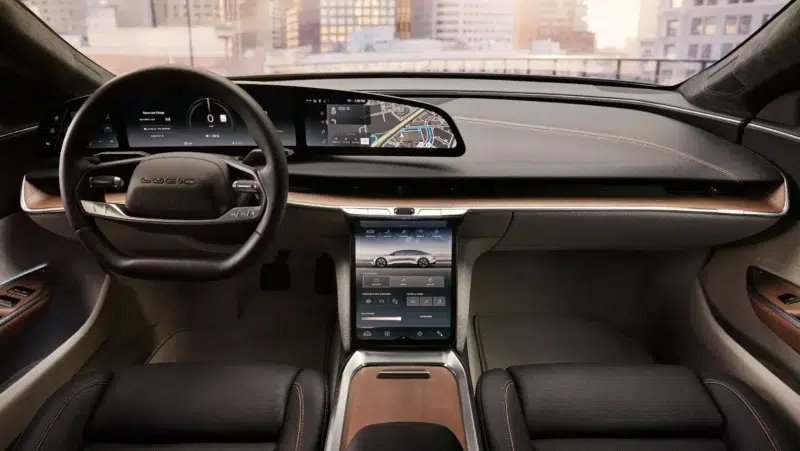
If you consider yourself to be a gearhead, you'll know that electric vehicles (EVs) are taking the industry by storm. Whether you're a purist or not, it is clear that a decade from now, there'll be a lot fewer non-electric vehicles on the market. I like EVs, but my favorite cars use the good ol' internal combustion engine. The times are changing, though.
One popular EV brand is Lucid, and most people would agree that the Lucid Air is the most popular model that it has. Despite how popular it has been, though, it hasn't been enough to warrant Android Auto compatibility from the manufacturer. Well, up until now, at least. A new update will finally let you connect your Android phone to your Lucid Air.
The Lucid Air Now Supports Android Auto in North American and European Markets
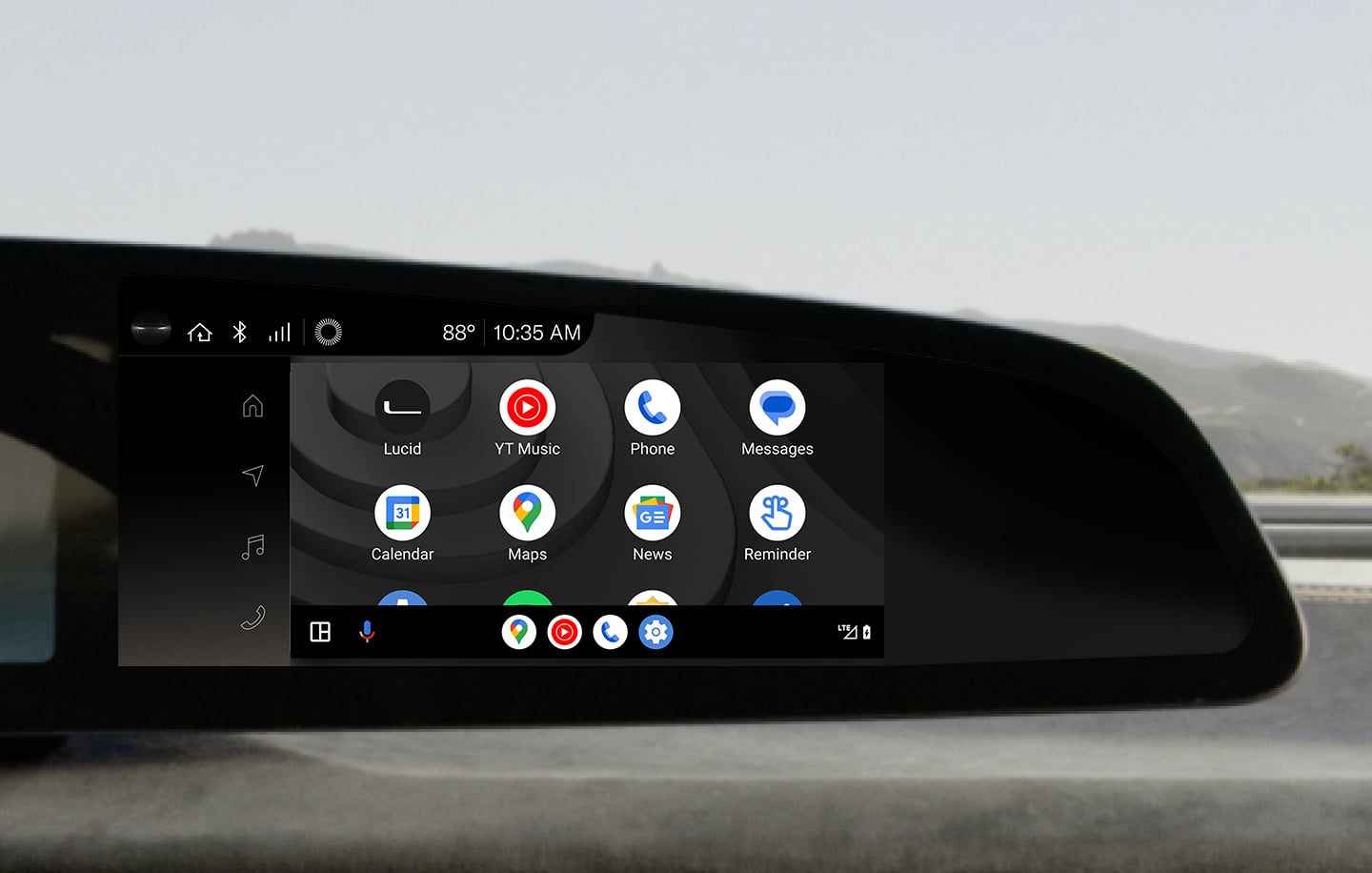
If there's one major gripe you're allowed to have with the Lucid Air, it is that its base price is pretty high up there. The Lucid Air starts at about $70,000, which is about double the price point of the cheapest Tesla model that you can get. If you're paying that much, it's acceptable to expect Android Auto compatibility from the vehicle, but sadly, there hasn't been support for Android Auto since the vehicle launched.
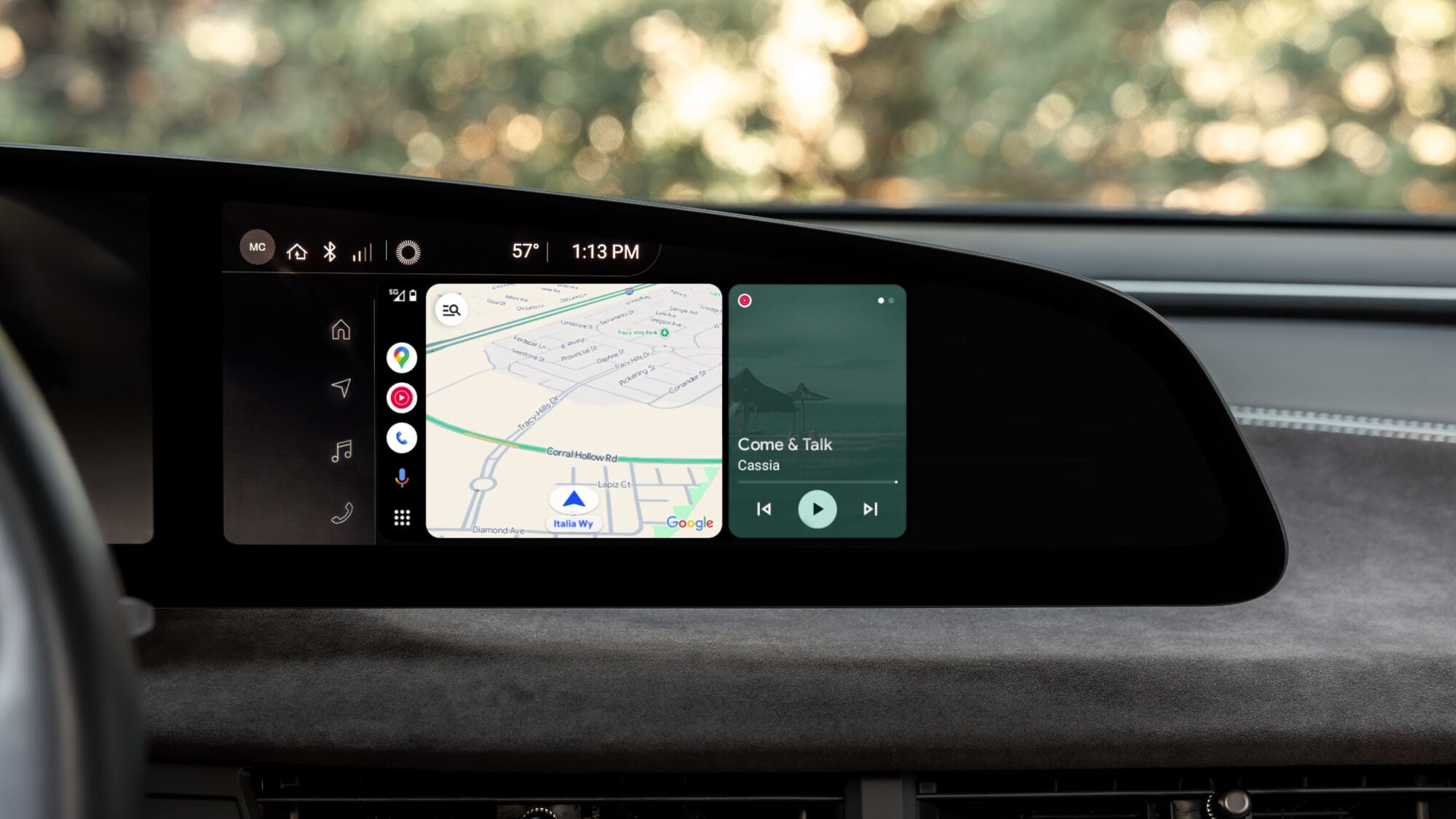
However, here's the good news. Through an OTA update bringing its software to Lucid OS 2.7.0, people with the Lucid Air in North America and Canada will finally be able to use Android Auto. That's a pretty big win for Android users who bought the car anyway, despite that major downside.
Lucid Gravity users will be getting Android Auto too, but for now, the company simply states that it will be “coming soon”.
Requirements for Android Auto in the Lucid Air

If you have a Lucid Air and have successfully installed Lucid OS 2.7.0 to enable Android Auto, there are just a few things you have to keep in mind, depending on whether you want to use it wired or wireless.
| Android Auto (Wired) | Android Auto (Wireless) | |
| Minimum Android Version | Android 9.0 | Android 11.0 |
| Active Data Plan | Yes | Yes |
| Compatible USB Cable | Yes | No |
| Vehicle Wi-Fi | No | Yes; 5 GHz |
How to Install OTA Update to Lucid Air
You should know if there's an update available for your Lucid vehicle because you'll get a notification via the smartphone app, on the right Cockpit Panel when the car is in Park, or via a notification badge on the Settings icon.
Before you install an OTA update on your Lucid Air, there are a bunch of precautions that you have to take:
- Make sure that the car has at least 20% battery capacity.
- Ensure no one is in the vehicle during the update, as the doors will lock and cannot be unlocked before the update completes.
- Schedule the update appropriately around your plans, as the car cannot be driven during the update and can sometimes take multiple hours.
With that in mind, updating is easy and typically just takes the press of a button. You can also choose to schedule the update, which is ideal for most, as it can just be scheduled to update overnight, when the car certainly won't be needed.