Netflix recently announced that it’s ending support for older Fire TV devices starting June 3, 2025. If you’re using a first-gen Fire TV box or Fire TV Stick from 2014 or 2016, the Netflix app will simply stop working. You can still use your device to stream YouTube, Prime Video, Spotify, and other services for now. But admittedly, Netflix is one of the first major apps to drop support because these older Sticks don’t support the AV1 codec and newer standards.
It's possible more streaming services may also want to push toward better compression and higher-quality video. So while your old Fire Stick isn’t useless yet, it’s probably time to look at newer alternatives, especially if Netflix is your main app. Here are the devices built for today’s streaming demands.
Specs overview: Amazon Fire TV Stick alternatives comparison
| Components | Fire TV Stick 4K Max (2023) | Roku Streaming Stick Plus (2025) | Google TV Streamer | Nvidia Shield TV Pro | Apple TV 4K (3rd Gen) |
|---|---|---|---|---|---|
| Processor | MediaTek MT8696 quad-core | – | Amlogic S905X4 quad-core | Nvidia Tegra X1+ (Octa-core + 256-core GPU) | Apple A15 Bionic |
| RAM | 2 GB | ≈ 1 GB | 2 GB | 3 GB | 4 GB |
| Storage | 16 GB | Minimal (cache only) | 8 GB | 16 GB (expandable via USB) | 64 GB |
| Video Output | 4K Ultra HD @ 60Hz | 4K @ 60Hz | 4K @ 60Hz | 4K @ 60Hz | 4K @ 60Hz |
| HDR Support | Dolby Vision, HDR10+, HDR10, HLG | HDR10, HDR10+, HLG | Dolby Vision, HDR10+, HLG | Dolby Vision, HDR10, HLG | Dolby Vision, HDR10, HLG |
| AV1 Codec Support | Yes | Yes | Yes | Yes | Yes |
| Dolby Atmos Audio | Yes (pass-through) | Yes (pass-through) | Yes | Yes | Yes |
| Ports | HDMI, USB power | HDMI, USB power | HDMI, USB power | HDMI, Ethernet, 2x USB-A | HDMI, Ethernet |
| Network | Wi-Fi 6E | Wi-Fi 5 (802.11ac) | Wi-Fi 5 | Gigabit Ethernet + Wi-Fi 5 | Wi-Fi 6 + Gigabit Ethernet |
| Smart Home Integration | Alexa (native), some Google Home via workarounds | Apple AirPlay, Alexa, Google Home | Google Home, Alexa, Apple AirPlay | Google Home, Alexa | Apple HomeKit, AirPlay |
| Remote | Alexa Voice Remote | Roku Voice Remote | Google Voice Remote | Nvidia Shield Remote | Siri Remote (metal, touchpad) |
| Form Factor | Stick | Stick | Dongle | Box | Box |
| Price | Starting from $60 | Starting from $40 | Starting from $100 | Starting from $200 | Starting from $129 |
1. Amazon Fire TV Stick 4K Max: Best Fire TV Stick upgrade

Pros
- Upgraded 2GHz quad-core processor & 16 GB storage.
- Decent price bump over previous version.
- Future-proof wireless with access to the 6GHz band.
- Works great with other Amazon smart homes.
Cons
- Luna gaming service works, but the catalog is small.
- Still no expandable storage.
- No Ethernet port. It's Wi-Fi only unless you buy a separate adapter.
The Fire TV Stick 4K Max is Amazon's latest dongle and it fully supports the AV1 codec Netflix now requires, so you won’t run into compatibility issues. Beyond that, it’s a massive leap in overall performance with a faster processor and more RAM.
It supports Wi-Fi 6, 4K HDR10+, Dolby Vision, and Dolby Atmos support to make your experience smooth. Plus, it's still one of the most affordable high-quality streaming sticks around. If you’re already comfortable in Amazon’s ecosystem, the transition and setup processes are easy.
2. Roku Streaming Stick Plus (2025): Best budget-friendly replacement

Pros
- Very affordable 4K streamer.
- Supports Apple AirPlay.
- Covers all major streaming services.
- Simple, accessible interface.
Cons
- No Dolby Vision and Atmos support. Limited to HDR10/HDR10+.
- No Twitch app.
- No HDMI extender in box.
- Weaker Wi-Fi.
Roku takes a different approach entirely from what you’re used to on a Fire Stick. Where Fire TV’s interface has gradually become more about promoting Amazon services, Roku’s platform is still built around simplicity. The home screen is refreshingly neutral and your apps are listed cleanly.
Also, Roku’s broad compatibility with Apple AirPlay, Google Home, and Alexa gives it an edge in flexibility. Regardless of the phone you use or what ecosystem you’re invested in, you can mirror any content of your choosing. The brand is even set to release new streaming sticks in the UK to expand your options, but they'll likely launch globally later in the year.
3. Google TV Streamer: Best smart home control for Android users
Pros
- Works seamlessly with Nest cameras, Google Home routines & Assistant voice control.
- Supports premium AV formats.
- Generous 32GB storage.
- Attractive remote with customizable smart home shortcut.
Cons
- Wi-Fi is still Wi-Fi 5.
- Costs more than typical sticks.
- Voice search not universal.
- Design is bulkier than stick competitors.
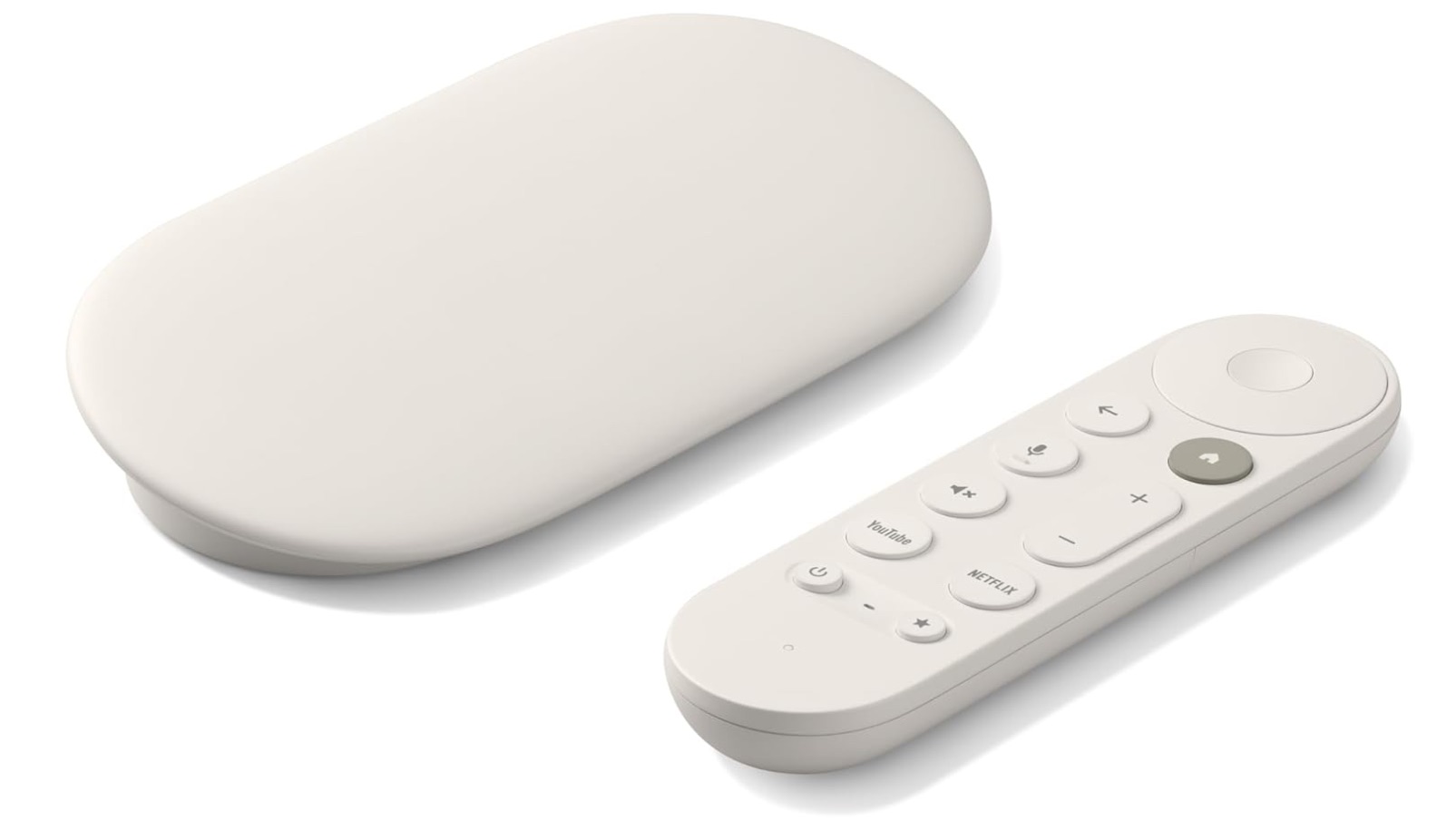
Google's latest TV Streamer is built to feel more like a central hub for your entire digital life, particularly if you already use Google services day to day. The home screen offers personalized recommendations across your subscriptions, and they’re tied directly into your Google account.
The same Assistant routines you use on your phone or Nest Hub carry over to the TV. You can pull up your Nest doorbell cam in a picture-in-picture view, check who’s at the door without leaving Netflix, or dim your smart lights without switching apps.
4. Apple TV 4K: Best for Apple users
Pros
- Snappy performance with faster A15 Bionic chip.
- Excellent integration with Apple services.
- Simple and polished interface.
- Top-tier build quality.
Cons
- More expensive than rivals.
- No HDMI or USB-C cable included.
- Limited value for non-Apple users.
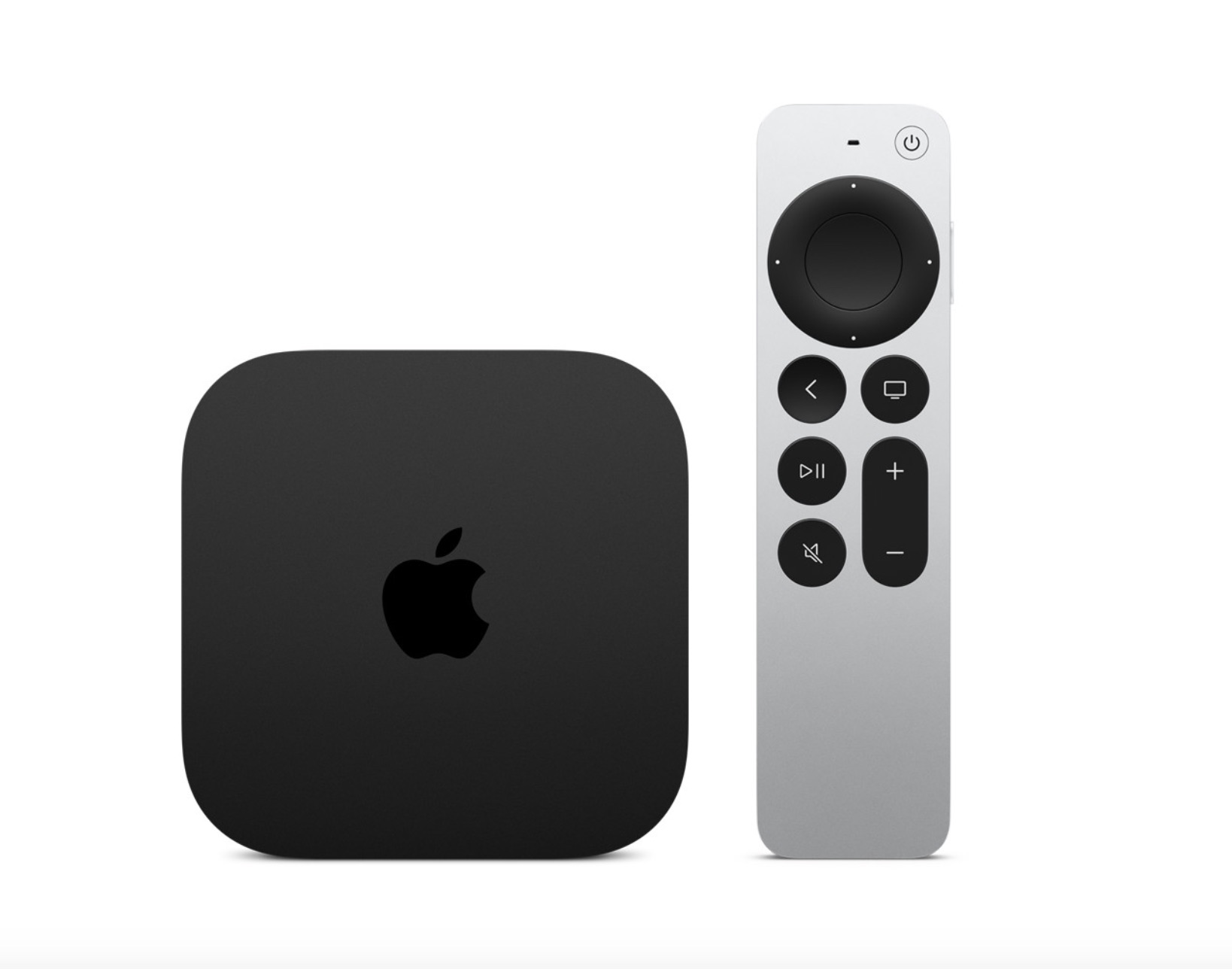
Physically, the Apple TV 4K looks nothing like a streaming stick. It’s a compact black box about the size of a small stack of coasters designed to sit next to your TV or inside an entertainment unit. It connects to your TV via HDMI, with an Ethernet port on the back if you want to hardwire it for even faster streaming.
It comes with Apple’s Siri Remote, which is also a step up from the basic remotes bundled with many sticks. It’s a slim, premium-feeling metal remote with a touch-enabled clickpad, dedicated Siri button for voice control, and full TV volume and power controls.
Getting the streamer, especially with 4K resolution, might seem like a big jump in price. But for Apple users, it’s the one option that offers deep integration no other streamer can match. The hardware is genuinely powerful with Apple’s A15 Bionic chip built into it. If you're wondering, it's the same class of chip used in iPhones, which makes the device one of the fastest streamers available.
5. Nvidia Shield TV Pro: Best Streaming stick for gaming
Pros
- Most powerful Android TV box on the list.
- Supports both Dolby Vision and Dolby Atmos.
- GeForce NOW cloud gaming.
- Wide app support.
Cons
- No longer ships with a controller.
- Requires a strong internet connection.
- More expensive than other streamers.
- Not ideal if you’re only a movie watcher.
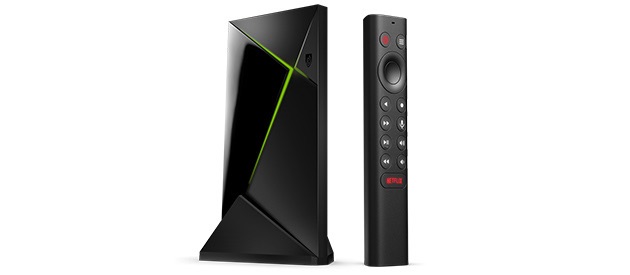
Calling the Nvidia Shield a Fire Stick substitute almost undersells what it does. It offers gaming, local media playback, and even supports running advanced apps. It comes with most of the technical features that Amazon's devices do, with the addition of a Tegra X1+ processor.
It's a custom Nvidia system-on-a-chip (SoC) that's based on the same architecture Nvidia used in the Nintendo Switch, and is a powerful mobile gaming chip. The X1+ is an enhanced version of the original Tegra X1, with better thermal performance and efficiency. The CPU is roughly 2x faster than Fire Stick’s chip. Although the device was released five years ago, Nvidia is still refining it and the most recent update was in February this year.
Stream to your heart's content
Once you pick a newer streamer, you’ll instantly gain smoother performance and better visual quality across all your apps. It’s also a good time to make sure your home network can keep up with these changes.
Use a solid Wi-Fi connection, or better yet a wired Ethernet connection where possible, to get the full benefit of these upgrades. Don't forget to explore your device's settings to enable the best available video and audio quality your hardware can support.