



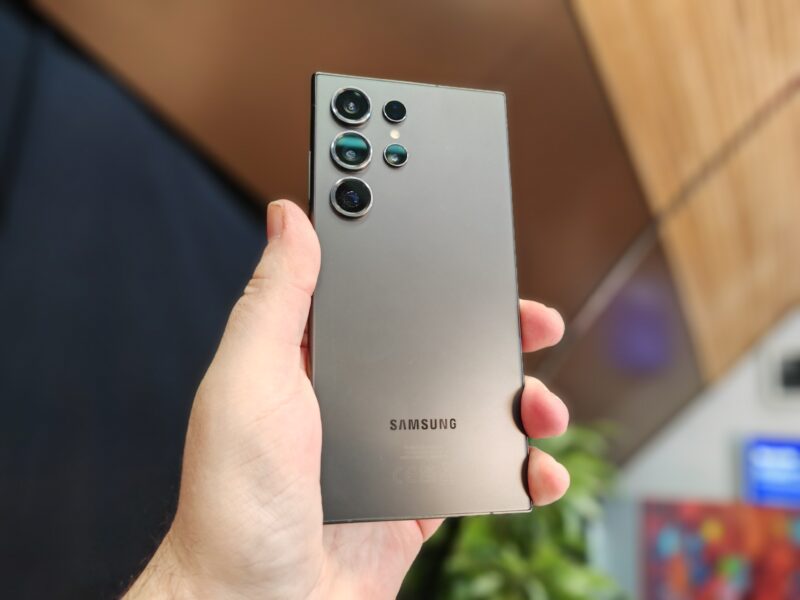
Samsung has a lot in store for users this year, and it's evident from the recent Unpacked event. It launched another powerhouse flagship with a potential to surpass its predecessors. The Galaxy S24 runs One UI 6.1 right out of the box, and presents AI-powered Generative Edit for images, Live Translate capabilities, along with a revamped Quick Settings panel among other exciting features.
It's also the first smartphone in the mobile lineup to host the new Samsung Find app that'll save your life — or in this case, save your gadgets from getting lost.
What is Samsung Find?
Samsung Find is a new app you'll come across if you've recently bought a smartphone in the Galaxy S24 series. Tech Journalist, Mishaal Rahman, reports on X (formerly Twitter) that the preinstalled app is to replace the existing SmartThings Find app on devices running One UI 6.1 or higher versions.
If you upgrade your current Android phone or tablet to the OS, you unlock the ability to download the app from the official Galaxy Store and use it. Since it's exclusive to Samsung devices, you won't find it on the Google Play Store.
Already, Samsung has begun testing One UI 6.1 builds on the Galaxy S23, S22, and S21, as well as the self-repairable Z Fold and Z Flip series. So you should expect to see the update soon if your device is eligible.
You're already familiar with Samsung Find
Samsung Find builds on the foundation of SmartThings Find, so the core concept of device and item tracking isn't entirely new. However, the app offers a more user-friendly and item-focused experience. You have the luxury of a standalone app without SmartThings' other functionalities overwhelming you.
When you run it, you'll be able to switch between these three menus at the bottom of your screen:
- People: It's where you share your location with friends and family.
- Devices tab: Here, you'll see a map displaying your device's location, or a family member's.
- Items: It helps you find items you've attached to SmartTag trackers.
Though Samsung Find promises a wholesome experience, it's missing the infamous “Notify when left behind” toggle that alerts you when you've moved too far away from personal gadgets. It's disappointing, especially if you're frequently misplacing your belongings or someone's stealing your stuff. But it's most likely that Samsung adds the toggle in an upcoming update.
Global eligibility shouldn't be a concern
As far as we know, you can use Samsung Find on your Galaxy device when you upgrade to the latest One UI version. Yet some regions may not enjoy this privilege, despite upgrading. China is among them as it's remained a tough market for the company to dominate.
If you're uncertain about your device's eligibility, contact Samsung support in your region to make inquiries. In the meantime, you can use SmartThings Find app or consider alternative tracking apps. Popular third-party options include Tile and Google Find My Device.