




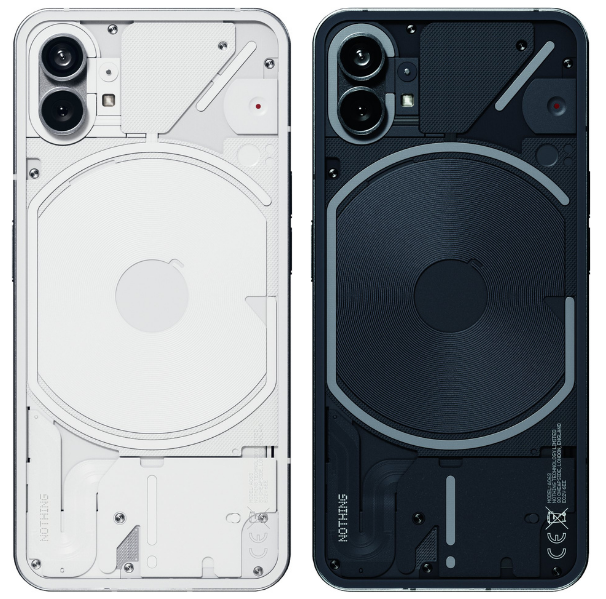
Having launched a week ago, Nothing's Phone (1) is already on the receiving end of its first software update which brings a slew of optimizations, camera improvements, and a Tesla control feature. The update bumps the version number of Nothing OS to 1.1.0 and we've got the full changelog for you after the break.
First things first, to update the Nothing OS software on your Phone (1) you'll need to head to Settings>System Update to see if the OTA is available to download and install on your shiny new phone. While it's installing, you can check out the changelog below:
Camera:
- We reduced noise to make low-light photos sharper and clearer.
- Low-light photos have improved dynamic range. That means greater contrasts between light and dark.
- We balanced colours across the main and ultra-wide sensors. So your shots are just as vibrant, no matter which camera you use.
- Improved image clarity of the ultra-wide camera.
- Glyph lighting is now available in Portrait Mode. Turn it on to make images brighter. Any time of day.
Other improvements:
- Introducing the Tesla control feature. Turn on the A/C, unlock doors, check battery status and open the trunk. All from a tap in Quick Settings on your Phone (1). First, connect to your Tesla by going to Settings>Experimental features.
- Battery life goes further. We’ve optimised background apps so they don’t drain power when your Phone (1) is on standby.
- We heard your feedback from the Beta Launcher. And made the Search Bar on the home screen optional.
- More accurate Glyph Interface responsiveness.
- Phone (1) now has the latest Android security patch (last updated July 2022).
- We’ve fixed a lock-screen bug. The fingerprint unlock icon is now always visible.
- Open your Phone (1) even faster with improved Face Unlock speed.
Let us know in the comments below how the update goes after installation. And if you haven't bought a Phone (1) don't forget your can order one on Amazon and avoid any shipping delays.
