




![[Updated with new firmware] Installed the Android 11 beta on your OPPO Find X2/X2 Pro? This is how to roll back to Android 10/ColorOS 7.1 3](https://www.talkandroid.com/wp-content/uploads/2020/04/OPPO-Find-X2-Pro-TA-54-scaled.jpg)
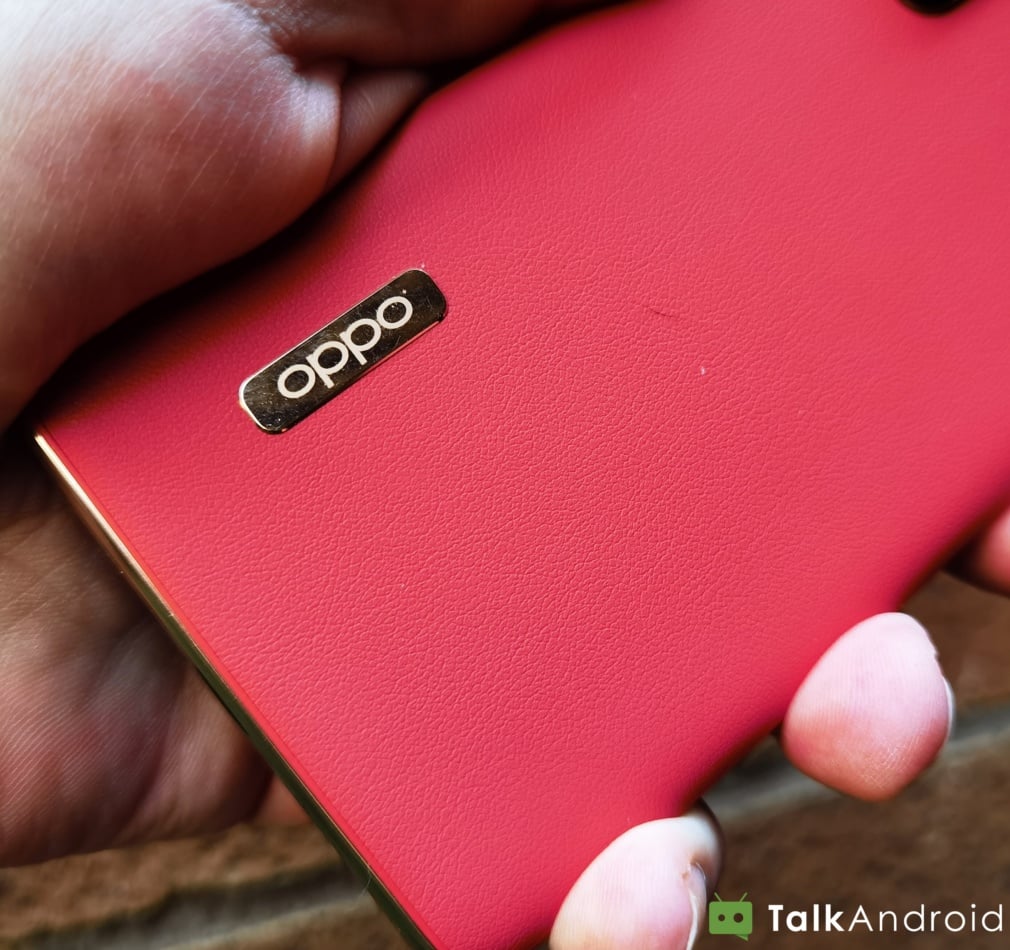
We reported on the Android 11/ ColorOS 7.2 beta being ready to download for OPPO's Find X2 and Find X2 Pro handsets, and now we are here asking you not to download and install it to yours, or anyone else's device for that matter. The reason being that having installed it on our review unit, we've found a number of further bugs and glitches, including a couple of issues that make the device unusable. Join us after the break for the details and steps on how to roll back to Android 10/ColorOS 7.1.
[Updated 28/06/2020] The initial rollback firmware is flawed, in that it doesn't detect the SIM on the Find X2 Pro. An XDA user has discovered that OPPO has since released a new rollback build that fixes the issue, the only hitch is that you'll need to reinstall the Android 11 beta before attempting to revert to the new Android 10. You can down the new rollback firmware here.
In the 30-minutes or so since I installed the Android 11 Beta on my Find X2 Pro, I've found the following issues:
- Gboard is glitchy
- Signing in to Gmail is buggy, you may have to kill the app after signing in so that you can then access your emails otherwise it seems to just take you back to the Add Email screen
- Three-button navigation hitboxes take precedent over app buttons, making it necessary to rotate the display to landscape mode at times
- Some Chinese language is present in the Settings Menu
- Sometimes the display will flash on and off repeatedly, whereupon you will need to reboot the device
- Random apps cause the display to flash on and off, becoming unresponsive. So you'll need to manually reboot, again.
- When you power off the phone, it will occasionally reboot into recovery mode instead of restarting normally
If you've already installed the Android 11/ColorOS 7.2 beta on your Find X2 or X2 Pro, this is how you can roll back to Android 10/ColorOS 7.1:
- Obtain the OPPO ColorOS 7 ROM package from:
- Find X2(CPH2023)
- Find X2 Pro(CPH2025)
- Once you've downloaded the relevant firmware package, copy it to your phone storage. The package varies depending on different phone models as follows:
- – CPH2023: CPH2023PU_11_OTA_0730_all_4b9m0wV9ioC8_roll-back-pu-findx2.ozip
- – CPH2025: CPH2023PU_11_OTA_0730_all_4b9m0wV9ioC8_roll-back-pu-findx2pro.ozip
- 2). Find the firmware package in File Manager and tap it. You will be warned that the phone will be reset and data being wiped
- Tap Next. You will then be prompted to back up data.
- Tap Next. Finally, confirm the rollback. You need to restart your phone after the rollback.
Let us know your thoughts in the comments section below.
Lenovo IdeaPad Flex 5 Chromebook review: Everyday champion
Samsung Galaxy A51 review: Doctor, there's a fly in this ointment
Mpow X3 review: Excellent and simple truly wireless earbuds on a budget


, i have the same problem iam into android 11 and when i into android 10 it doesnt seen my sim card and now im am into 11
When I rollback in CPH2025 to Android 10 (too many bugs), dont work sim target access, show message “insert sim”, but sim is inside.
Somebody help me?