




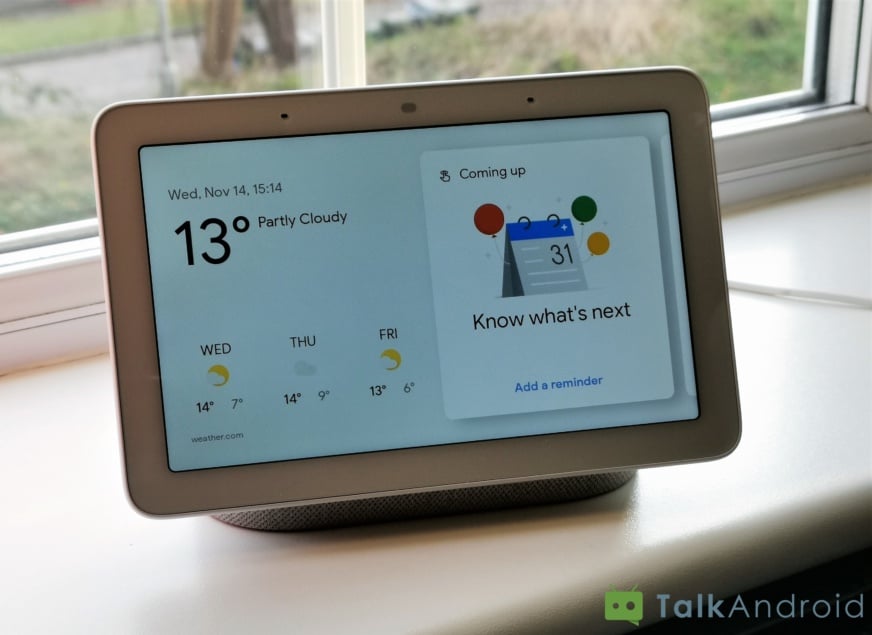
If you own a Google Home, Home Mini, Home Max, or the new Home Hub device, you'll be happy to learn that Google Assistant is learning some new tricks today. The new features include broadcast replies, the ability to create lists, a bunch of updates for the smart display, as well as the Pretty Please function.
Pretty Please
As you have probably guessed, the Pretty Please function aims to encourage users to be more polite when interacting with the Google Assistant. If you add the word “Please” when talking to the Google Assistant, it will reply with a pleasantry of its own, thanking you for asking so nicely. It will also chirp a happy-sounding tone when you say “Please.”
List Creation
You can now create and update lists on Google Assistant using voice commands by saying “Hey Google, create a shopping list” and “Hey Google, add bread to my shopping list.” For the moment, Google Assistant uses an internal provider although third-party apps such as Google Keep, Todoist, etc. will be supported in the future.
Broadcast Replies
Broadcasts came to Google Home devices and smartphones a while back, giving users the ability to send a message via Google Assistant. Now it's possible to reply to a Broadcast via voice command, which could come in handy when you have your hands full.
Smart Display
We recently reviewed Google's Home Hub and were impressed by the visual element that it adds to the Google Assistant experience. The Home Hub and the other smart displays are learning the following new tricks:
- Use the touchscreen to create an alarm instead of your voice
- Share your Google Photo library with your contacts
- Hide or favorite images from the ambient display using touch or voice commands
- Interact with people who have activated your Nest Hello doorbell using the “Talk” button
- View the lyrics to songs playing through the smart display with Google Play Music
- The “Call Santa” feature is getting holiday-themed music as well as visual components for smart displays
Let us know in the comments below which other features would you like to see rolled out to the Google Assistant.
Google Home Hub Review: More than just a photo frame
Google Pixel 3 XL Review: Google nails it, even with the notch
Polk Assist smart speaker review: Sound quality above all else

