





There are a number of things one can do with a smartwatch: text, call, post on social media, and set reminders for later. However, all of those actions require you to be on the ball for when your smartwatch starts buzzing with a notification.
The issue is that smartwatches were created for convenience, and when you have to keep checking to see if you've received a notification, your device isn't accomplishing its job. Presenting: Feel The Wear.
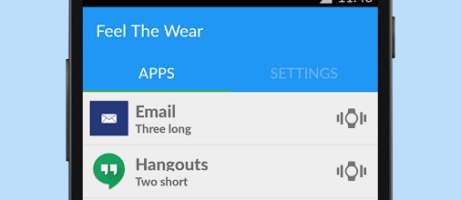
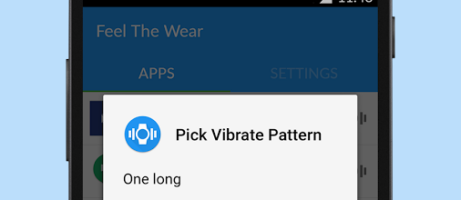
Now you can choose from between five preset vibration patterns that have enough force to actually alert you of an incoming item, unlike the preset vibration patterns that might not grab your attention. Once you've installed the app and set the permissions, you can start customizing your vibration settings.
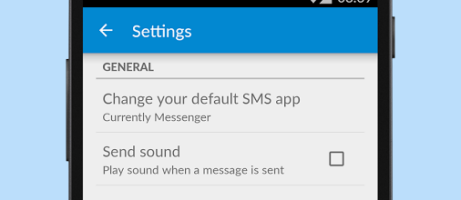
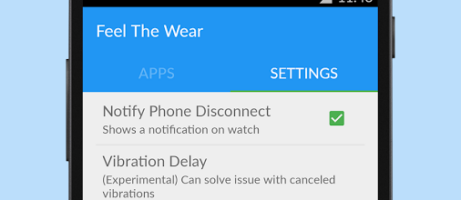
The app itself is new—only about a month old—but as far as usability goes, it is a stellar and stable application that is a joy to put on your wrist. If you're enticed, check out these screenshots and follow the link below.

 Play Store Download Link

Play Store link no longer works