




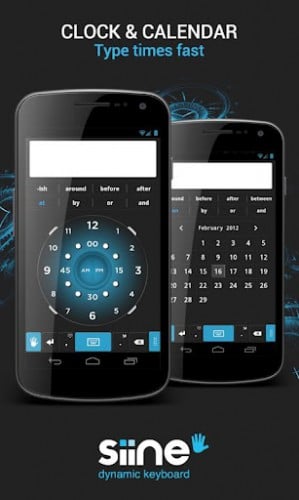
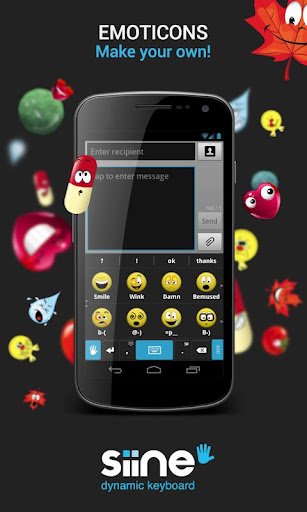
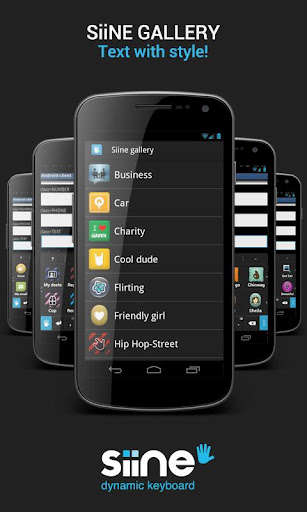
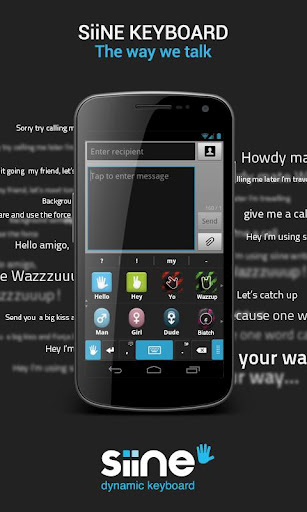
Move over every single keyboard out there, because Siine wants to make its way onto an Android smartphone near you. As we've mentioned before, virtual keyboards on the market are a dime a dozen however, once in a while we'll come across a pretty fascinating and functional keyboard that'l make you want to ditch your old one and give it a try. The latest keyboard to hit the market comes by the name “Siine” (pronounced sign) and offers you a ton of new features and a bit of a different way to get your typical desired results when typing out messages. The keyboard has a pretty decent layout, very close to the all too familiar Android 4.0 ICS keyboard only slightly larger. There are quite a number of shortcuts and features embedded into the keyboard for quick messages including using icons to type out messages.
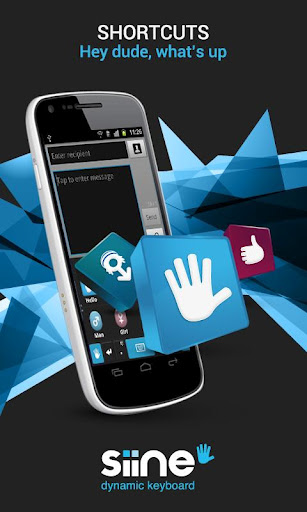
Utilizing one single tap can render a full blown calendar for quickly inserting full date names such as “May 4th” or “January 10th”. So, no need to type those things out in great length. In addition, you can say things like “Hey Dude, what’s Up? You coming over to watch the game?” and it will render pretty quickly. Quicker than we're used to seeing anyway (video shows 1.5 sec) As you can gather from the video, there may be a small learning curve to this but it appears as though once you get it down, you'll be flying through messages. The keyboard kind of reminds me of my outlook email where it's easy to insert things you'll sometimes need like times and dates, only now you're doing it with a built-in clock and calendar feature. With a keyboard like this, one post is not enough to tout all of its features. Check out the quick demo video below and don't forget to let us know what you think or how it compares to your favorite keyboard. Hit the break for the download links as well as a qr code for added convenience.




Google Play Link

Hey look… a keyboard for the illiterate!
When it comes down to keyboards the most important thing (imo) is auto correct and SwiftKey X leads in that department and so does the stock keyboard in ICS. Siine is just a gimmick, however, I would like to see the clock function on swift.
Would prefer either better work recognition or a swype-like based input for typing. Although quick replies are nice and the Calendar/Clock feature rocks, it takes too long to type a “normal” business email message.
Oops…I meant “word” recognition. Maybe it the typer and not the keyboard! ;-)
Is this almost as fast as just SPEAKING “1 45 pm”?
I like the fast adding things like the clock and calendar, and agree that it will take a while to fully use. However I think the keyboard is dreadful! When I used it, it was non responsive, slow, and the prediction was terrible. This will have to be sorted before they can get any loyal users. I’m still happy with my Swiftly X