



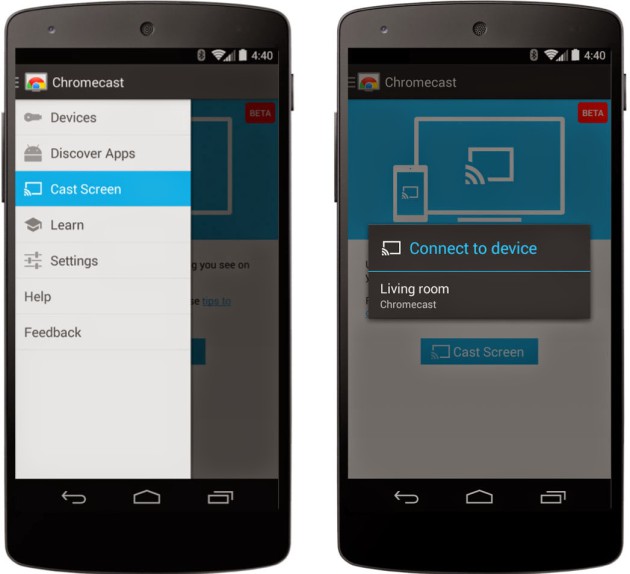
At the Google I/O 2014 keynote, we learned that Chromecast would soon be able to mirror an Android device's screen. The feature is rather easy to understand: whatever content is on the device's screen will be sent over to whatever display the Chromecast dongle is connected to. Come this fall, Android TV devices will be supporting this feature, too.
When Chromecast launched, everyone immediately awaited this kind of feature. The update activating it is rolling out today. Version 1.7 of the Chromecast app adds a Cast Screen button to easily shift content over to another display without any wires. If you have a Nexus device, a Cast Screen button will be found in Quick Settings as well. With the Cast Screen feature, you can send over photos, videos, or anything else like a demo for everyone to look at. But do note that the Cast Screen feature is still in beta.
The update might take a few days to hit your device, but we have the APK if you can't wait. Hit the break for all download links.

APK Download Link from XDA
Source: Official Android Blog
