





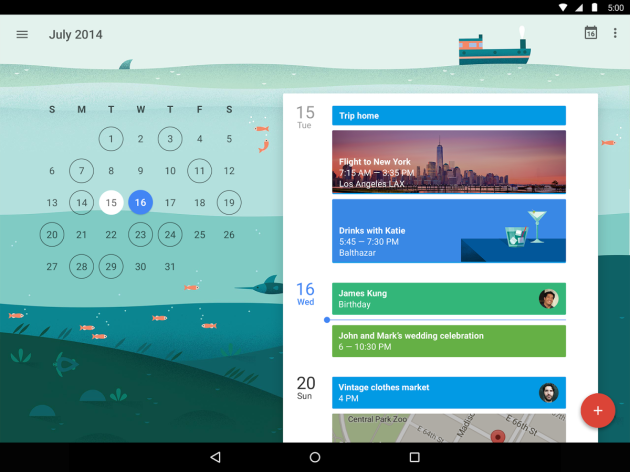
If you're trying to coordinate any kind of event, using the calendar on your phone will make things a million times easier. Google Calendar integrates with your Android device as well as your Gmail account and other Google services, and it's a simple process to invite other people to your event to keep everyone on the same page.
To get started, simply create a new event in your Google Calendar app and fill in a few details. The newer versions of Calendar will help to automatically populate some details like where the event is happening, what time it's happening, and who else will be attending.
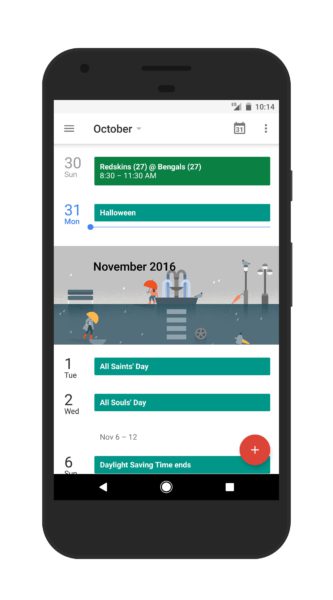
Just hit the floating Plus button and let Google guide you through the process.
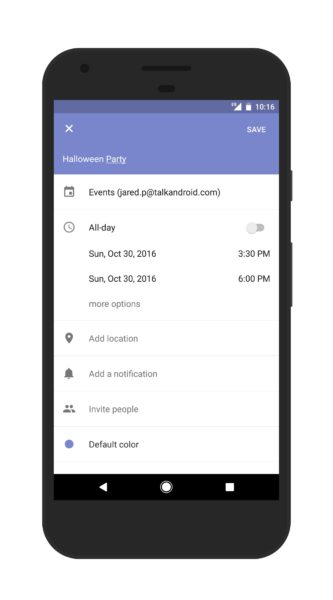
Sometimes, though, you might not know all of the details just yet. Let's say you've created an event for your Halloween party and all you know is that it'll be on October 31st at 3:30. You have an event, but you haven't invited anyone, and we can't have a party without other people being there.
To invite other users, simply tap the “invite people” button. Then type their name, email address, or phone number to send out the invitation.
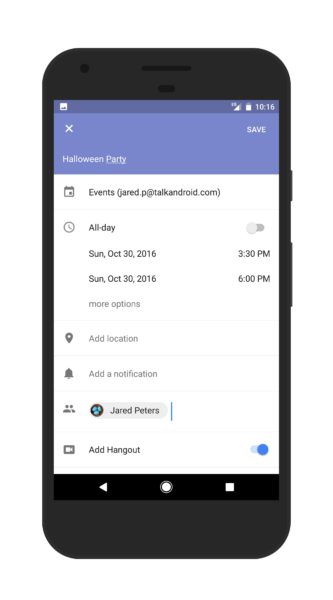
Once that's filled in, you'll be able to keep track of who's been invited. You can manage and cancel invitations from here, too.
On their end, they'll receive a notification as well as an email where they can respond to the event.
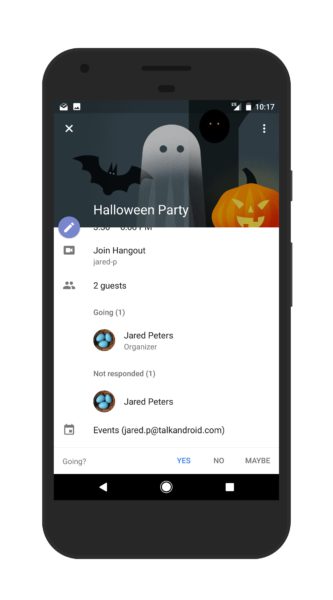
From that point forward, if you want to invite more people simply tap the pencil button to start editing the event again, and repeat the previous process. Invite users, type name, done.
This is great for parties, but it can also be useful for work events or anything else you can think of. Google even allows you to create a group Hangout for the specific event to coordinate things, which should help you keep your holiday season a little more organized.

Mine doesn’t have “my calendars” on the side; it has “Google”. Underthat are the various calanders but they have no arrow to click. I right click and get a menu but not the one shown.
To show shared calendars on android, some of you will have to install “google calendar” from Google Play and then try out the settings in that application. There’s a “calendars to sync” options there which was simply not present in the pre-installed calendar on my Sony Xperia Z3. Thus I was not able to show my wife’s calendar before installing Google Calendr
you stupid moron. I asked how to share between ADDROID PHONES NOT DESKTOPS
Good choice… ask someone to help you out… voluntarily… free… the call them names. I know that would encourage me to help you more.