
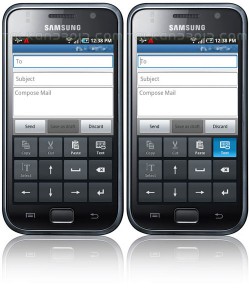
How To: Accurately place the cursor on any Galaxy S phone

Editorial Note: Talk Android may contain affiliate links on some articles. If you make a purchase through these links, we will earn a commission at no extra cost to you. Learn more.

.

.

.

How To: Accurately place the cursor on any Galaxy S phone 3

Some people have complained that the Galaxy S line of phones does not have any sort of trackball or trackpad to accurately place the cursor. This really isn't needed if you know how to do get to the directional pad on the default Samsung keyboard. But oh, what's that? You use Swype? Well don't worry, because it works for Swype too:
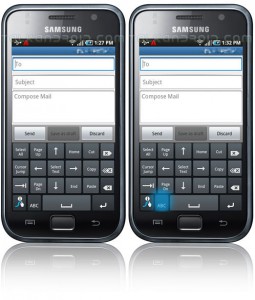
How To: Accurately place the cursor on any Galaxy S phone 4

Hit up our Galaxy S Tips & Tricks article and scroll to the bottom for full info on how to do it.

Total
0
Shares
1 comment
Leave a Reply

Your email address will not be published. Required fields are marked *