


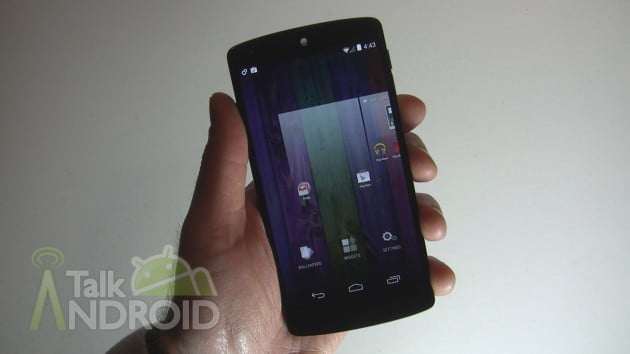
Android 4.4 KitKat might not be a complete makeover of the Android OS, but it still brings about a few significant changes, especially with the Nexus 5. The Nexus 5 is the only device to get the Google Experience Launcher (GEL). Most things are straightforward, but things like adding homescreens, not so much.
With the Google Experience Launcher, you get transparency in the app drawer, updated hands-free voice search, and wallpaper tweaks. Google Now is also a little different in that it now has it's own dedicated homescreen. Speaking of homescreens, you can add as many as you want, and widgets are no longer part of the app drawer. Now some of these features will make its way to other devices with KitKat, but the bulk of it will be exclusive to the Nexus 5 for now.
Hit the break for our walkthrough that shows you how these updated functions work.


Why isn’t Moto G a compatible device for that launcher?
I appreciate your diligence in making this detailed video, and also your knowledge of the new OS. But please, for the sake of your viewers, stop saying Um and Uh every other sentence. It wears very thin after a while.
I did it on my Nexus 4 but there isn’t any transparency? Is there anyway to enable that?
I loaded it on my GS3 and I liked it but all my stock widgets wouldn’t work so I just switched back to touchwiz. I’ll be getting a new phone soon but it’s cool I use Google now a lot but I’ll keep my current settup for now
Where did you get that wallpaper?