



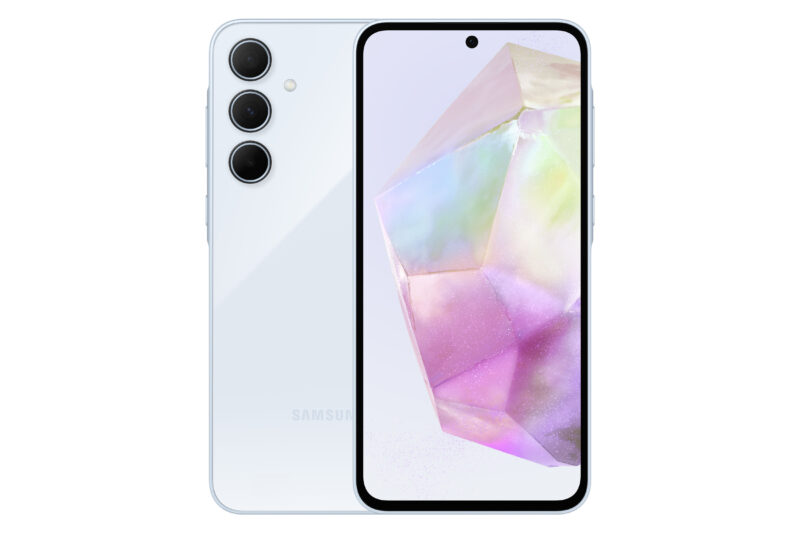
The Samsung Galaxy A35 just became official, bringing Samsung's great software experience and build quality to a mid-range and affordable device. Last year's model was the Samsung Galaxy A34 and the A35 has come out to build on the foundation its predecessor built.
However, if you're an A34 owner, you might wonder if you should upgrade to the shiny new Samsung Galaxy A35. That's a great question, and we're ahead of you on that. Let me explain what makes these phones different and what makes them the same so you can make an informed decision.
Should I Upgrade To The Galaxy A35?

The Samsung Galaxy A35 is a solid smartphone for those looking for something more affordable but still high quality. However, for people already inhabiting the A series ecosystem, it might be worth figuring out whether this new phone brings enough over last year's model to be worth an upgrade. Let's talk about it.
Which Specifications Remain The Same?
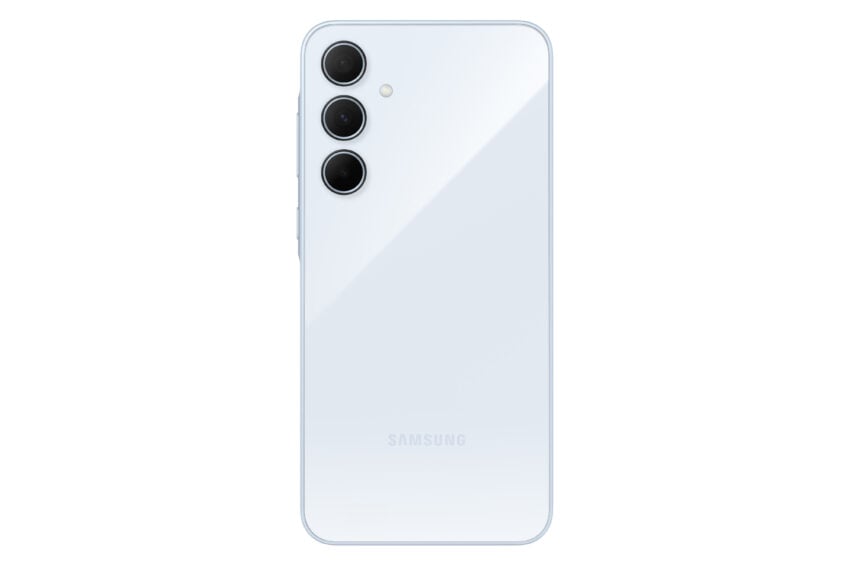
Let's start from the design. Both phones have nearly identical dimensions and measure 8.2mm thick. You'll get plastic-constructed frames and back panels as they help keep the price down, along with IP67 water resistance. Both phones also come with 6.6-inch AMOLED displays with a max. refresh rate of 120Hz and FHD+ resolution. For the most part, the phones look the same.
Both phones support expandable storage via a microSD card. Every storage configuration available on the Galaxy A35 is available for the A34, with both phones maxing out at 8GB/256GB.

You'll get mostly similar camera setups, with the same 13MP camera on the front and identical 8MP ultrawide and 5MP macro snappers on the back. We'll talk about the main camera in the next section. Both devices can record 4K video at a maximum frame rate of 30 fps.
You will also have 5,000 mAh cells with 25W fast wired charging, an optical fingerprint sensor under the screen, and connectivity features like Bluetooth 5.3 and USB C 2.0.
Which Specifications Are Upgraded?
Above, we talked about a lot between these two devices that remain identical, but let's talk about the specs that get a boost upward; that's the part that matters.
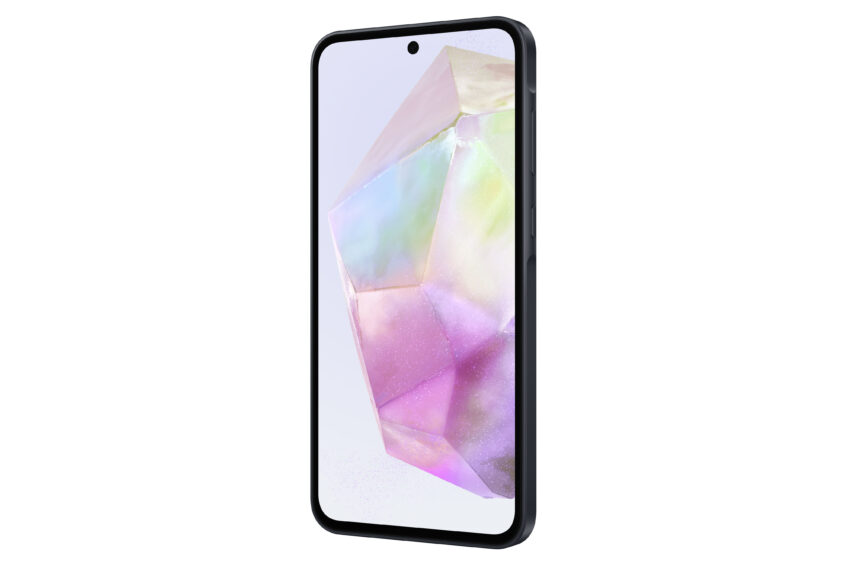
First, the design. There are only two elements in the body that make it easy to tell these phones apart: the switch from a teardrop selfie camera to a punch-hole and the frame. While the frame stays made of plastic, it goes flat with the A35 and gets a “Key Island” around the power button and the volume rocker. The screens are similar, but the A35 gets Gorilla Glass Victus to protect it instead of Gorilla Glass 5.
As expected, the newer phone runs on Android 14 and One UI 6.1 instead of Android 13 and One UI 6 like the A34. Samsung also moved away from MediaTek with its Dimensity 1080 and moved to its in-house Exynos 1380.
The main camera gets a very slight sensor upgrade and a bump from 48MP to 50MP, maintaining the OIS from last year. As expected, the A35 comes in different colors than the A34, but that doesn't sway anyone's purchase, does it?
Is It Time To Buy An A35 (And Throw Away Your A34)?

So, you might have noticed that there isn't much to talk about when it comes to the aspects of the A35 that have improved over the A34. To be honest, there aren't that many, and my easy answer to whether you should rush over to upgrade your A34 is a “no.”
It's simply not worth it if you already have the A34. The Galaxy A33 might be able to make a better case for an upgrade from it, but for now, just keep your A34 for another year or wait for a better budget smartphone to show up, such as the Pixel 8a.