



If you're a fan of the Android ecosystem, there's no better smart TV interface to sink your teeth into than Google TV. On-demand content on television is taking over from broadcast models, but both are still alive and kicking, and Google TV provides a hub for you to access streaming content and live TV.
If you're a Google TV user already, you might notice a change in the user interface at any point in the next few months, as Google is rolling out an update that makes a few nifty changes to the For You screen for an overall sleeker look.
Google Redesigns The Google TV Home Screen To Make Things Look Better

As I like to say, Google and its products constantly evolve, extending to the far corners of their portfolio. A Google Community post made a couple of days ago lets us know that there are going to be some changes made to the Google TV interface, particularly on the “Your apps” row on the For You page.
First, you'll notice that the app icons are now circular, making things feel fresher than the larger rectangular ones. There will also be many more apps accessible in this row, so now you'll go to the full Apps menu a lot less than before. You can also use the “Reorder” and “Add Apps” buttons in the row — you'll find them at the very end — that give you control over the things that appear in the “Your Apps” section.
In addition, you'll find a shortcut in the row that lets you easily access the free channels provided by Google TV in your region. Yep, that means you can enjoy more content on your Google TV without adding another subscription to the mix.
Why Should You Hop Onto The Google TV Bandwagon?

Google TV goes head-to-head with smart TV platforms like webOS and Roku OS, and fellow tech giant-made Fire TV (from Amazon) and tvOS (from Apple). So, in a market with a healthy amount of competition, why should you go for what Google offers?
Well, if you buy the right smart TV, it may be the OS of choice. And if you want to switch things up from what the TV does have, you can always buy a Chromecast with Google TV on it. The platform provides the same things as others — access to movies, TV shows, apps, and games — but adds some unique Google-specific spice to the pot.
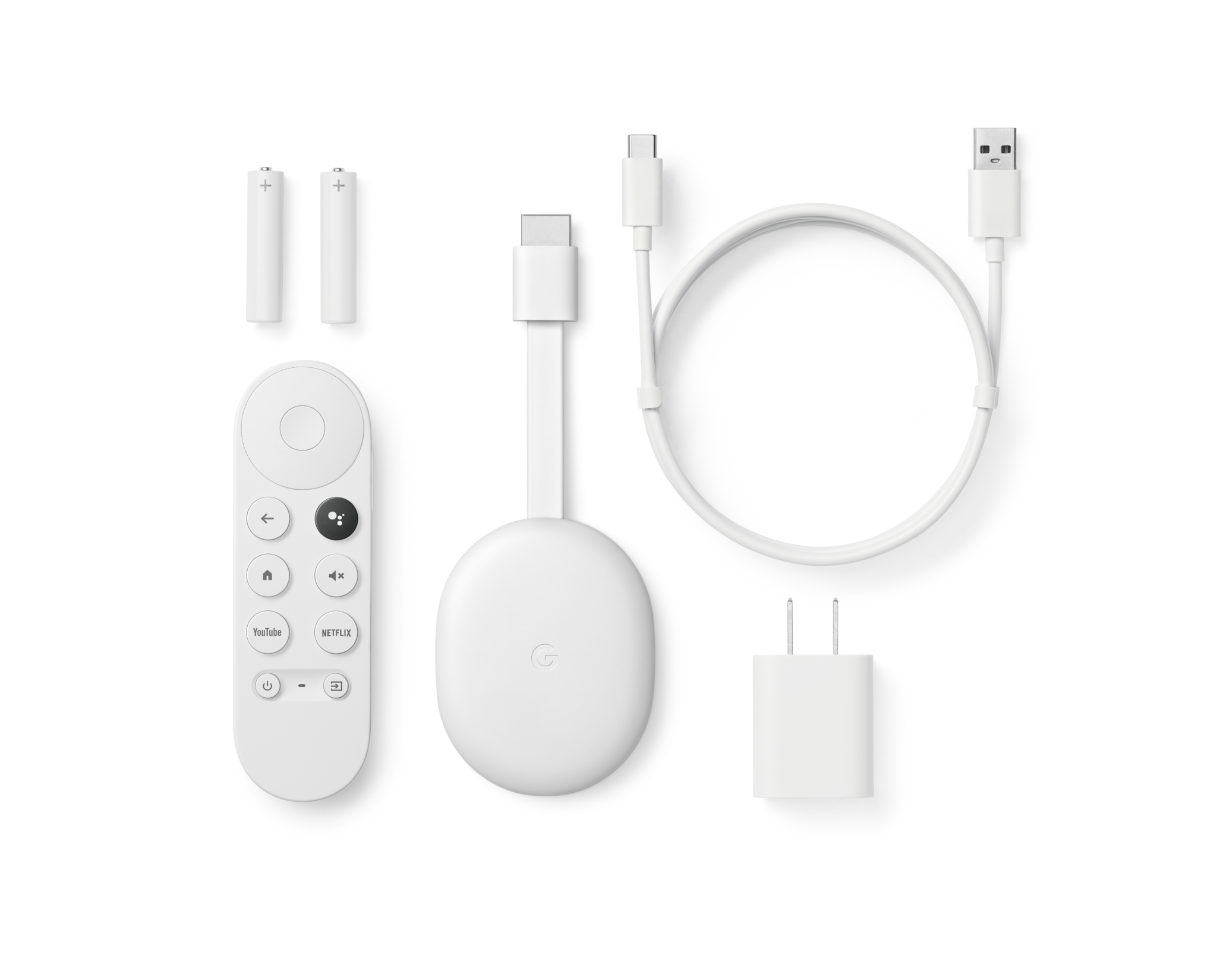
Google Assistant is integrated into Google TV, allowing you to interact easily with voice commands instead of trying to type with a remote control. Since it is part of the Google ecosystem and has Assistant, it provides another way to interact with smart home products. You can even view your Google Nest cameras on your TV pretty easily.
And the icing on the cake with Google TV is that since it is linked to your Google account, it can provide extremely accurate recommendations for the next show or movie you should dive into.