





If you're of the “root'n & rom'n” variety and you own a new Galaxy Nexus device, you've got to be loving all of the new tweaks the dev community have been accomplishing. Latest to make its way to the device are a few cool boot animations provided by our friends over at RootzWiki. The Bokeh animation above should be a good indication for you of how fricking cool these animations are. Ready to give them a go? Check out the DL links after the break along with the instructions. Feel free to use our forum or the comments thread below if you have any issues. We've provided all of the download links courtesy of RootzWiki for your convenience. Good luck and have fun.
How to download:
- Download the .zip file and place it on G-Nex's root storage folder
- Reboot your device into ClockworkMod Recovery.
- Find the .zip file and install it then reboot your device
- Enjoy :)
Per the RootzWiki site, the dev's say you're able to flash all of these files using ClockworkMod Recovery. However, if you're a non-rooter, you'll need adb in order for this to work.
Multi-Bokeh:

|| Download
Blue-Bokeh:

|| Download
Spyro:

|| Download
Two Faves:
MachineAzul:

|| Download – Updated Resolution – No more black bars.
Andromeda:

|| Download
More Fun Ones:
Galaxus:

|| Download – Updated Resolution (removed black bars)
BluPlazmaII:

|| Download – Updated Resolution [black bars removed]
Speedo:

|| Download
WarpVortex:
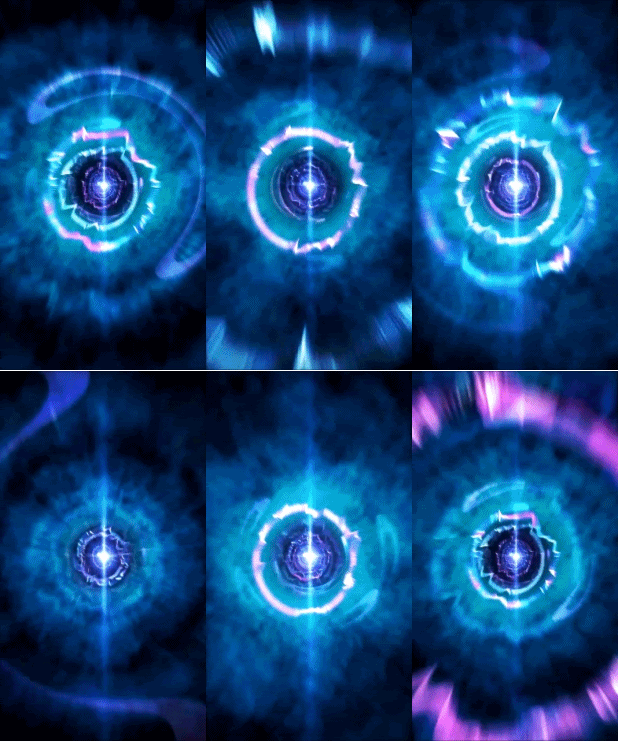
|| Download
Stock Boot Animation (CWM Flash) -> StockBoot Link – Updated link.
Here is a link to a HD version of the: StockBoot in HD
[via RootzWiki]

