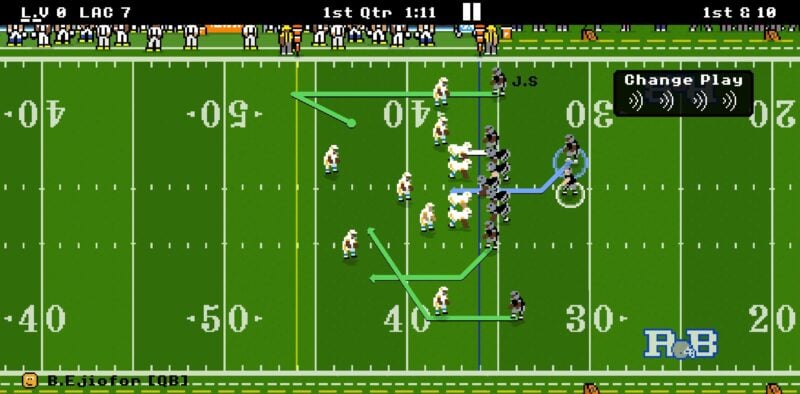
Despite its pixelated looks and feel, Retro Bowl is a surprisingly enjoyable American football mobile game offering deep team-management systems supplementing action-packed on-field drama.
In the mobile gaming market right now, there aren't many pro football games as welcoming and fun as this, but you'll need to familiarise yourself with its charming mechanics to optimize your gridiron experience. As such, here's a useful beginner's guide detailing the most important aspects for you to understand.
Addictive Mini-Gridiron Football
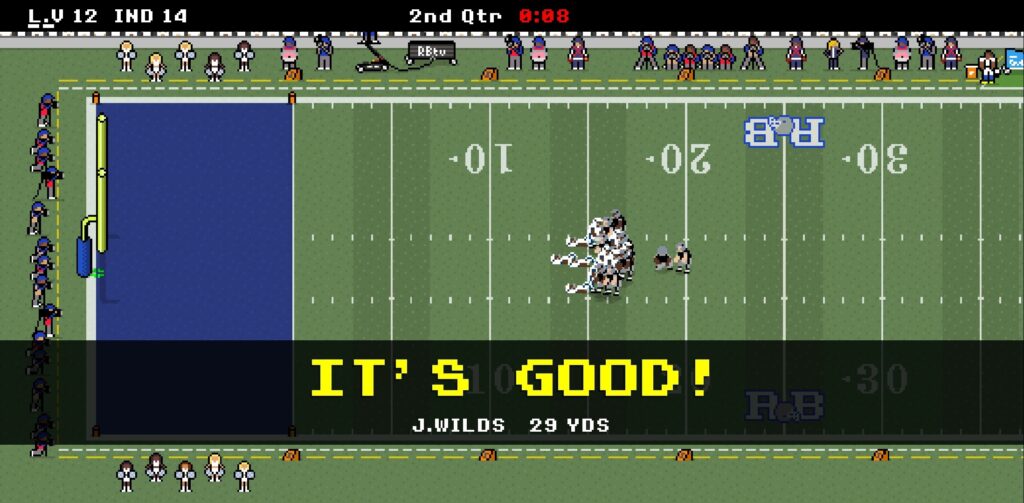
Generally, Retro Bowl is an American football simulator created for fans to play anywhere, offline. Truthfully, this already makes it a huge appeal for newcomers because many mobile titles these days exclusively require an Internet connection to be enjoyed (even for single-player releases).
Nevertheless, it does suffer from a few shortcomings because of its mobile-only nature; the player roster is somewhat limited, graphics are reminiscent of the 90s, tactical finesse is non-existent, and more.
However, for all its limitations, Retro Bowl‘s developers managed to make the most of what they had, taking bits of other important gridiron experience to create a noteworthy football team-building journey worth investing hours in.
You'll feel personally responsible for the growth of your players, not to mention spearheading the success of your team in either the American Football Conference (AFC) or the National Football Conference (NFC), depending on the team randomly chosen or picked by you.

As the Head Coach, there are a lot of things for you to nitpick about, carefully deciding the best way to evolve your team for future success. Because of this, you'll face certain headaches early on in your managerial career, starting with the Front Office.
Managerial Basics – Retro Bowl

The Front Office is the administrative section of your football team. Here, you can make adjustments to a couple of things to steer your squad towards international recognition.
To make things easier, these different responsibilities can be summarized into three (3) categories:
- Club Facilities
- Salary Cap
- Stadium
- Training Facilities
- Rehab Facilities
- Administration
- Head Coach (HC)
- Offensive Coordinator (OC)
- Defensive Coordinator (DC)
- Miscellaneous/ Hiring
- Increase Salary Cap
- Free Agents
- Staff Hires
- Draft Picks
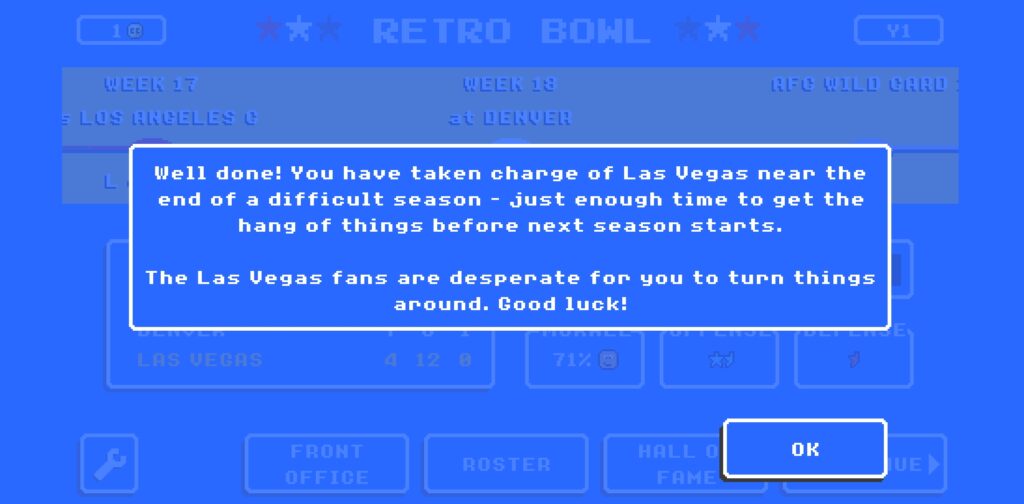
While all these will be explained in just a little bit, upgrading/ improving them requires Coach Credits (CC) that are commonly obtained from winning actual football matches with the squad.
Your CC amount is shown at the top-left corner of the in-game screen, denoted by the yellow circle. Put simply, CCs are used for EVERYTHING in Retro Bowl, so you need to do your best to win as many fixtures as possible throughout a Retro Bowl season to smoothen your team's rise.
Now, let's explore each Front Office segment more thoroughly:
Club Facilities
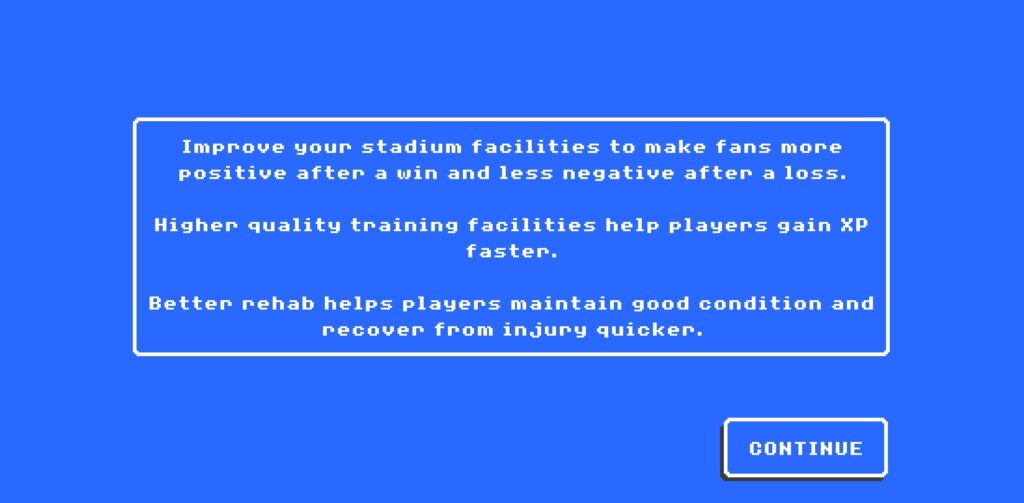
Here, you can uplift the pro football club's standards by using CCs to upgrade the necessary departments. Each affects your team in different ways, each being:
Salary Cap
As its name suggests, the Salary Cap in Retro Bowl determines the maximum cumulative player salaries that the club can accommodate. Changing this allows you to offer higher wages to current and new players, giving boosts to their overall Morale.
Stadium
The Stadium department is related to the club's fan base. By expanding/ bettering the Stadium, you make the followers happier, all while reducing the impact of match losses against opposing teams.
Training Facilities
Improving the Training Facilities lets you develop your players quicker (earn more XP). Getting this to a respectable tier is crucial to helping your favorite Quarterback (QB) or Defensive Linebacker (DLB) become the next Retro Bowl superstar!
Rehab Facilities
Injuries are a thing in Retro Bowl, and you don't want your most important Running Back (RB) or Wide Receiver (WR) missing when you're facing top-tier teams in the Retro Bowl. Invest CCs here to speed up your players' healing/ rehabilitation processes.
Administration
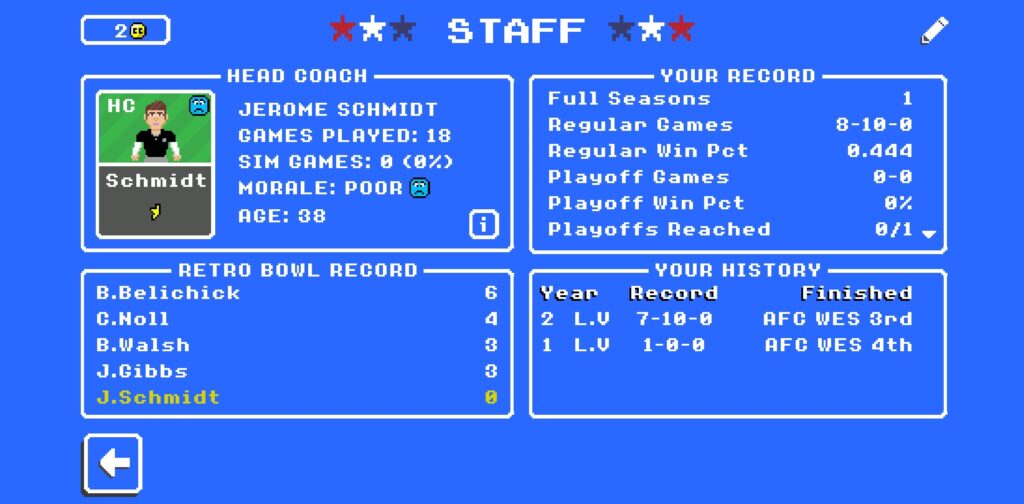
Every American football club has its dedicated administration department. This rings true in Retro Bowl too albeit simplified for easier gameplay.
Here is where you'll find details about the Head Coach (you), Offensive Coordinator, and Defensive Coordinator, both of whom oversee your players' development accordingly.
Head Coach (HC)
If you want to see how you've fared throughout your current career, you can do so by visiting the HC office. You can view your total run of games, be proud of the number of Retro Bowl trophies won, or even change your name if you so wish.
Offensive Coordinator (OC)
The OC is the main person looking after your squad's attacking footballers/ runners. They have their own Morale and XP Level as well, with the more expensive ones normally boasting traits providing bonuses to certain player attributes.
You can view their credentials, adjust their training regime, and extend their contract if deemed worthy.
Defensive Coordinator (DC)
The DC works similarly to the OC, but they focus their efforts on the team's defensive players instead. Again, you can evaluate their stats and usefulness to the squad when it comes to your Safeties' and Linebackers' growth.
Miscellaneous/ Hiring
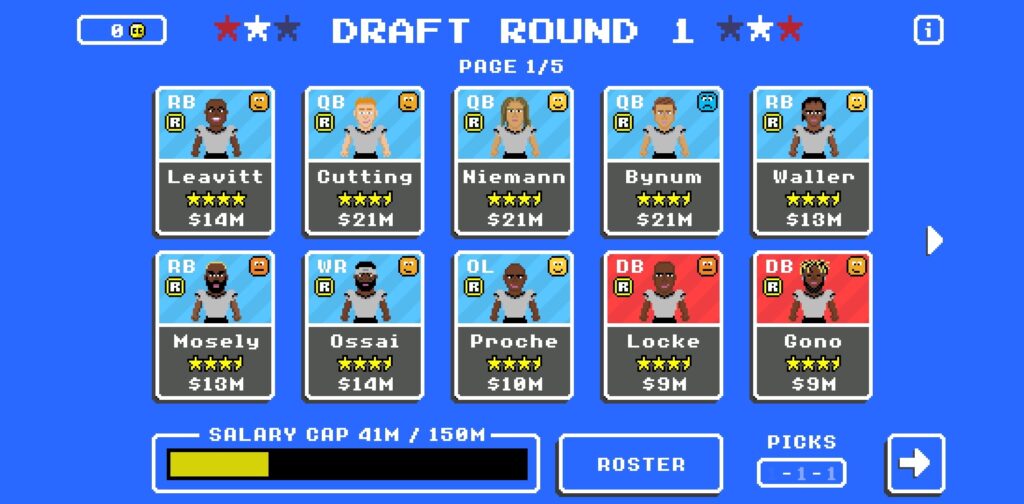
Under this segment, you can make personnel changes where needed. In Retro Bowl, the more experienced/ professional a person is, the more direct impact they can make for the club as a whole.
Increase Salary Cap
Once your team is well-established in Retro Bowl, you can opt to increase the total amount of wages paid to reward your current crop of gridiron warriors or recruit another household name from elsewhere.
Free Agents
While a Retro Bowl season is ongoing, you can still welcome new faces into the group via Free Agents if your current squad has the slots. They range from international talents to subpar rejects but cost CCs to recruit.
Staff Hires
Changing the OC or DC can be beneficial to the squad as well, with some world-class individuals able to help your players grow even better. That being said, new staff are commonly more expensive (cost more CCs) than Free Agents.
Draft Picks
Draft Picks are the regular player trade/ recruitment in Retro Bowl. This only occurs during the off-season, but you can attract new players for free, only limited by the amount of Draft Picks you're given per round (a Draft Pick cycle has three rounds).
Squad Development

The backbone of any American football team is definitely the players themselves. So, in Retro Bowl, you need to know how to pick and control your squad wisely.
Player Roles
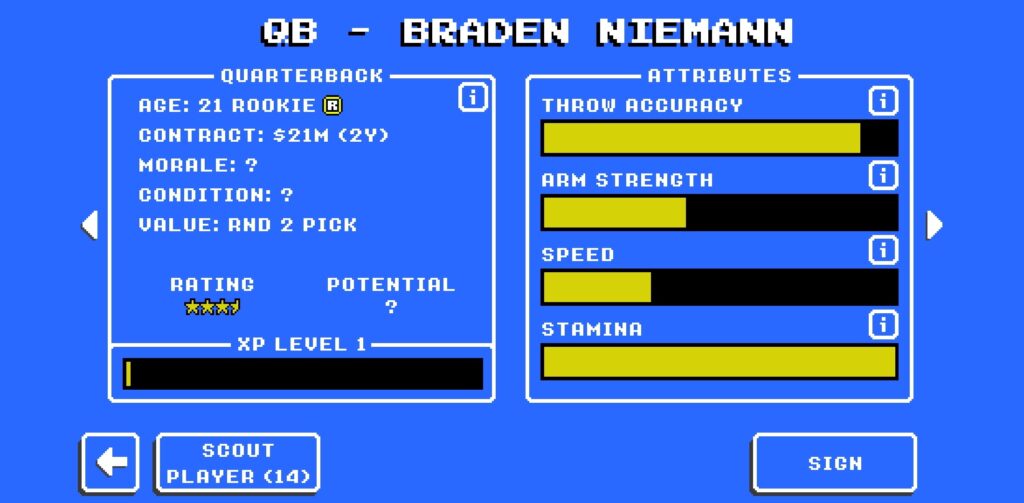
Just like in the National Football League (NFL), your players can come in different specialized roles, and each relates to specific stats/ attributes exclusive to the individual.
For example:
- Quarterback (QB)
- Throw Accuracy
- Arm Strength
- Speed
- Stamina
- Linebacker (LB)
- Tackling
- Strength
- Speed
- Stamina
- Etc.
Since you only have a limited number of team slots to fill in the roster (unless you support the devs by purchasing more from the in-game Store), it's recommended that you have a few covering the main players, like two Kickers on the team, so you'll have a backup if your important gridiron footballer succumbs to injury.
Morale

Understandably, when dealing with people, different individuals have different temperaments. So, you'll need to manage everyone's Morale so that all players remain positive while running down the yards.
Bad morale does exist, like Toxic, and they actually benefit certain player roles too. Still, these ‘negative' players can bring down the entire team's morale as a consequence, so you need to be mindful of that.
Poor morale leads to unsatisfactory performances on the field, like fumbling the ball more often.
Potential
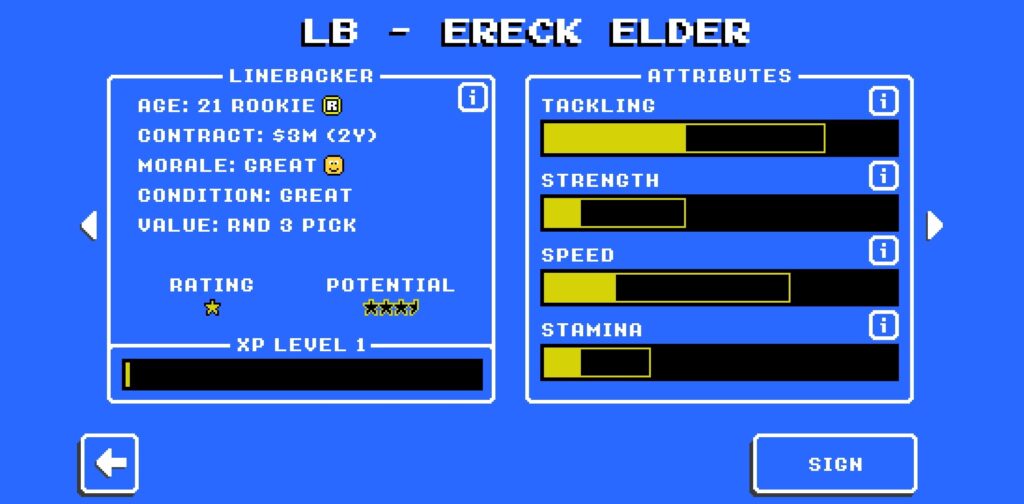
In Retro Bowl, most young talents have the potential to become even greater footballing icons in the future. You can identify them by using the “Scout Player” option while inspecting them during Draft Picks.
Naturally, some might take a few seasons to get going while others can jump straight into the action already. Still, player contracts are a fickle thing in the game (short-term, expensive amount of CC), so you shouldn't be afraid to shuffle your team around every season because holding on to a gifted Patrick Mahomes can be very difficult.
On-Field Gameplay Mechanics
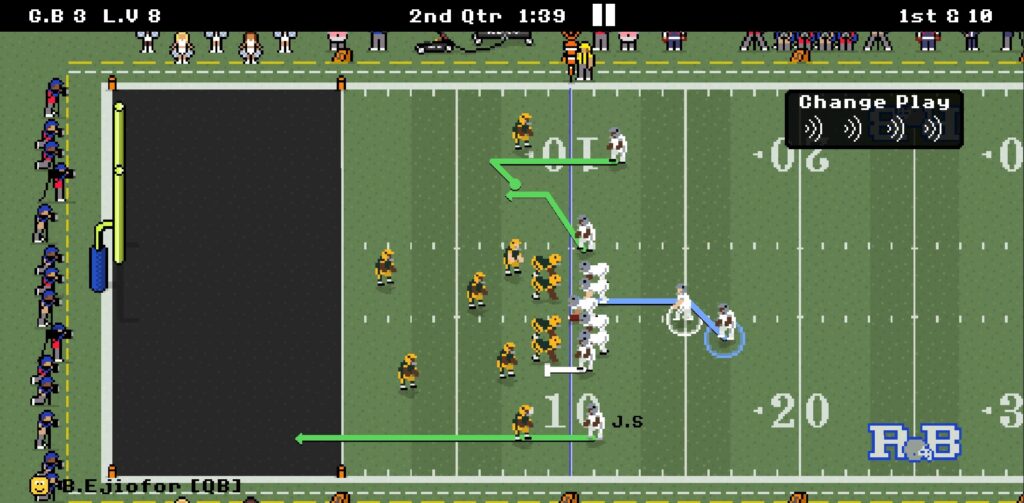
Let's jump right into the meat of it all: rugged, physical American football! In Retro Bowl, every match is a mix between AI simulation and actual hands-on gameplay.
First things first, though; the game has five difficulty settings to choose from:
- Easy
- Medium
- Hard
- Extreme
- Dynamic (difficulty adjusts automatically according to your wins and losses)
For first-timers, the game sets the in-game difficulty to Dynamic to help you slowly adjust to the game's various systems.
Once you're confident enough about your abilities, you can permanently change it to any of the other four options by visiting the Settings menu (denoted by the wrench icon located at the bottom left corner of the home screen/ manager dashboard).
Coordinator Effect
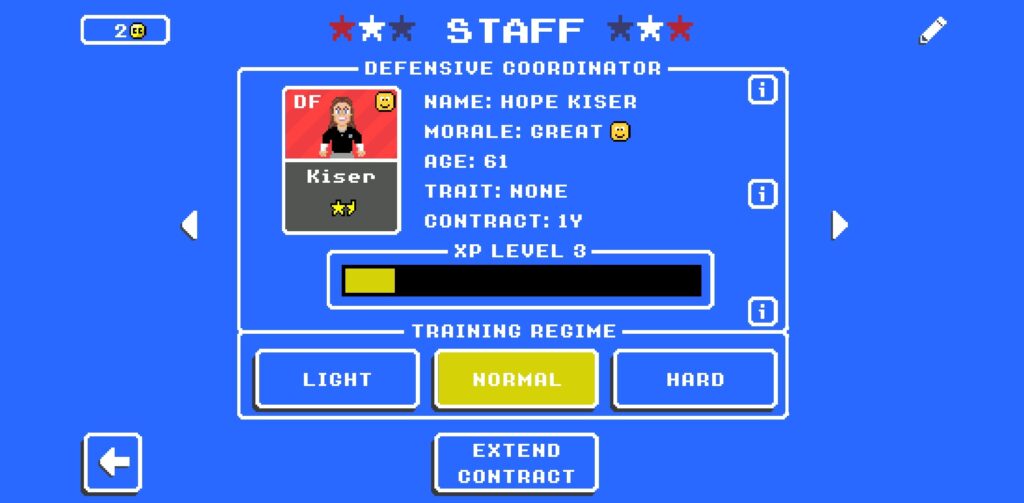
Back on the field, a majority of your team's players are chosen by the OC and DC respectively, for offensive and defensive formations (these players are not on your squad's list), playing alongside your main roster of gridiron footballers.
To this end, your Coordinators play a crucial role in determining how your ‘side' players perform on the field, meaning world-class Coordinators will ensure your ‘dummy' teammates match your best players' stats as best they can.
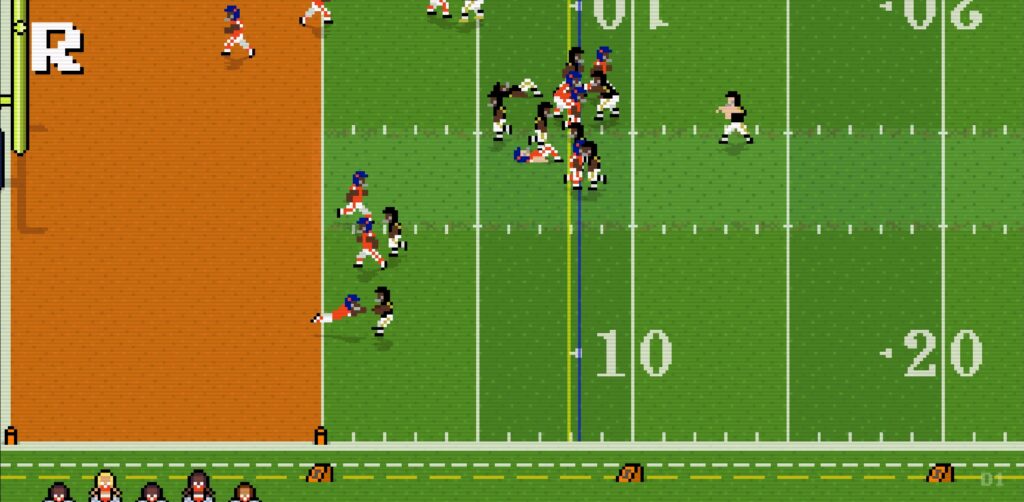
This affects you in certain situations, especially during injuries. Let's say you have a 1-star OC and your RB is injured without a backup prepared on your roster; the OC will replace the injured star with a random player who's FAR WEAKER than your primary player because your OC's star level isn't high enough, resulting in a bad replacement.
Under best-case scenarios, you'll normally have your preferred players available most of the time, depending on the difficulty set. When injuries do strike your team (they will), that's when your training Coordinators and the level of Rehab Facilities come into play.
Direct Gameplay + Simulation

As said earlier, Retro Bowl‘s on-pitch action combines your actual input with in-game simulation during matches. This means the AI will automatically simulate many of the game's instances according to multiple variables, leading to certain outcomes like the opposition scoring against you.
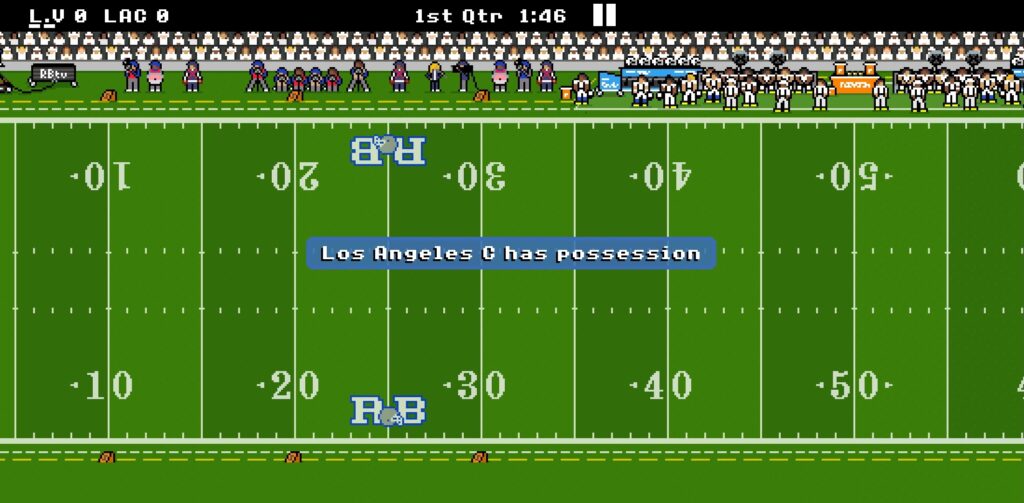
Once per quarter (a match is separated into four halves), though, you'll get to control your players for a short time, pushing them toward the opposition's end zones to achieve your own touchdowns (gameplay time can be adjusted in Settings).
Since you don't actively control the entirety of a fixture, every real-time chance you get on the field matters, affecting the outcome of a particular game. You might be behind by 10 points when you finally get to control your players, but that's how things work in-game (especially if you're against tougher teams).

If things aren't going your way, you have two last-grasp utilities to try and salvage the match:
- Change Play
- You can instruct your players to change their predicted running routes if the current one doesn't seem favorable.
- There's a limit to the number of Change Plays you can use, which is directly tied to the Quarterback in question.
- Time Out
- If you're going for a clutch win, calling for a Time Out can give you those few precious seconds you need by stopping the game time (saving wasted time clocked by players getting back up from a tackle, etc.).
Sim Games (AI prediction)
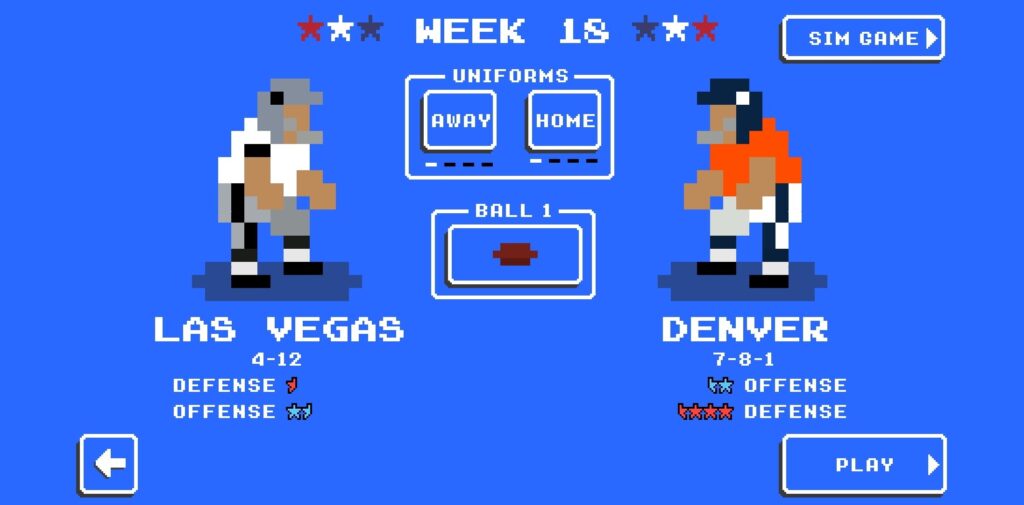
For those in a rush, you can also completely simulate games without getting involved in the fixture. During a match preview, you can click the “Sim Game” option found at the top-right corner of the screen.
Bear in mind that you will likely lose matches this way during the beginning because your team isn't properly built and are still ‘undercooked', to say the least.
Conclusion
Out of all three games developed by New Star Games, Retro Bowl is the most well-received by players. It's understandable; the game doesn't utilize 3D-intensive visuals for all its comprehensive features, letting you play it on the most old-school touchscreen phones imaginable!
That being said, if you're more interested in reading guides for other mobile sports games, like King Of Cricket Games or Soccer Manager 2024, then make sure to check them out while you're here too!