


One USB-C port and two or three monitors is the dream, but the dock you pick decides whether you get it. Some mirror the same image on a Mac, some need a driver, and some cap the second screen at 30Hz. This guide covers five docks for Windows laptops, MacBooks, Chromebooks and Googlebooks, from budget two-screen options to a triple-4K workstation.
Before you buy
Chromebooks and Googlebooks can extend to more than one external display through a dock, but the limit comes from the machine. Entry-level models often manage a single external screen, while mid-range and premium ones can handle two or three. Check that your USB-C port supports video output and look up your model’s display limit before you spend anything.
Macs are the other catch. Docks that rely on a standard single video stream, including Anker’s, mirror the same image on both screens on macOS, per their listings. DisplayLink docks get around this with a driver, which is why two of the picks below use it. An Android phone is a different story: most only drive one external display, so these docks are really laptop kit.
Anker 8-in-1 Dual Display Dock: The cheap Chromebook-friendly pick
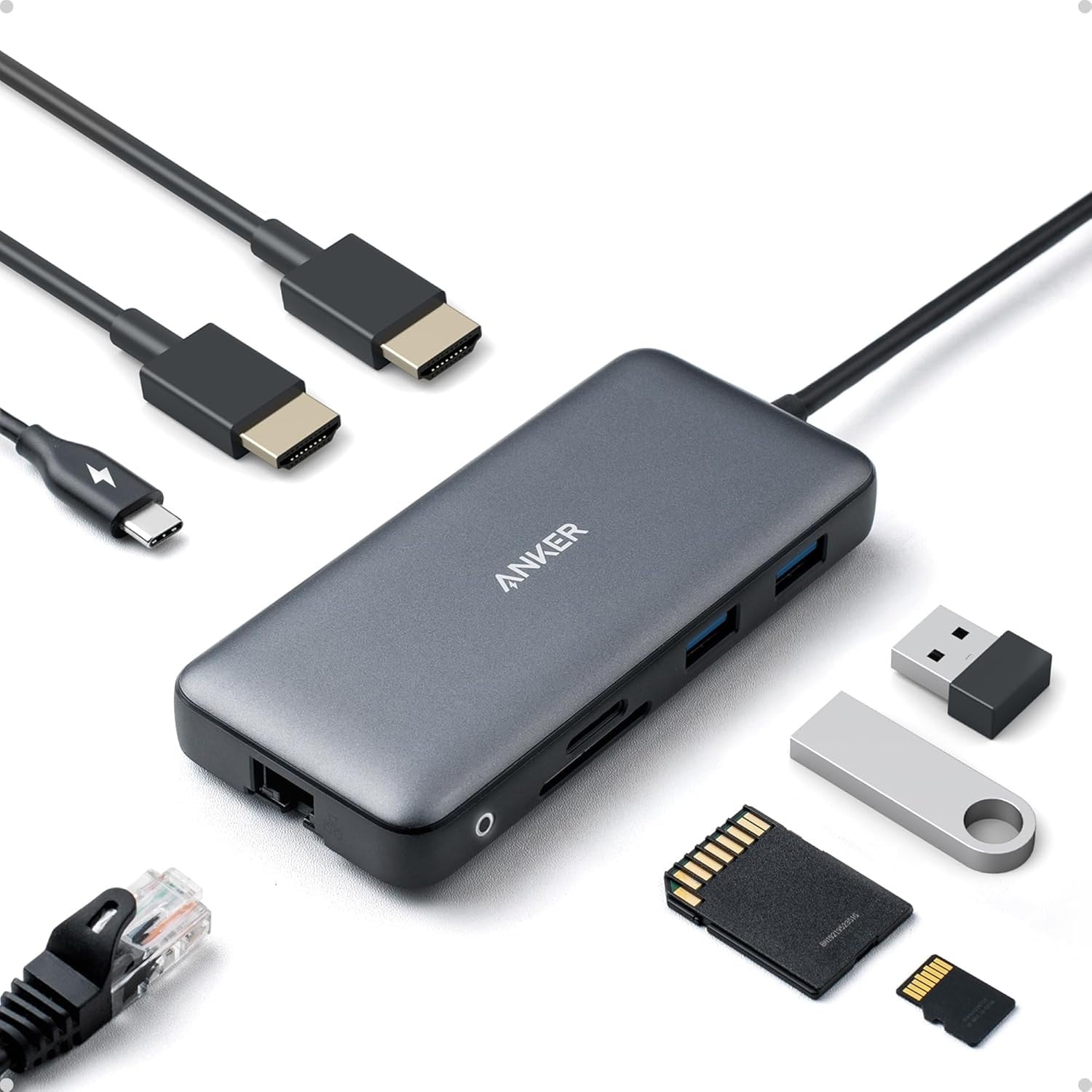
Anker’s 8-in-1 dock is the one on this list whose listing names ChromeOS and Windows 10/11 support, and it costs $39.99 on Amazon at the time of writing. According to Anker, it drives two displays at 4K@30Hz or a single screen at 4K@60Hz. On a Mac, both screens show the same image.
That makes it a sensible fit for a Chromebook or Windows laptop where the second screen is for reference windows rather than video.
Key specs
- Display: dual HDMI, 4K@60Hz single or 4K@30Hz dual
- Charging: up to 85W pass-through (100W charger and USB-C to C cable required)
- Ports: 2 USB-A, Ethernet, SD and microSD, PD-in
- Compatibility: Windows 10/11, ChromeOS, DP Alt Mode laptops (not Linux)
- Price: $39.99 on Amazon at the time of writing
UGREEN 10-in-1 Dual HDMI Dock: Budget dual 4K@60Hz
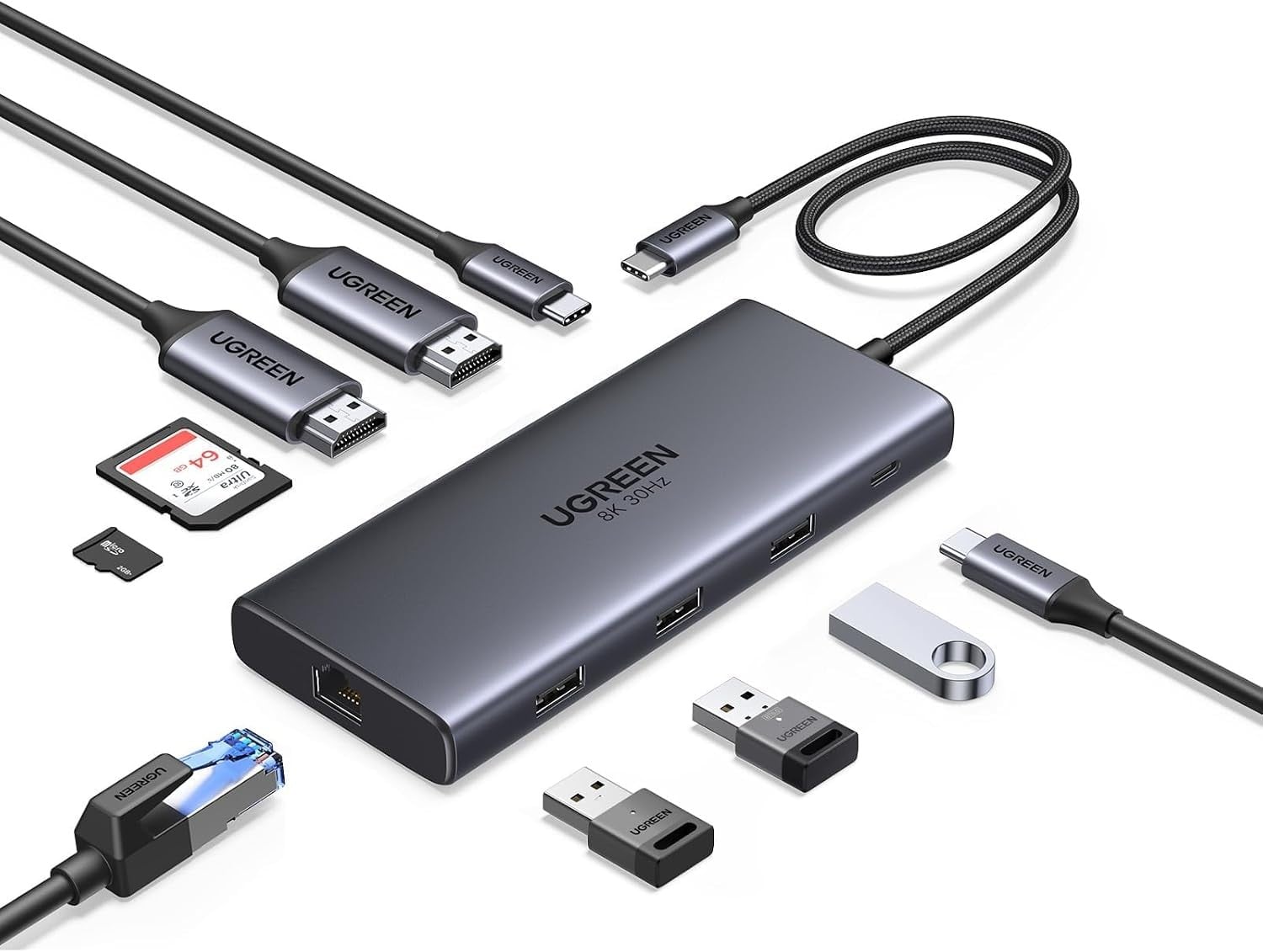
UGREEN’s 10-in-1 dock is the only budget option here that claims dual 4K@60Hz, and it costs $37.98 on Amazon at the time of writing. UGREEN says it can also drive a single 8K@30Hz screen through the second HDMI port, and its listing carries a macOS limitation note.
It’s a roomy port selection for the money, with gigabit Ethernet and a card reader as well. The listing doesn’t name ChromeOS, so Chromebook owners should check compatibility first.
Key specs
- Display: 2 HDMI, dual 4K@60Hz or single 8K@30Hz
- Charging: 100W PD port, up to 85W pass-through to the laptop
- Ports: 5Gbps USB-C, USB-A 3.0, 2 USB-A 2.0, gigabit Ethernet, SD and microSD
- Price: $37.98 on Amazon at the time of writing
UGREEN DisplayLink Dock: The Mac-friendly dual-screen option
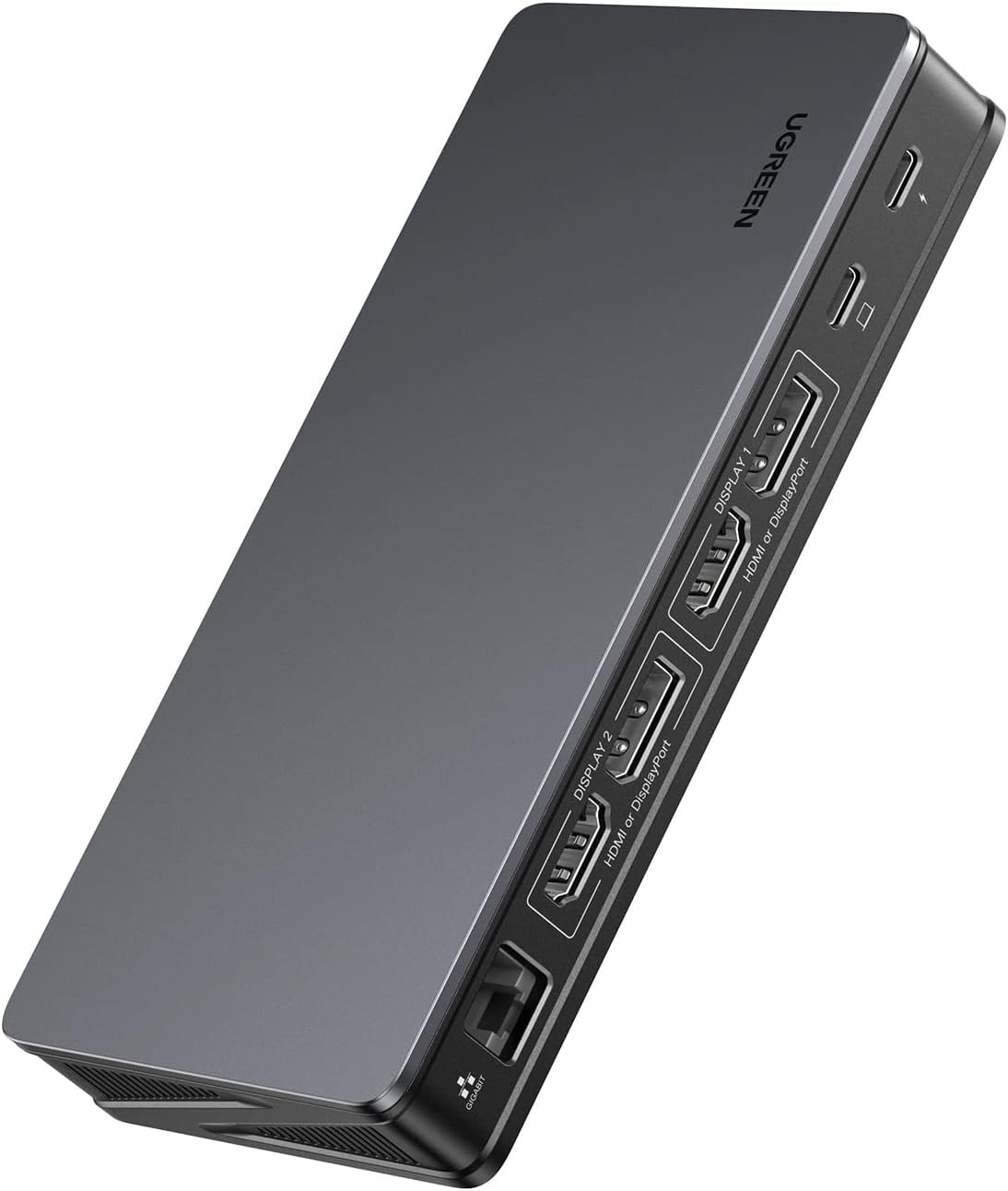
This is the one to look at if you want two extended screens on a MacBook, because UGREEN says its DisplayLink technology extends dual 4K@60Hz monitors on macOS and Windows. It costs $125.98 on Amazon at the time of writing, and a driver is required.
You also get a mix of two HDMI and two DisplayPort outputs, so you can pair it with whatever monitors you already own.
Key specs
- Display: 2 HDMI and 2 DisplayPort, dual 4K@60Hz extended
- Charging: 100W PD
- Ports: 2 USB-A 3.2 (10Gbps), USB-C 3.2 (10Gbps), gigabit Ethernet
- Compatibility: macOS and Windows, driver required
- Price: $125.98 on Amazon at the time of writing
Satechi Dual Dock and Stand: The one with a built-in SSD bay
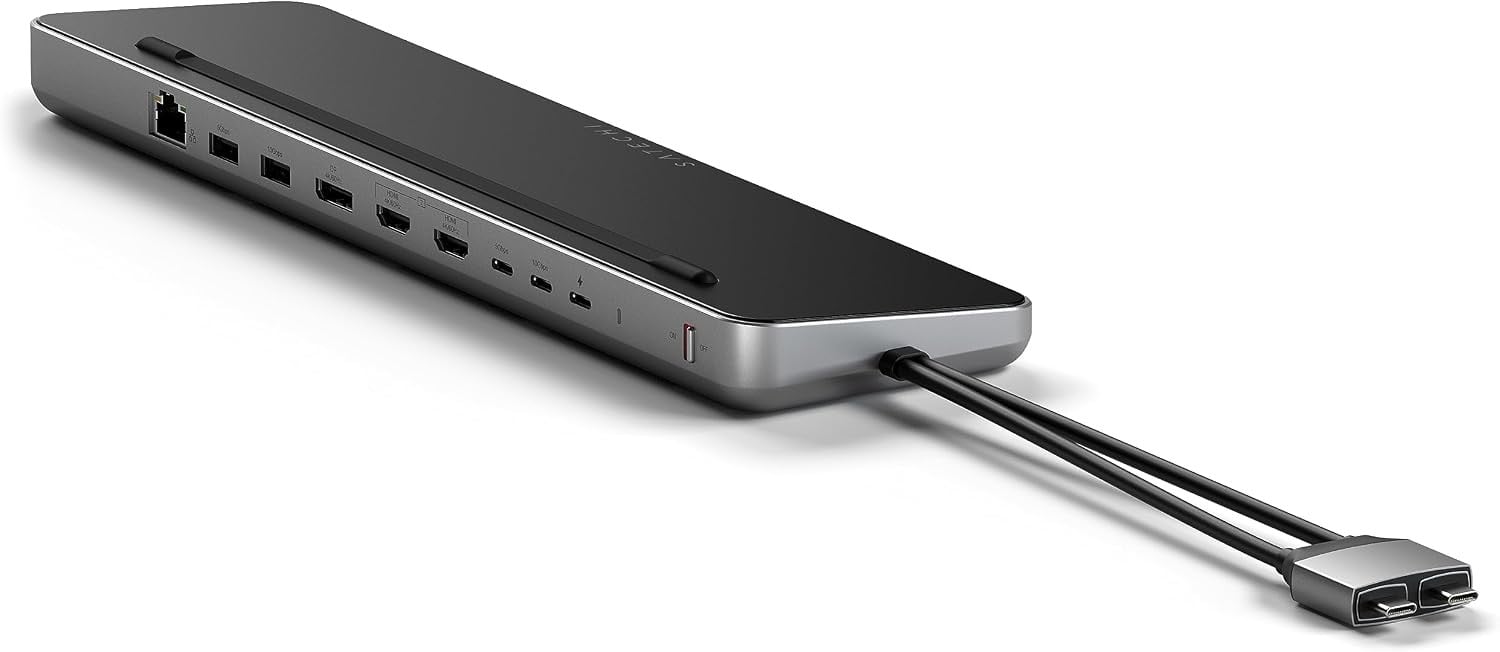
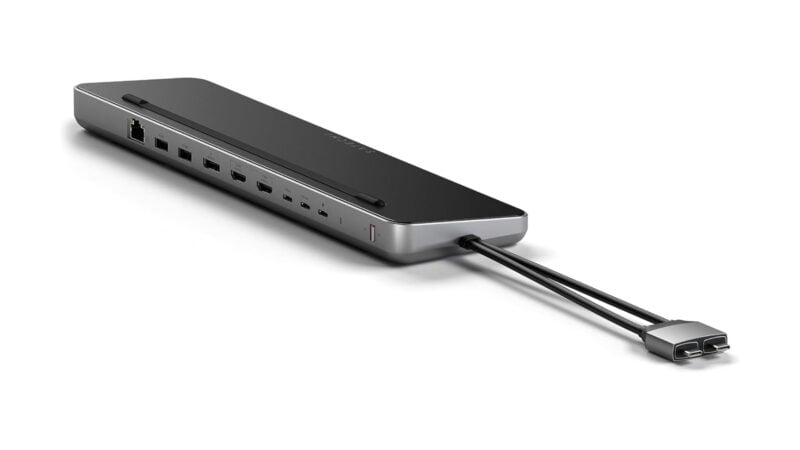
Satechi’s Dual Dock and Stand sits under your laptop and adds an SSD enclosure, which makes it more of a desk fixture than a dongle. It costs $169.99 on Amazon at the time of writing, and Satechi covers it with a 2-year limited warranty.
Per Satechi, it extends up to two external monitors, with a choice of dual HDMI or a single DisplayPort, and its enclosure takes NVMe SSDs at 10Gbps or SATA SSDs at 6Gbps.
Key specs
- Display: dual HDMI or one DisplayPort, up to two external monitors
- Charging: up to 75W
- Storage: NVMe SSD (10Gbps) and SATA SSD (6Gbps) enclosure, SSD not included
- Ports: Ethernet, USB-A and USB-C up to 10Gbps
- Warranty: 2 years
- Price: $169.99 on Amazon at the time of writing
Plugable 13-in-1 Triple 4K Dock: The three-screen workstation
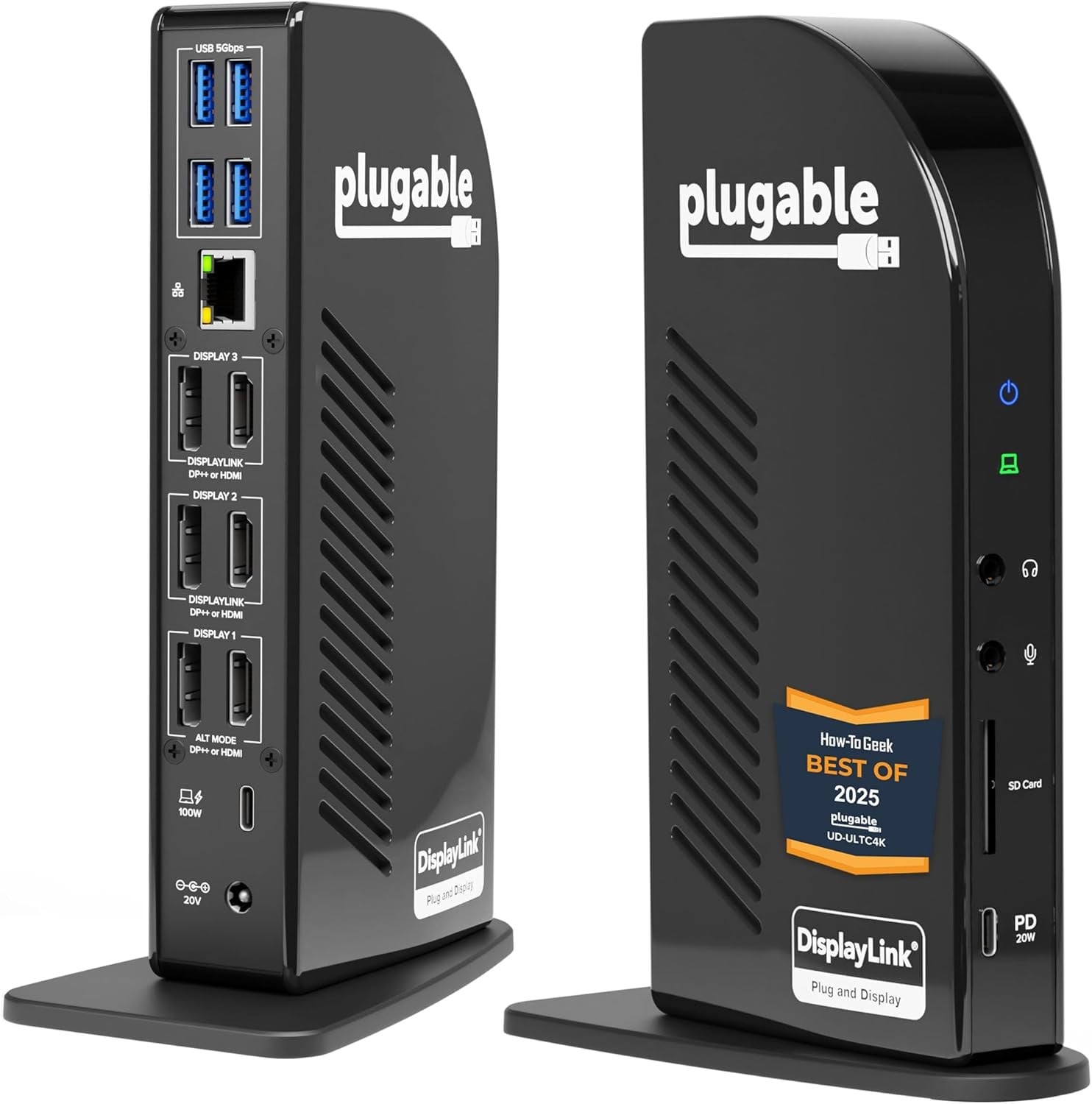
Plugable’s 13-in-1 is the most capable dock here and the most expensive at $245.99 on Amazon at the time of writing. Plugable says it drives up to three 4K@60Hz monitors from 3 HDMI and 3 DisplayPort outputs, and it lists Windows 10 or later, macOS 11+ and ChromeOS 100 or later.
DisplayLink drivers are required on macOS, and Plugable says it provides lifetime support. If your Chromebook or Googlebook can take a third screen, this is the dock that will do it.
Key specs
- Display: up to three 4K@60Hz monitors, 3 HDMI and 3 DisplayPort
- Charging: 100W laptop charging (96W certified), 20W accessory USB-C port
- Compatibility: Windows 10+, macOS 11+, ChromeOS 100+, DisplayLink drivers needed on macOS
- Support: lifetime support
- Price: $245.99 on Amazon at the time of writing
Verdict
For a Chromebook, Googlebook or Windows laptop and a second screen for reference windows, Anker’s 8-in-1 is the safe, cheap buy. For a MacBook that needs two extended screens, UGREEN’s DisplayLink dock is the pick, and Plugable is for anyone who wants three. Skip all of these if you only own an Android phone, because most phones drive a single external display.
It’ll be worth seeing how these docks behave on Googlebooks as more of them reach buyers, since their display limits aren’t published yet. Prices and availability can change, so keep an eye out for promotions.