



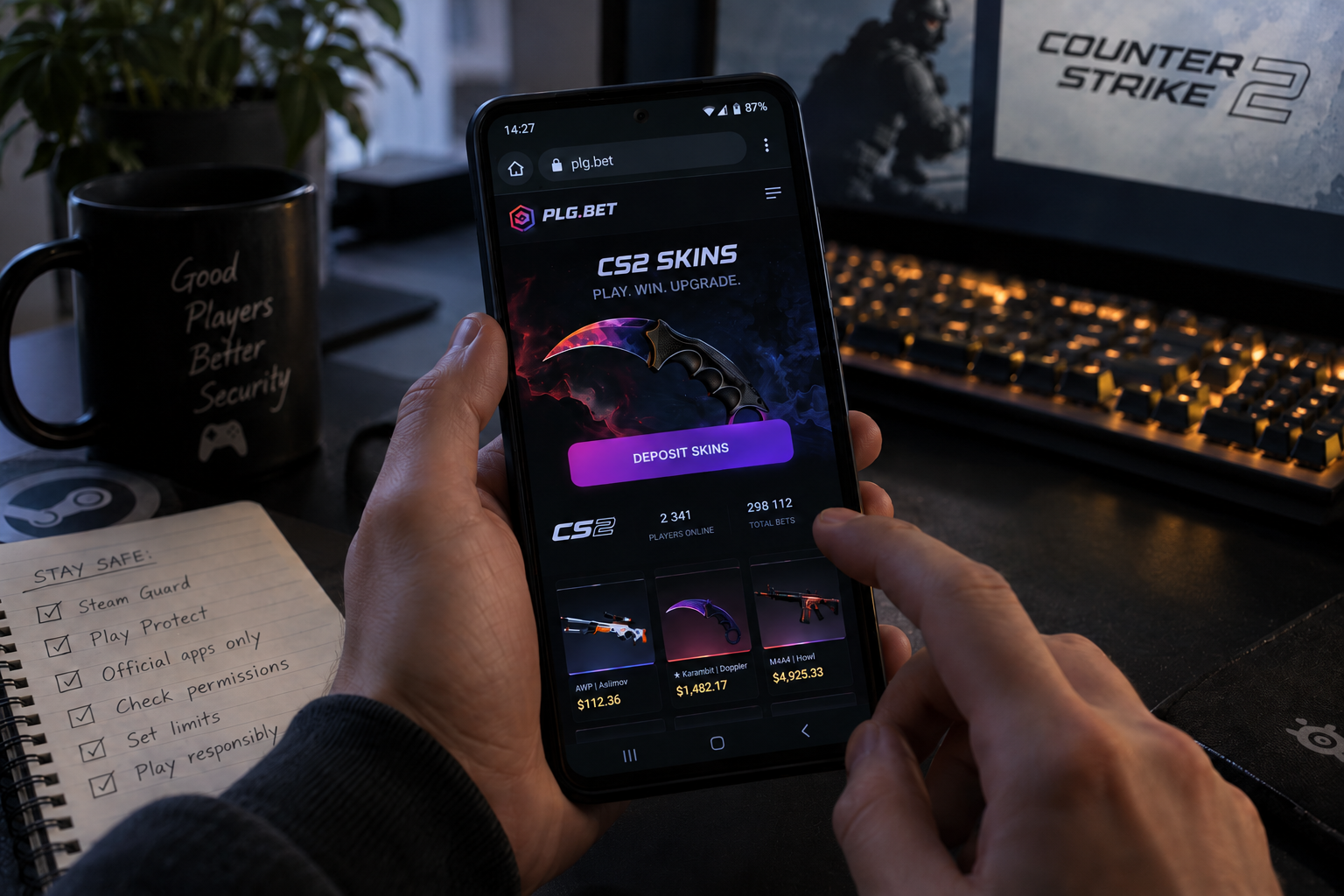
Your phone is the weak link
Short answer: it carries real risk, and Android adds its own traps. Unregulated sites, fake apps and a poorly protected Steam account cause most of the damage. A few settings and habits shrink that risk.
Picture a typical session. A player opens a browser tab on the bus, taps “Sign in through Steam,” approves something, and goes back to scrolling. Fast. Convenient. Also exactly how scammers like it.
Skins aren’t pocket change, either. A well-stocked CS2 inventory can be worth serious money, which makes it a juicy target. Phones blur the line between a quick check and a financial decision, so a little paranoia pays off. Here’s what mobile players should know, and what actually helps.
What mobile players should know first
Skin gambling means using CS2 cosmetic items as stakes in casino-style or betting games on third-party sites. Valve, the company behind Steam and CS2, doesn’t run these platforms. According to Valve’s July 2016 statement, the company had no business relationships with such sites and had never received revenue from them. Valve also said that using Steam’s OpenID API to operate a gambling business breaks its rules, and it began sending cease-and-desist notices.
A few months later, the Washington State Gambling Commission called skin gambling risky for players in an unregulated environment. That history explains why anyone exploring cs2 skin gambling on a phone should treat it as an adults-only activity (18+ or the local legal age), check local laws, and set firm limits before depositing anything.
Red flags show up fast if players know where to look:
- No clear terms, ownership details or support contact
- Pressure to deposit quickly, “limited-time” bonuses
- Login pages that look like Steam but sit on an odd web address
- Requests to install an APK from a chat link instead of an official store
- No mention of age limits or responsible play
Three typical traps illustrate the pattern. A player gets a Discord message with a “new app” link, and the file is malware. Another lands on a clone of the Steam login page and types in a password. A third sideloads a “faster” version of a site’s app that quietly asks for risky permissions. Different tricks, same goal: access to the account.
Steam Guard does the heavy lifting
Steam Mobile Authenticator is the strongest everyday shield for an inventory, and it’s available on Android. It also changes how long items sit in limbo after a trade.
A trade hold is a waiting period where Steam keeps traded items before delivering them. According to Steam Support, accounts without a Mobile Authenticator active for at least seven days can see items held for up to 15 days. Annoying? Sure. But that window gives a hijacked account’s owner time to spot trouble. Cancel a held trade and Steam applies a 7-day trading cooldown, which blocks further attempts to move items out.
Here’s the catch. An authenticator protects the account, but it can’t stop a player from typing credentials into a fake page. Security tools work best when habits back them up.
Android habits that keep malware out
Google’s own tools are a solid baseline. Google Play Protect checks apps when they’re installed and scans devices periodically. It also covers apps from outside Google Play, and it may block unverified apps that use sensitive permissions commonly targeted by scammers. Google’s developer documentation says the system scans 200 billion apps every day.
A simple checklist covers most of the ground:
- Keep Play Protect switched on, and don’t dismiss its warnings.
- Install apps only from official stores, never from links in chats or comments.
- Review permissions. A betting tool asking for accessibility or SMS access deserves a hard no.
- Keep Android and the Steam app updated.
- Use a password manager and a unique password for Steam.
- Bookmark official addresses instead of tapping search ads or shared links.
None of this takes long. Ten minutes of setup beats weeks of recovery.
The bottom line for phones and skins
So, is cs2 skin gambling safe? Not by default. Safety depends on the platform, the player’s habits and the legal setting, and no phone setting can fix a shady operator.
What helps is a stack of small defenses: Steam Mobile Authenticator, Play Protect, official app sources, careful permission checks and strict personal limits. Adults only, money they can afford to lose, and a healthy suspicion of anything that feels rushed. Boring advice, maybe. It also works.
Good luck, and keep those inventories locked down.