


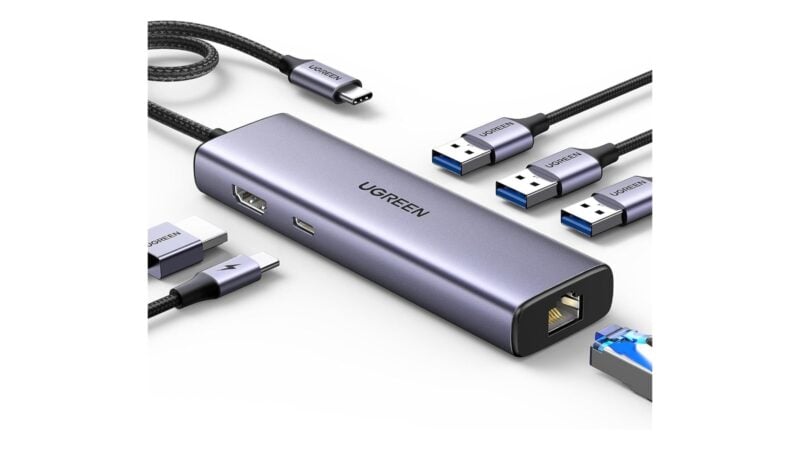
A phone that can output video over USB-C can drive a monitor, keyboard and mouse, and a hub turns that setup into a single cable. The six hubs below list between $29.98 and $69.99 on Amazon.
The catch is the phone. Acer, UGREEN and Plugable all say the host's USB-C port has to support DisplayPort Alt Mode for HDMI video, so check your phone's specs before you buy. Everything here is a single-display hub, because a phone will typically drive one screen.
UGREEN Revodok 6-in-1: best for budget Ethernet
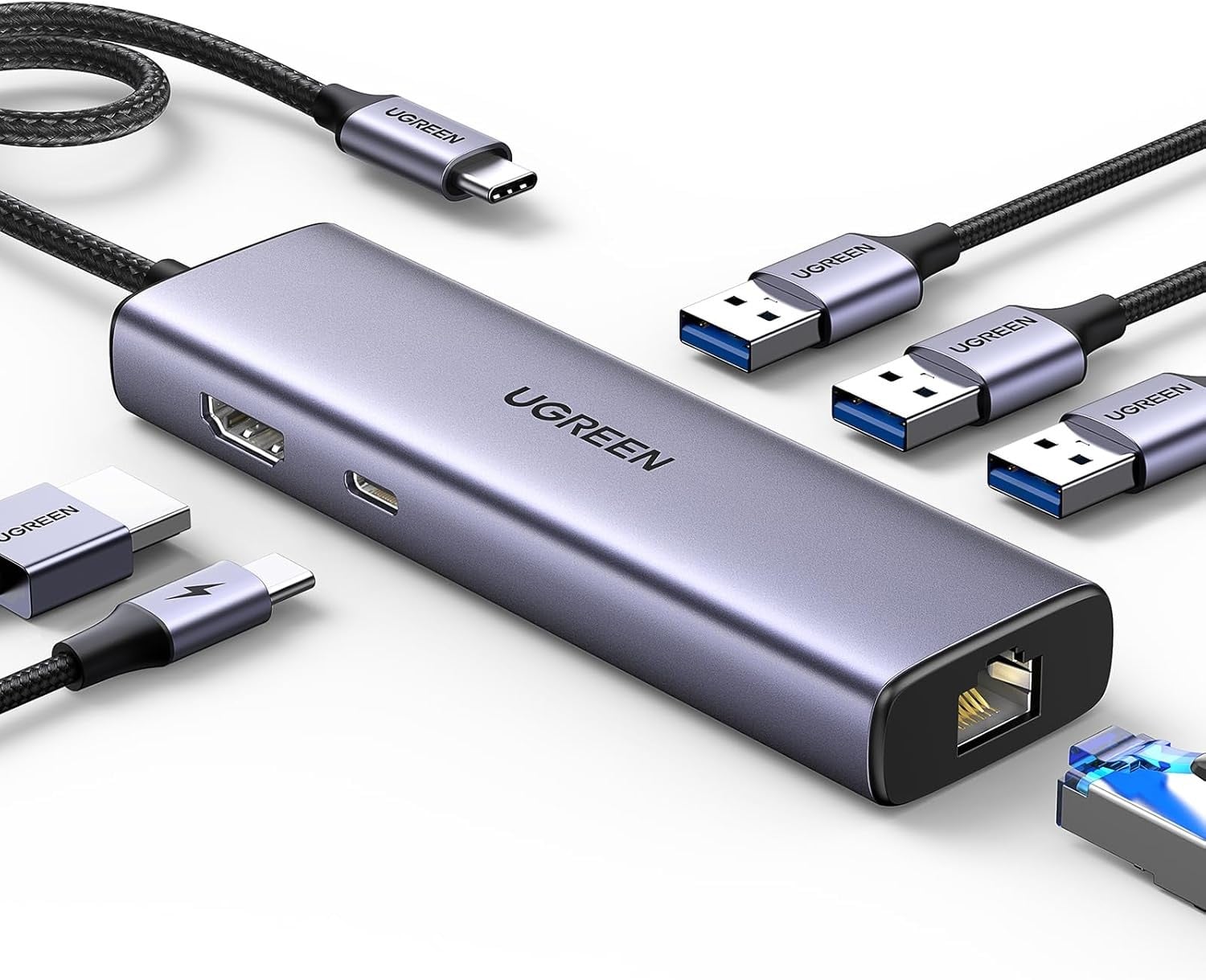
UGREEN says the Revodok turns one USB-C port into six, with a 4K@30Hz HDMI port, Gigabit Ethernet and three USB-A 3.0 ports. It lists up to 85W of pass-through charging, with 15W reserved for the hub.
The 4K@30Hz output is the weakest display spec in this guide, though it is fine for a phone's desktop interface. UGREEN notes the hub's USB-C port is for charging only.
Key specs
- Price: $29.98 list
- Video: 4K@30Hz HDMI, per UGREEN
- Network: Gigabit Ethernet
- Ports: 3x USB-A 3.0 at up to 5Gbps
- Charging: up to 85W pass-through
Acer 6-in-1 Hub with Ethernet: best for 4K@60Hz on a budget
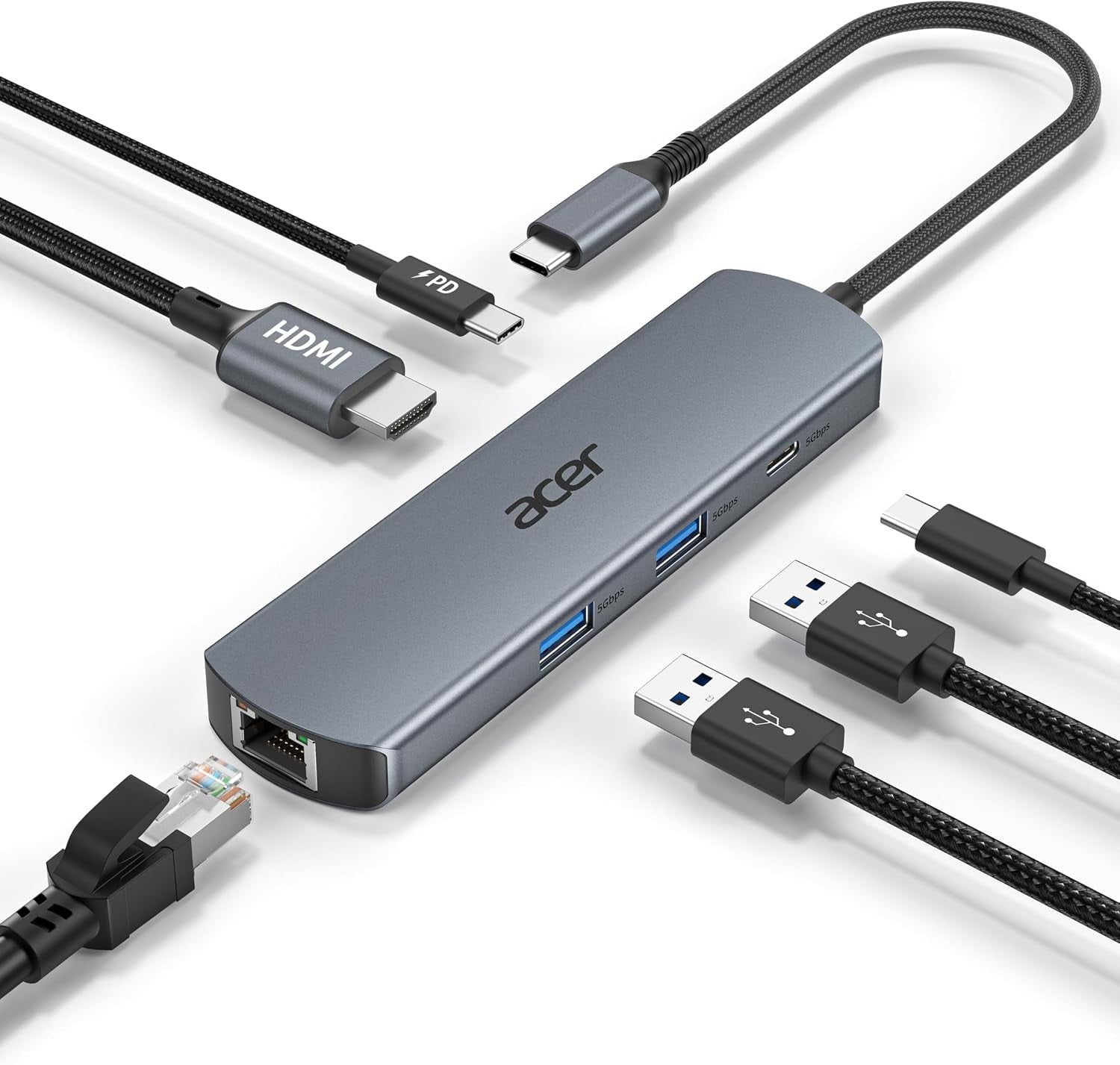
Acer says its 6-in-1 hub offers 4K@60Hz HDMI, Gigabit Ethernet, two USB-A ports and a USB-C data port, all at up to 5Gbps. It lists 100W PD input with up to 85W passed through.
Acer notes 4K@60Hz needs a host with DP 1.4 Alt Mode, and that the ports share bandwidth.
Key specs
- Price: $32.99 list
- Video: 4K@60Hz HDMI, per Acer
- Network: Gigabit Ethernet
- Ports: 2x USB-A and 1x USB-C at 5Gbps
- Charging: 100W input, up to 85W pass-through
Anker 8-in-1 Hub with Ethernet: best for ports and card slots
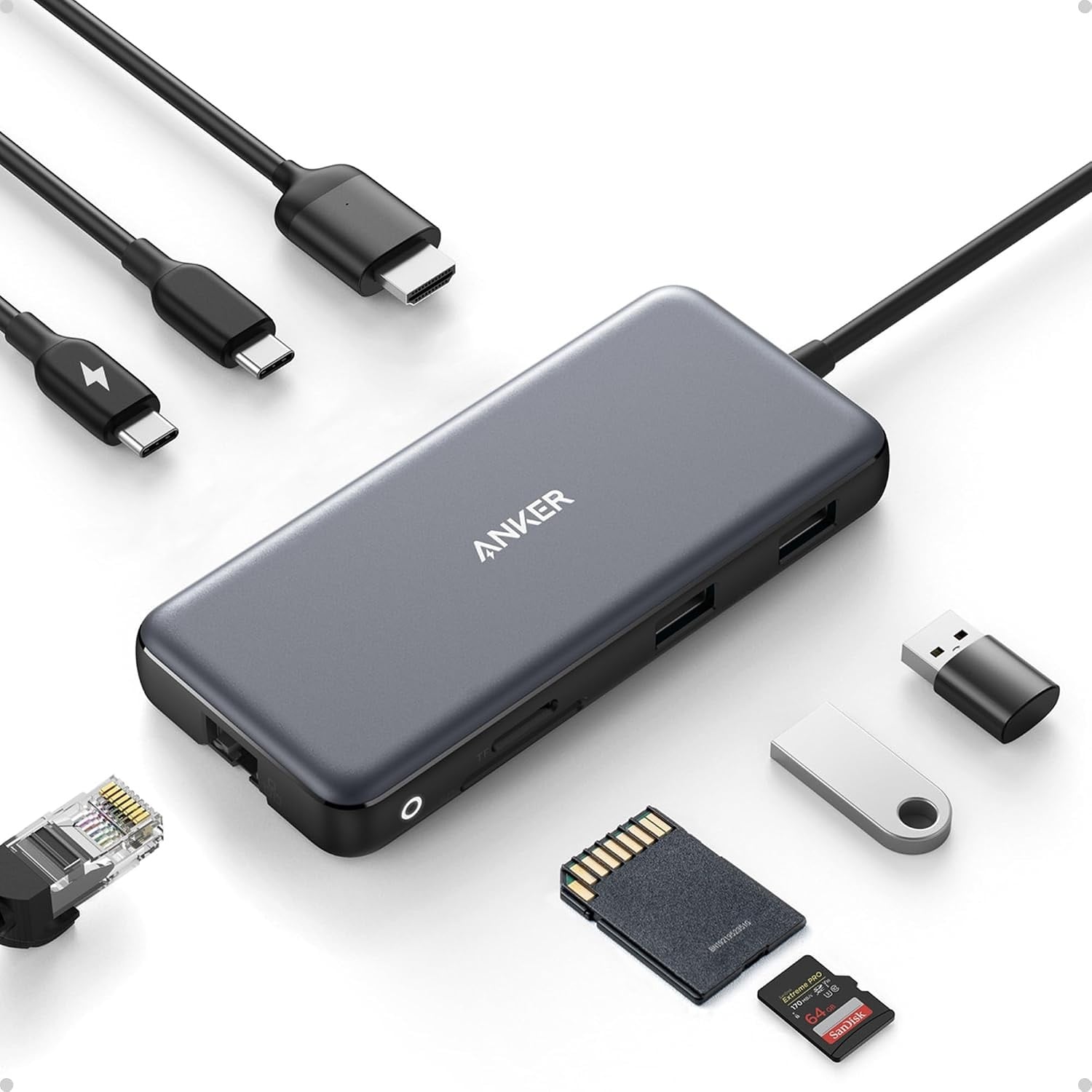
Anker says its 8-in-1 hub adds Ethernet, an SD and microSD reader, two USB-A ports and a USB-C data port, with data speeds up to 10Gbps. HDMI reaches 4K@60Hz on a DP 1.4 host and 4K@30Hz on DP 1.2.
Anker lists 85W pass-through charging and a built-in 7.48-inch cable. It also says only the HDMI port carries video and that the hub is not compatible with Linux.
Key specs
- Price: $49.99 list
- Video: 4K@60Hz on DP 1.4, per Anker
- Network: Ethernet
- Storage: SD and microSD
- Ports: 2x USB-A and 1x USB-C at 10Gbps
- Charging: 85W pass-through
Plugable 9-in-1 Hub: best for fast charging and fast storage
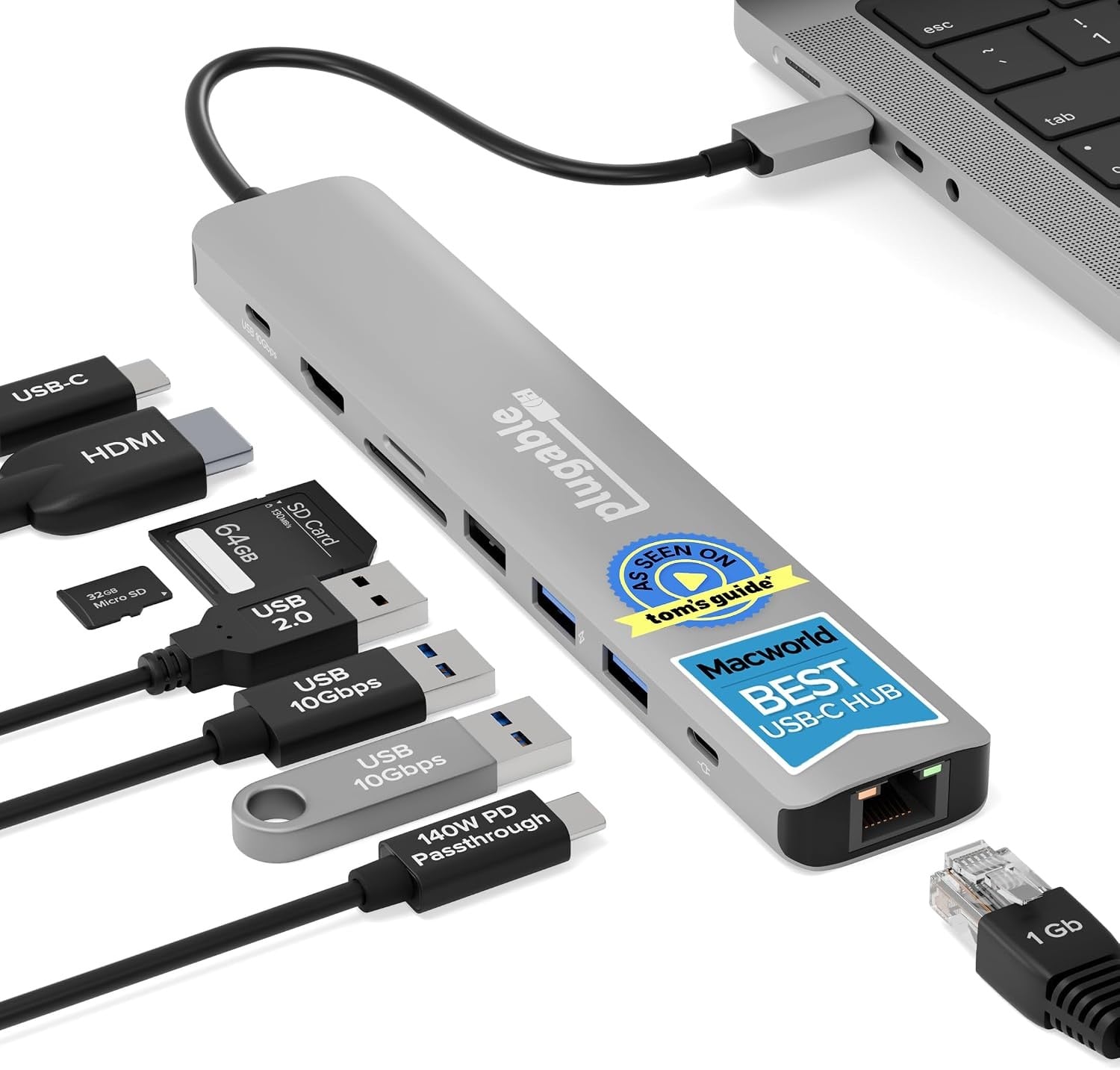
Plugable says the 9-in-1 pairs 4K@60Hz HDMI with 140W pass-through charging, 10Gbps USB-C, two 10Gbps USB-A ports and a USB 2.0 port for a keyboard or mouse. It also lists Gigabit Ethernet and a UHS-II SD and microSD reader.
Plugable says 140W needs a PD 3.1 charger, and that most PD 3.0 setups top out around 100W. It lists plug-and-play with no drivers and lifetime support.
Key specs
- Price: $49.95 on Amazon at the time of writing
- Video: 4K@60Hz HDMI, per Plugable
- Network: Gigabit Ethernet
- Storage: UHS-II SD and microSD
- Ports: 10Gbps USB-C, 2x USB-A at 10Gbps, 1x USB 2.0
- Charging: up to 140W input with a PD 3.1 charger
Belkin 5-Port USB-C Hub: best for a simple desk setup
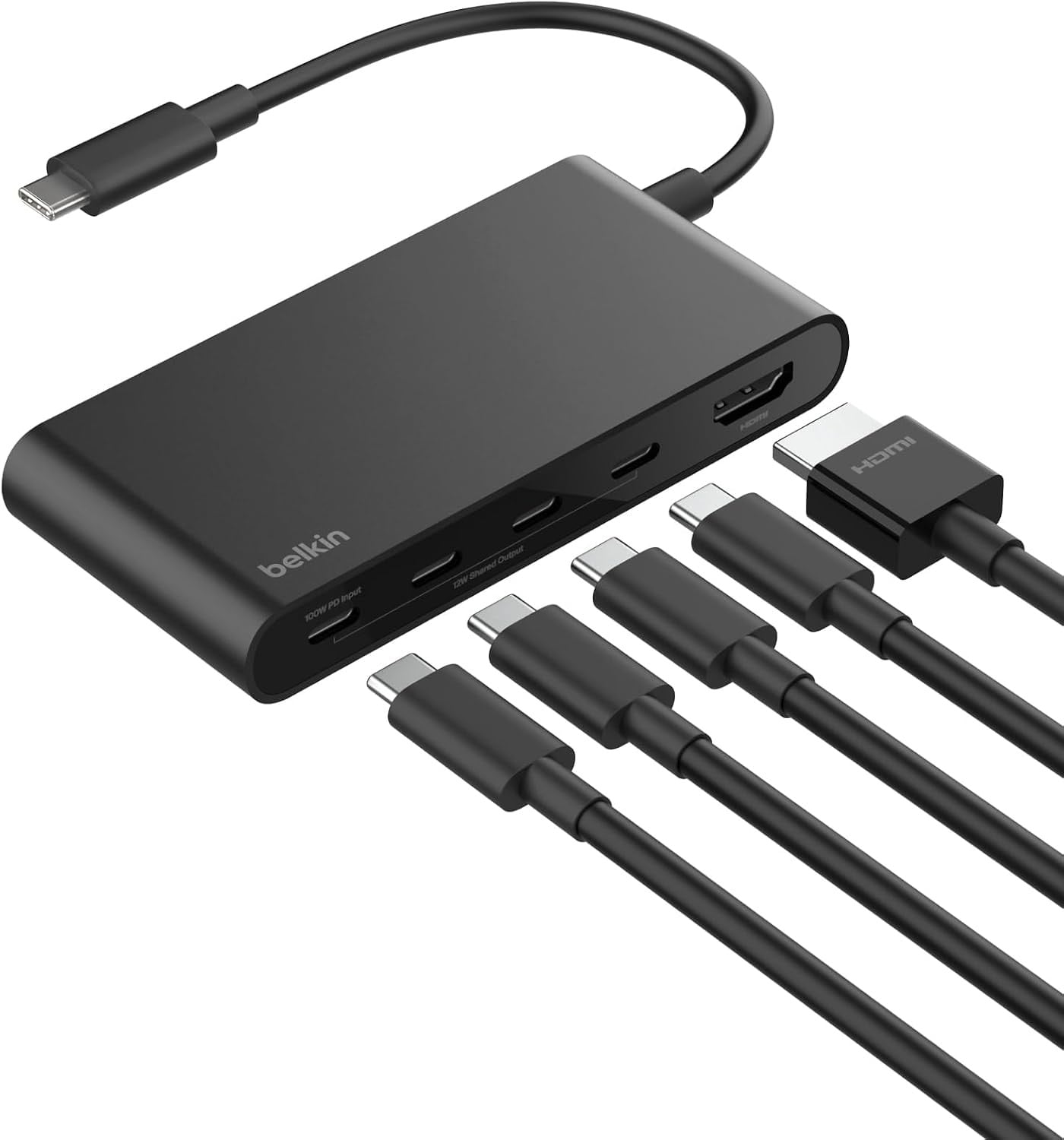
Belkin says this 5-port hub pairs HDMI 2.0 at 4K@60Hz with 100W pass-through charging and 10Gbps data transfer. It has a dedicated USB-C power and data port, and a 5-point safety system.
There is no Ethernet, and Belkin says 12W is shared across the USB-C ports. It is the pick for a lean setup rather than a full desk.
Key specs
- Price: $51.99 list
- Video: 4K@60Hz HDMI 2.0, per Belkin
- Ports: 5 in total, with 10Gbps data
- Charging: up to 100W
- Safety: overload, overcurrent and over-temperature protection
Satechi 6-in-1 USB-C Hub: best for premium build
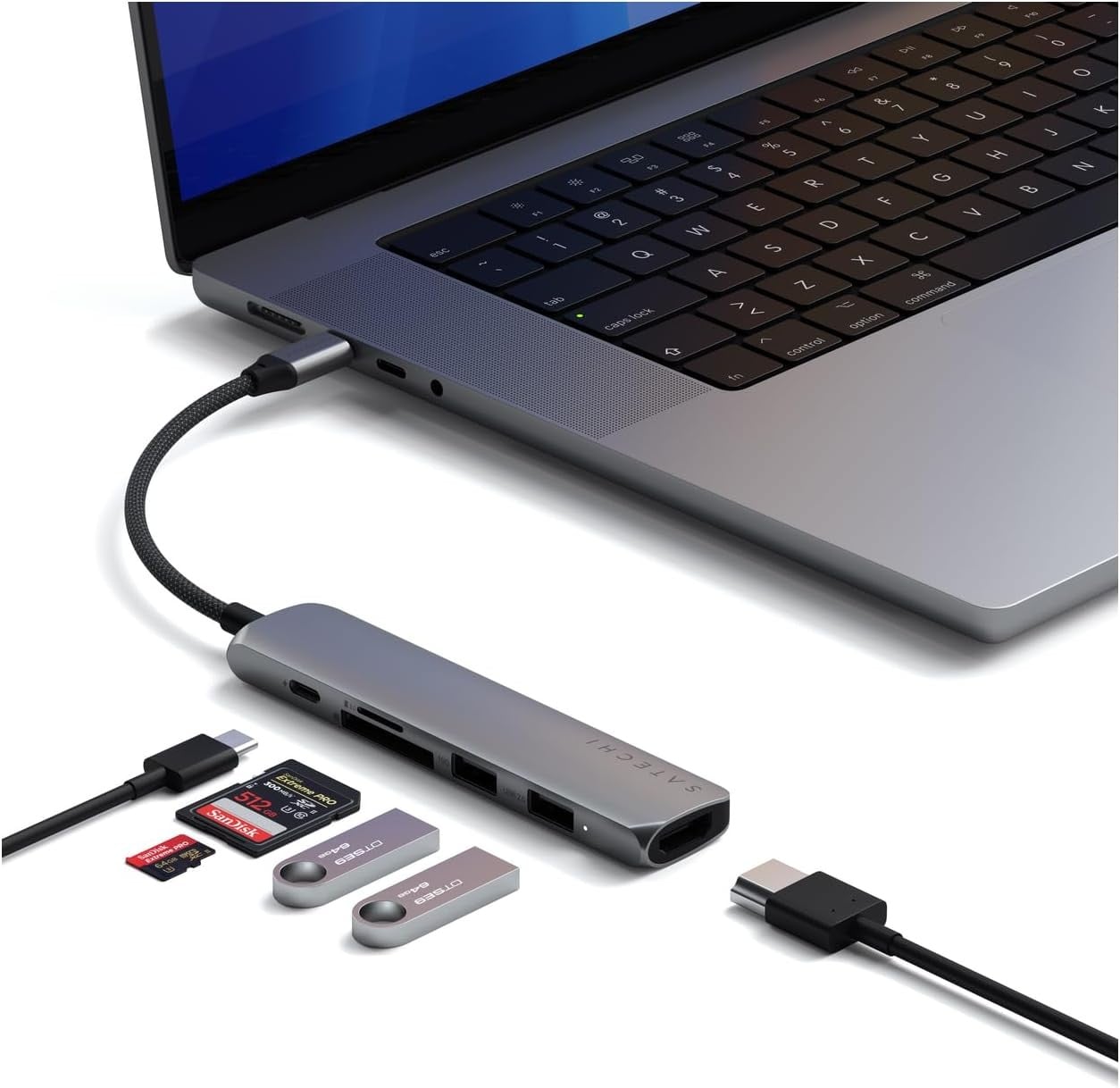
Satechi says the 6-in-1 hub has a sturdy aluminum enclosure and a braided cable. It lists 4K@60Hz HDMI, a 10Gbps USB-A 3.2 port, a USB-A 2.0 port and SD and microSD readers.
Satechi quotes 100W input and up to 75W output, plus a 2-year limited warranty. It is the most expensive pick and has no Ethernet.
Key specs
- Price: $69.99 list
- Video: 4K@60Hz HDMI, per Satechi
- Ports: 10Gbps USB-A 3.2 and USB-A 2.0
- Storage: SD and microSD, UHS-I
- Charging: 100W input, 75W output
- Warranty: 2 years
Verdict
For wired internet at the lowest price, the UGREEN Revodok is the pick, and the Acer is the cheapest way to get 4K@60Hz with Ethernet. Anker and Plugable suit anyone who wants the most ports, with Plugable adding the fastest charging and storage. The Belkin and Satechi are the compact, simple options, and the Satechi is the one to buy for build.
There is a hub here for every desk and budget. Street prices on Amazon change often and can sit below these list prices, so check the current price before you buy, and keep an eye out for promotions.