

Mobile gaming used to be the casual corner of the industry. That’s no longer true. In January 2026, the Mobile Legends: Bang Bang M7 World Championship in Jakarta became the most-watched mobile esports event ever, and tournaments covered by esportnow show how mobile titles now pull audiences on the scale of the biggest PC games. With that much on the line, competitive players have become obsessive about their phones. But what they change isn’t always what spec sheets advertise. Here’s what actually matters when an Android phone becomes a competitive tool.
Why the spec sheet only tells half the story
Phone launches love big numbers, but for competitive play most of them matter less than you’d think. A pro doesn’t need the highest benchmark score. They need consistent performance for 40 minutes straight, an input that registers the instant their thumb moves, and a connection that doesn’t spike at the worst moment.
The stakes are real. The M7 World Championship peaked at more than 5.5 million concurrent viewers, according to Esports Charts, breaking a record set by the Free Fire World Series in 2021. At that level, a dropped frame or a delayed tap can decide a team fight.
1. Refresh rate: smoothness you can feel
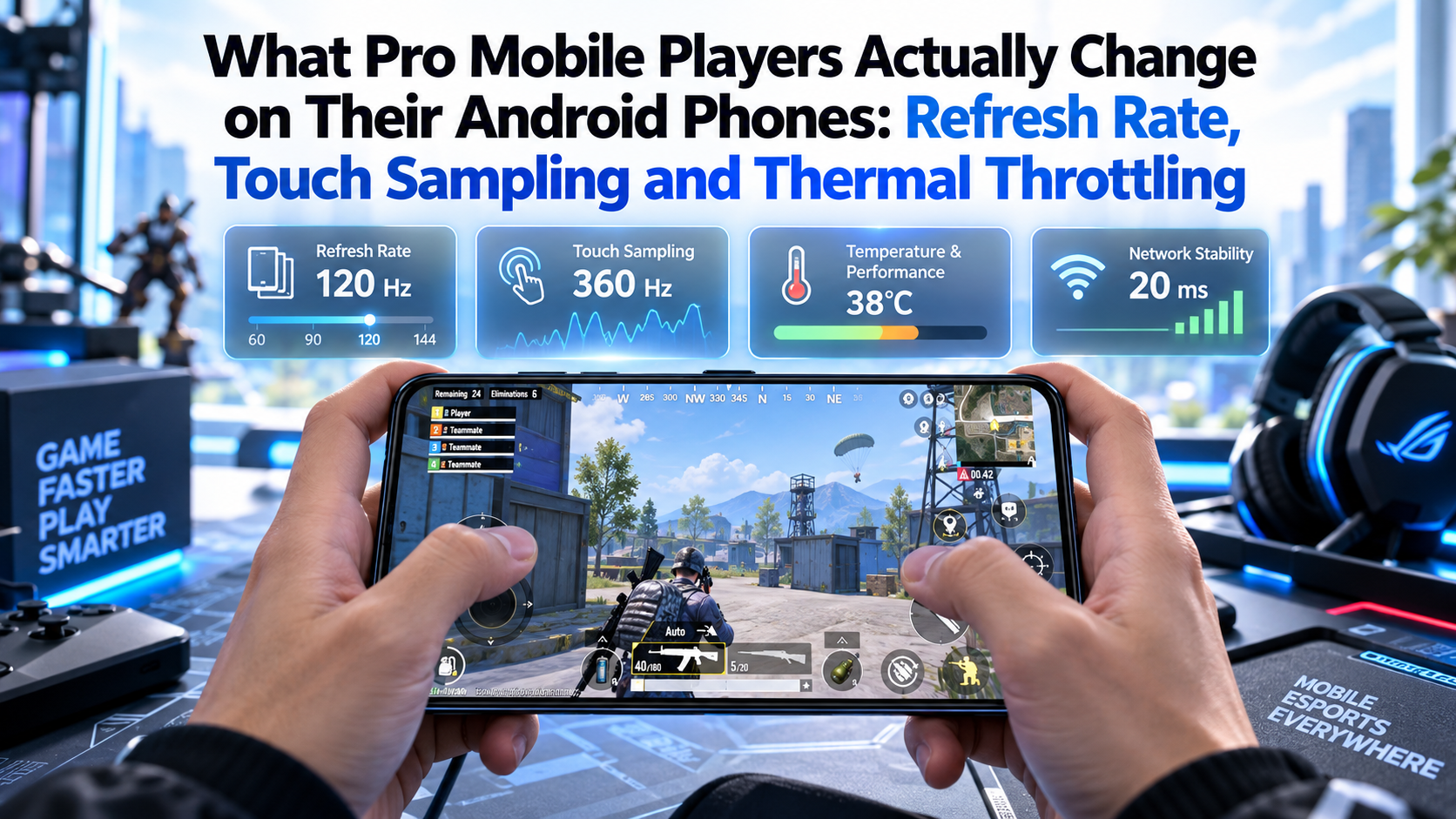
The refresh rate is how many times per second the screen updates. Most mid-range and flagship Android phones now offer 90Hz, 120Hz or even 144Hz, compared with the 60Hz that was standard a few years ago.
A higher refresh rate makes motion look smoother and helps players track fast-moving targets. But there’s a catch: it only helps if the game actually renders that many frames. Many popular titles cap their frame rate, and some only unlock higher settings on approved devices.
What players do:
- Set the display to its highest fixed refresh rate instead of “adaptive”, which can drop during play.
- Match in-game frame rate settings to the screen.
- Check whether a game supports high frame rates on their specific model before buying a phone for it.
2. Touch sampling rate: the spec almost nobody explains
If refresh rate is how often the screen shows something, touch sampling rate is how often it listens to your finger. A screen sampling at 240Hz checks for input 240 times a second. Gaming-focused phones push this much higher.
In practice, a higher sampling rate reduces the delay between touching the screen and the game reacting. For a casual player, the difference is hard to notice. For someone landing skill shots or flick aiming in a shooter, it’s one of the most important figures on the spec sheet, even though it’s rarely printed in big letters.
| Setting | What it controls | Why it matters competitively |
|---|---|---|
| Refresh rate | How often the display updates | Smoother motion and tracking |
| Touch sampling rate | How often the screen reads touch input | Faster response to taps and swipes |
| Frame rate (in-game) | How many frames the game renders | Real smoothness depends on this |
| Thermal behaviour | How performance holds under heat | Consistency over long matches |
| Network latency | Delay between phone and server | Fairness in fights and timing |
3. Thermal throttling: the silent performance killer
This is the issue pros talk about most, and casual players notice least. When a phone’s processor gets hot, it automatically lowers its clock speed to protect itself. The technique is known as dynamic frequency scaling, and on phones it’s usually called thermal throttling.
The result is a phone that runs perfectly for the first ten minutes, then starts dropping frames. In a long ranked session or a tournament series, that’s a serious problem.
Common ways players fight it:
- Removing thick cases that trap heat.
- Using clip-on cooling fans, which are now a common accessory.
- Lowering graphics quality while keeping frame rate high. Most pros care far more about frames than visual detail.
- Avoiding charging while playing, since charging adds heat. Some gaming phones offer bypass charging, which powers the phone directly without charging the battery.
4. Game modes and background control
Most Android brands include a game mode or game launcher. These tools can block notifications, lock brightness, limit background apps and prioritise performance.
For competitive play, the useful features are simple:
- Do not disturb during matches.
- Locking the screen orientation and brightness so nothing shifts mid-fight.
- Disabling gesture navigation in-game to avoid accidental swipes out of the app.
- Clearing background apps before long sessions.
5. Network: the part the phone can’t fix alone
Even the fastest phone can’t overcome a bad connection. Mobile players are especially exposed because they often play on mobile data or crowded Wi-Fi.
Many competitive players:
- Prefer stable Wi-Fi close to the router over mobile data when possible.
- Turn off automatic network switching, which can cause brief drops.
- Pick the nearest game server manually where the option exists.
- Watch the in-game ping counter, not the signal bars.
What about tournaments?
At major events, players often don’t use their own phones. Many tournaments supply standardised devices to keep conditions fair, with settings checked by referees. That’s another reason pros practise on settings they can quickly replicate, rather than relying on unusual tweaks only their own phone supports.
Should you buy a “gaming phone”?
Dedicated gaming phones add shoulder triggers, higher touch sampling and better cooling. They help, but a well-cooled flagship with a high refresh rate and a stable connection covers most competitive needs.
The bigger lesson from the pros is that consistency beats peak power. A phone that holds 120 frames per second for an entire match is more valuable than one that hits 144 for five minutes and then throttles.
The takeaway
Competitive mobile gaming has changed what “a good phone” means. Refresh rate, touch sampling, heat management and network stability matter far more than headline benchmarks. As mobile esports keeps breaking viewership records, those details are becoming as important to Android buyers as camera quality and battery life. If you take your ranked games seriously, start with your settings before you upgrade your hardware.